> ## Documentation Index
> Fetch the complete documentation index at: https://docs.hiveinspect.com/llms.txt
> Use this file to discover all available pages before exploring further.
# Discount Codes
> Create and manage discount codes for your inspection services
⏱️ **Estimated time:** \~5 minutes
## Video Tutorial
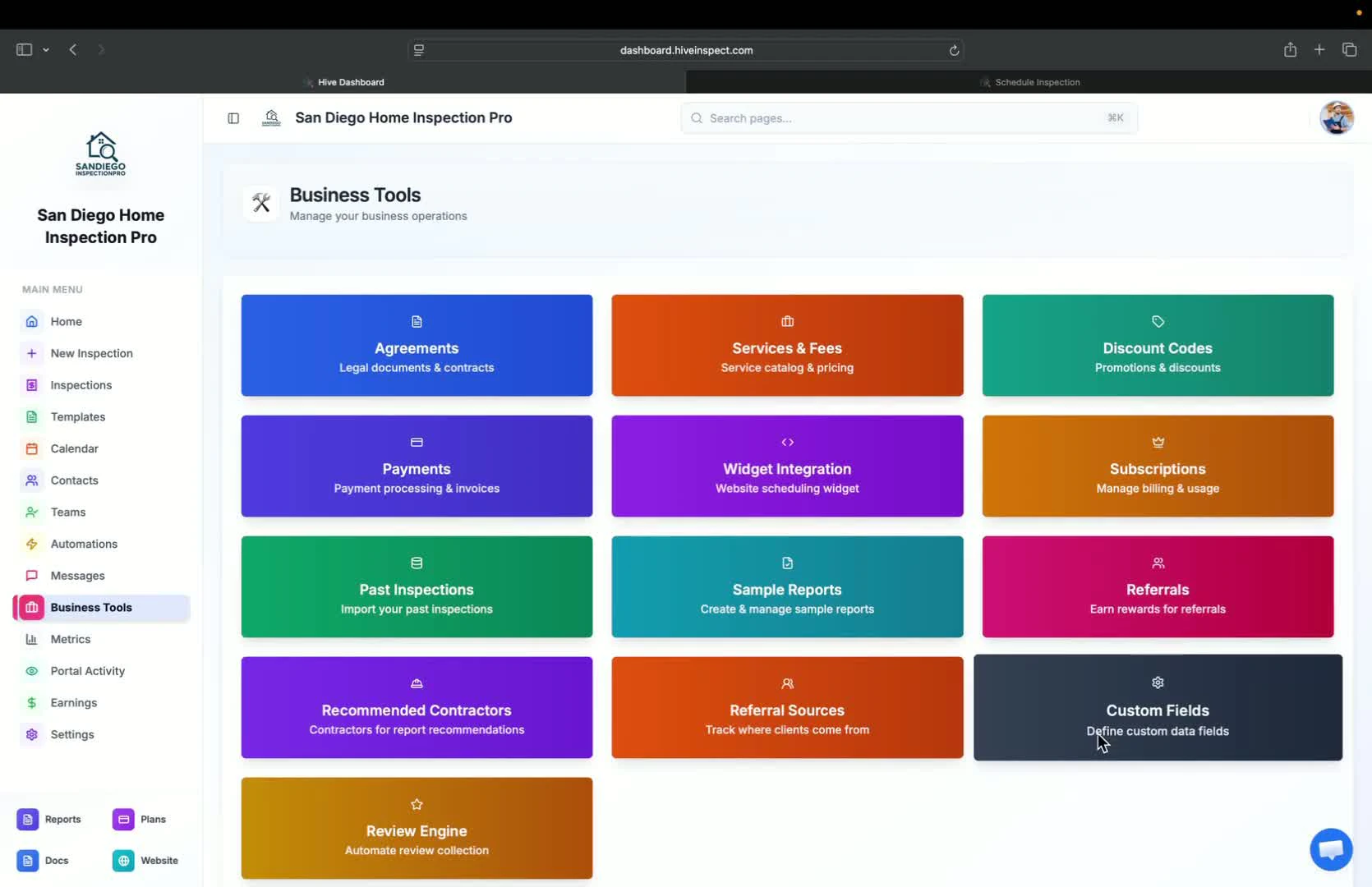
* Overview of various business tools available
* These tools are optional but beneficial for users
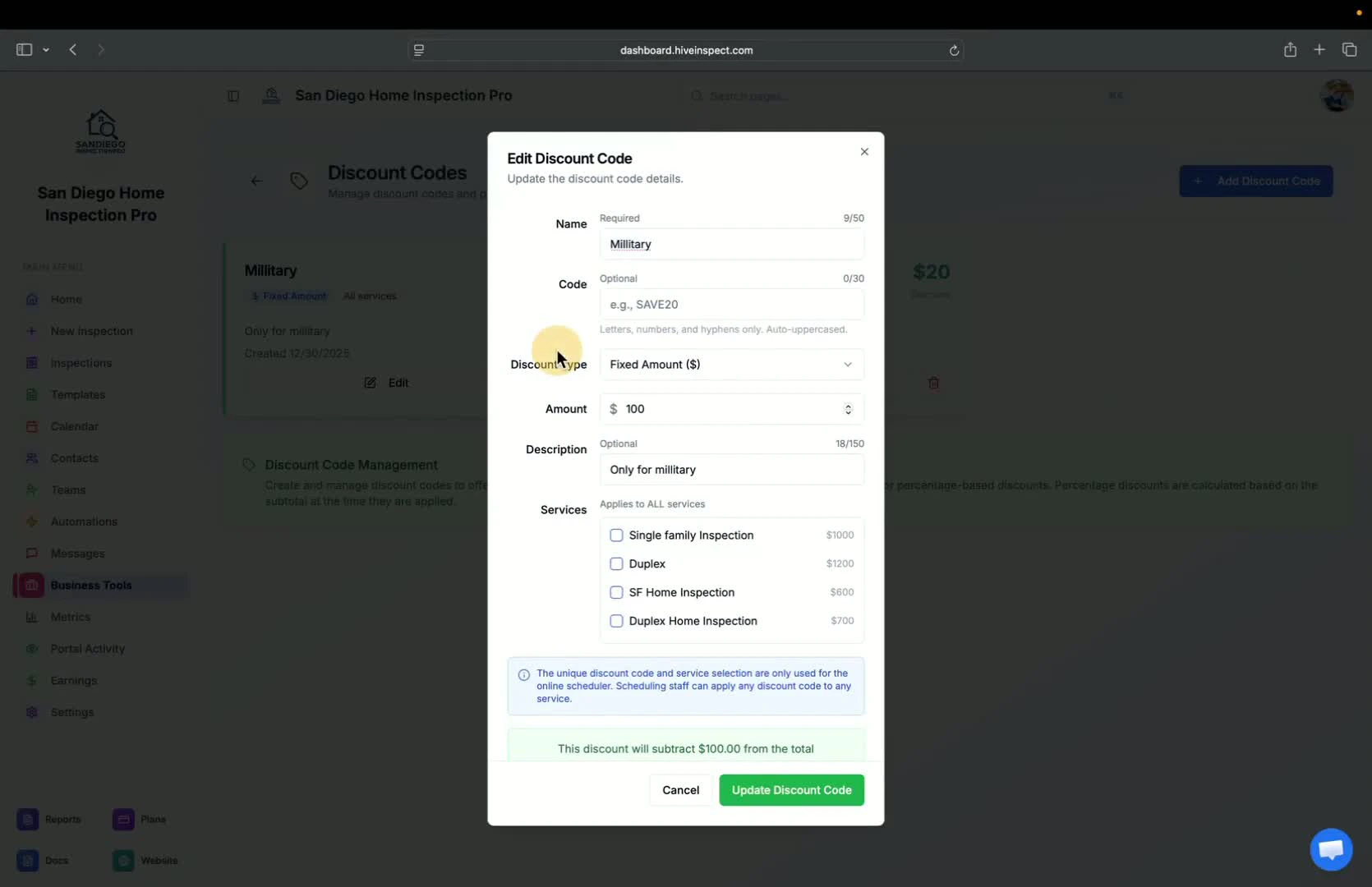
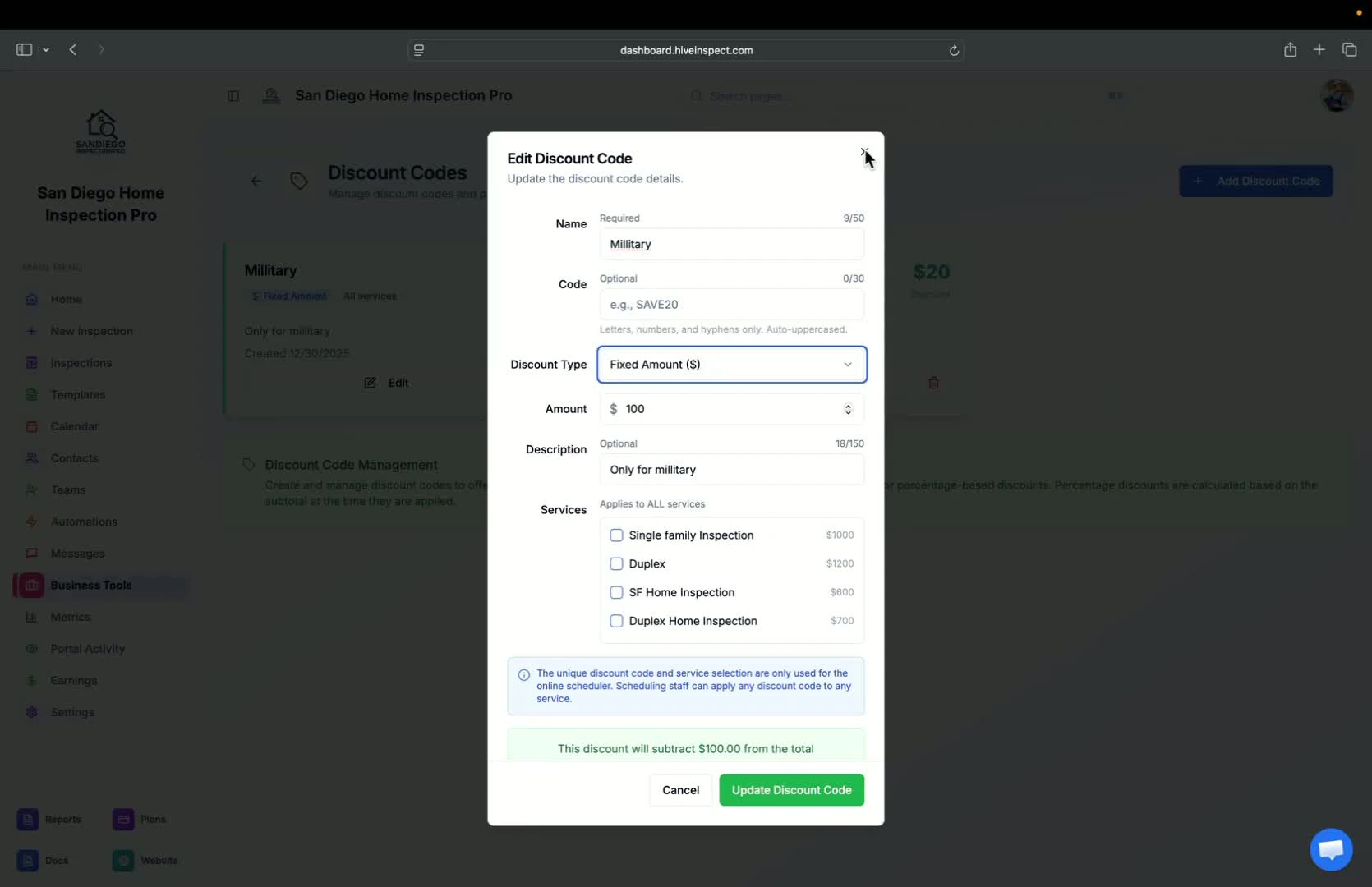
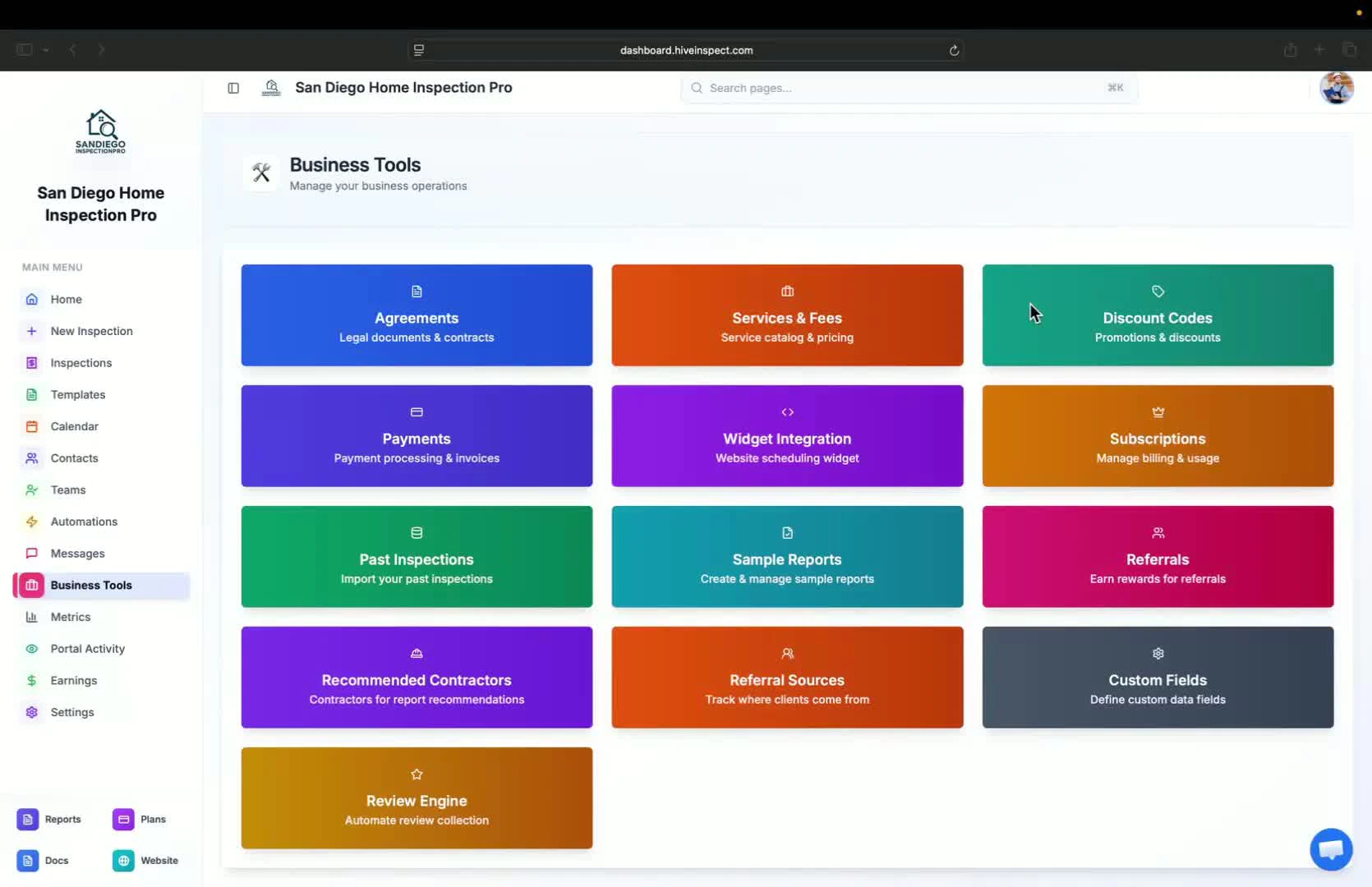 * Ability to add discount codes for services
* Options to select multiple services for discounts
* Types of discounts:
* Military discount
* Veteran discount
* First-time home buyer discount
* Set discount as a fixed amount or percentage
* Include a description for invoices
* Create customer-facing codes for online bookings
* Ability to add discount codes for services
* Options to select multiple services for discounts
* Types of discounts:
* Military discount
* Veteran discount
* First-time home buyer discount
* Set discount as a fixed amount or percentage
* Include a description for invoices
* Create customer-facing codes for online bookings
 * Overview of payment processing features
* Detailed coverage of payment options will follow
* Overview of payment processing features
* Detailed coverage of payment options will follow
 * Instructions on how to grab the scheduler widget code
* Provide the code to your website provider or contact for website building assistance
* Instructions on how to grab the scheduler widget code
* Provide the code to your website provider or contact for website building assistance
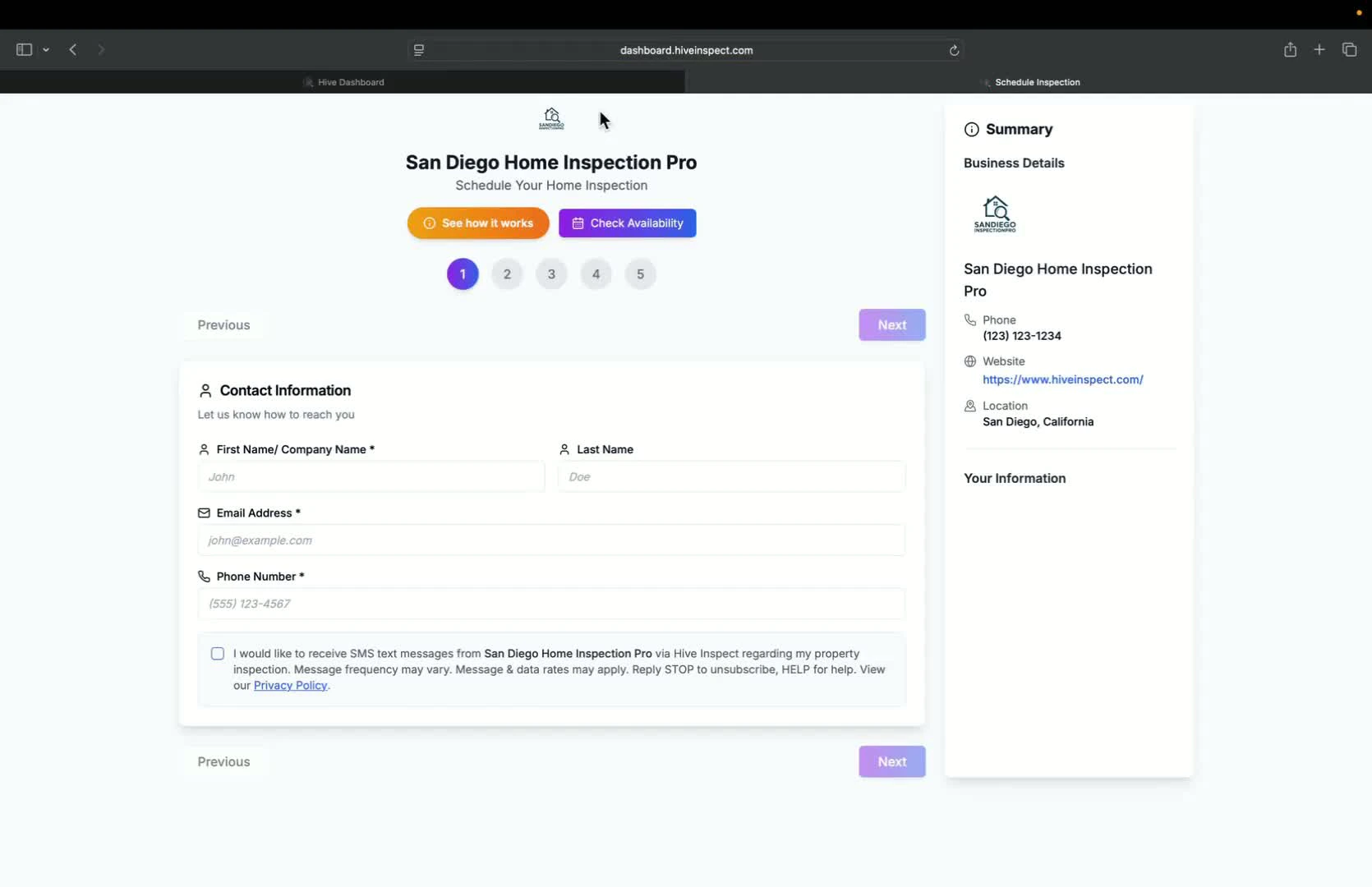 * Access subscription options for the platform
* Add-ons can also be purchased here
* Access subscription options for the platform
* Add-ons can also be purchased here
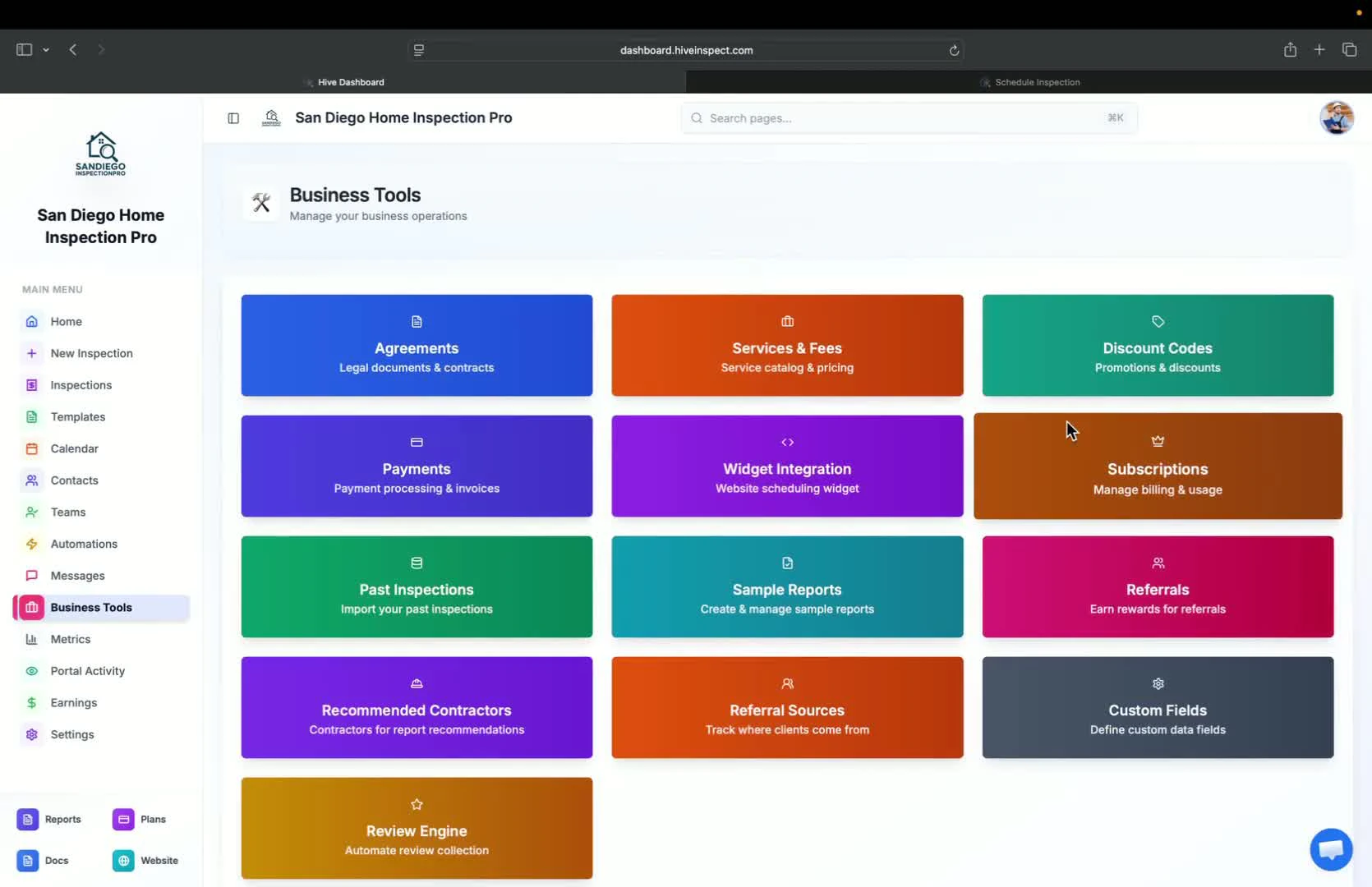 * View past inspections from previous software providers
* Automated import available for Spectora users
* Contact support for assistance with other platforms
* View past inspections from previous software providers
* Automated import available for Spectora users
* Contact support for assistance with other platforms
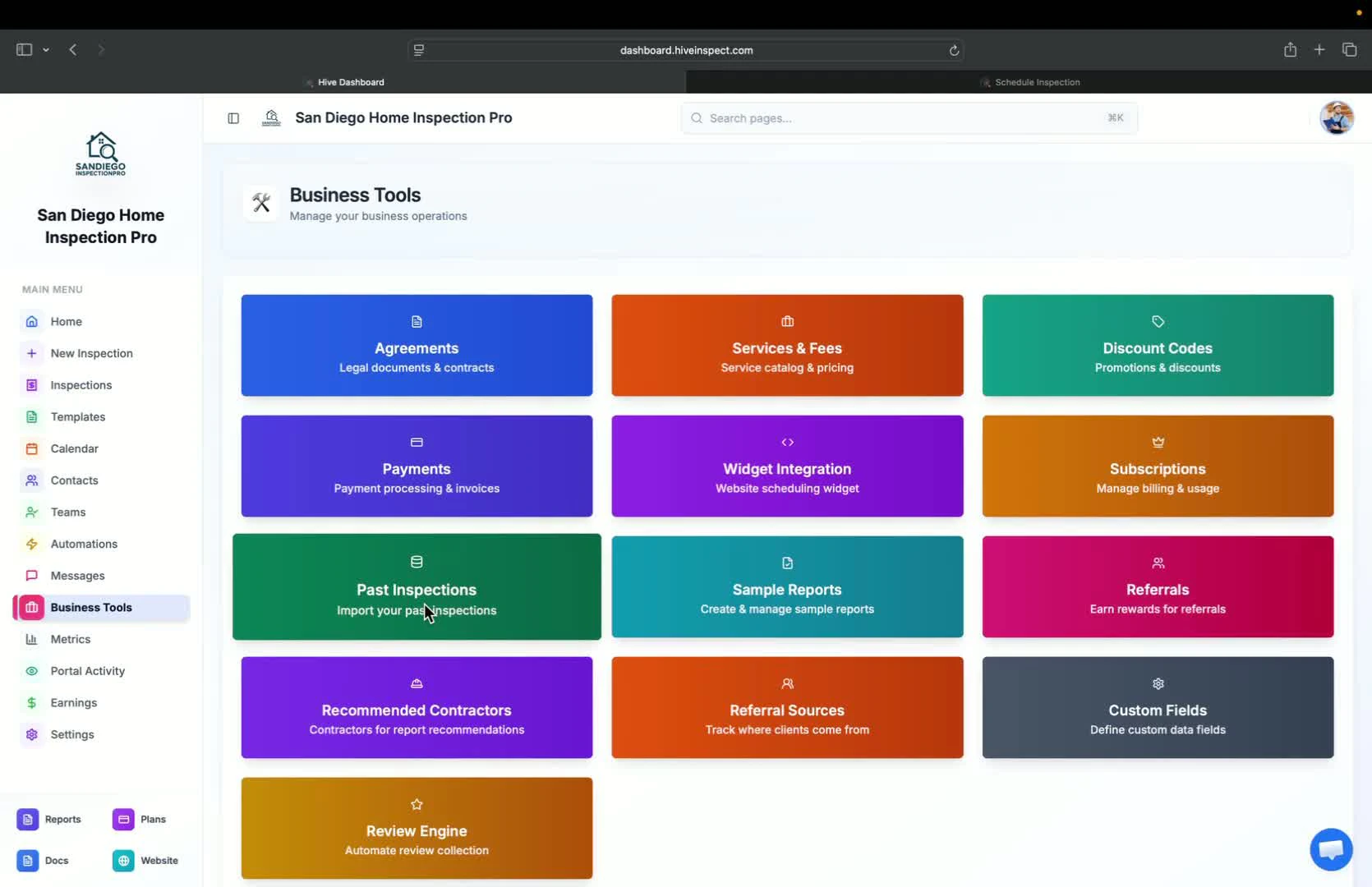 * Create sample reports after completing inspections
* Sample reports can be used to showcase work on your website
* Create sample reports after completing inspections
* Sample reports can be used to showcase work on your website
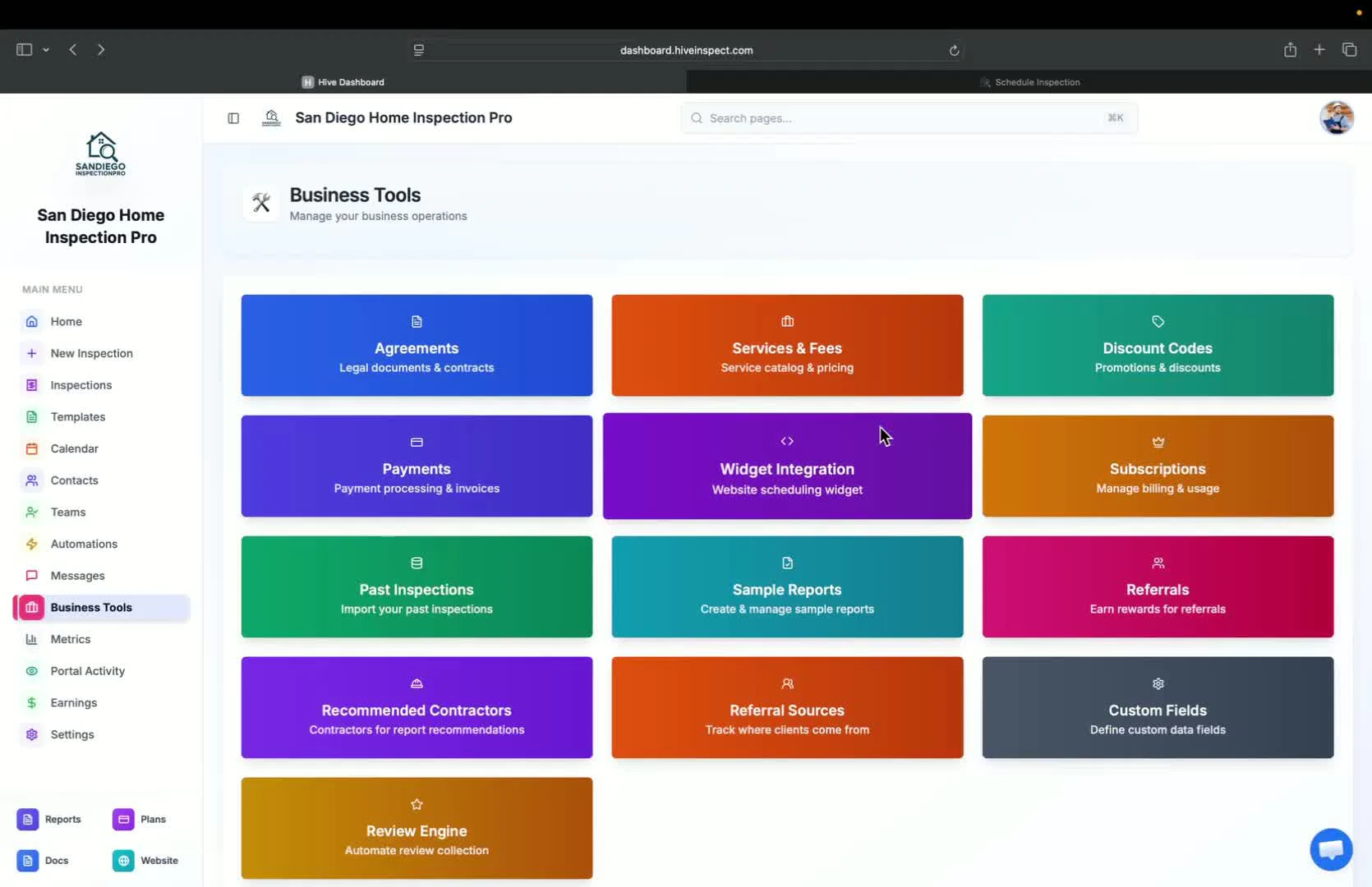 * Track referral sources by adding them to the system
* Assign referral sources to inspections for metrics analysis
* Track referral sources by adding them to the system
* Assign referral sources to inspections for metrics analysis
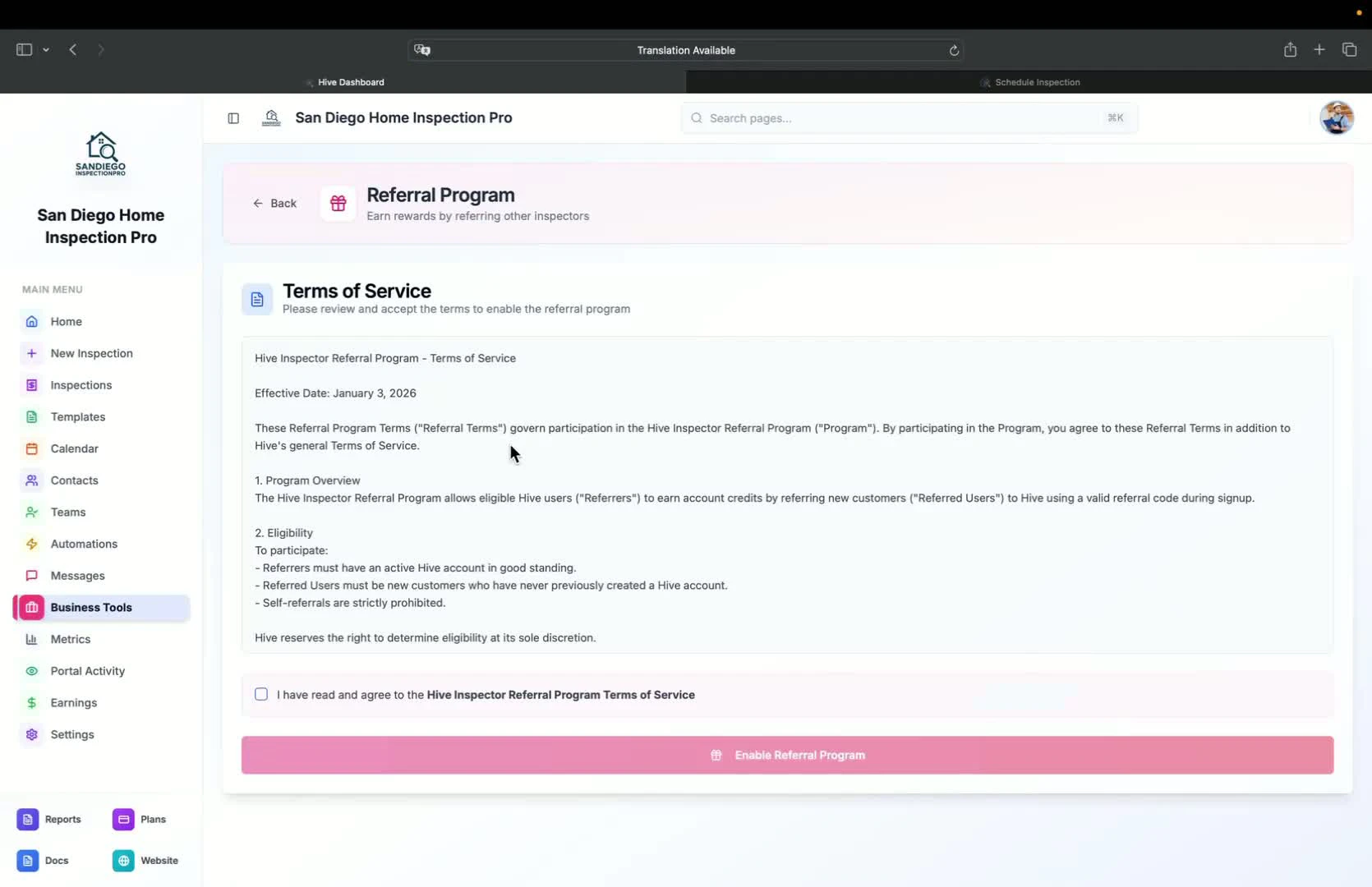 * Discuss marketing strategies for the business
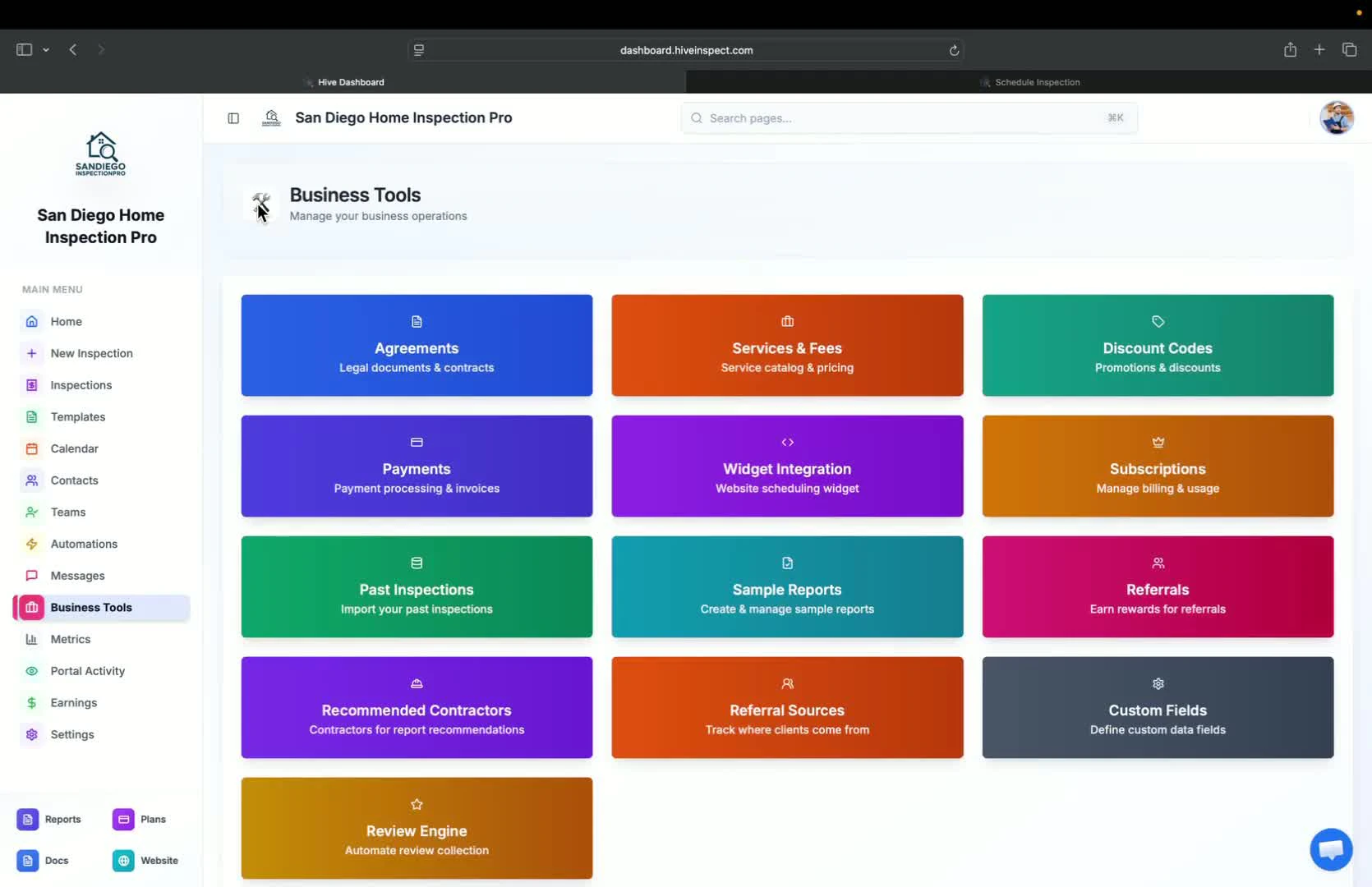 * Add contractors to reports for client convenience
* Clients can easily access recommended contractors for defects found
* Add contractors to reports for client convenience
* Clients can easily access recommended contractors for defects found
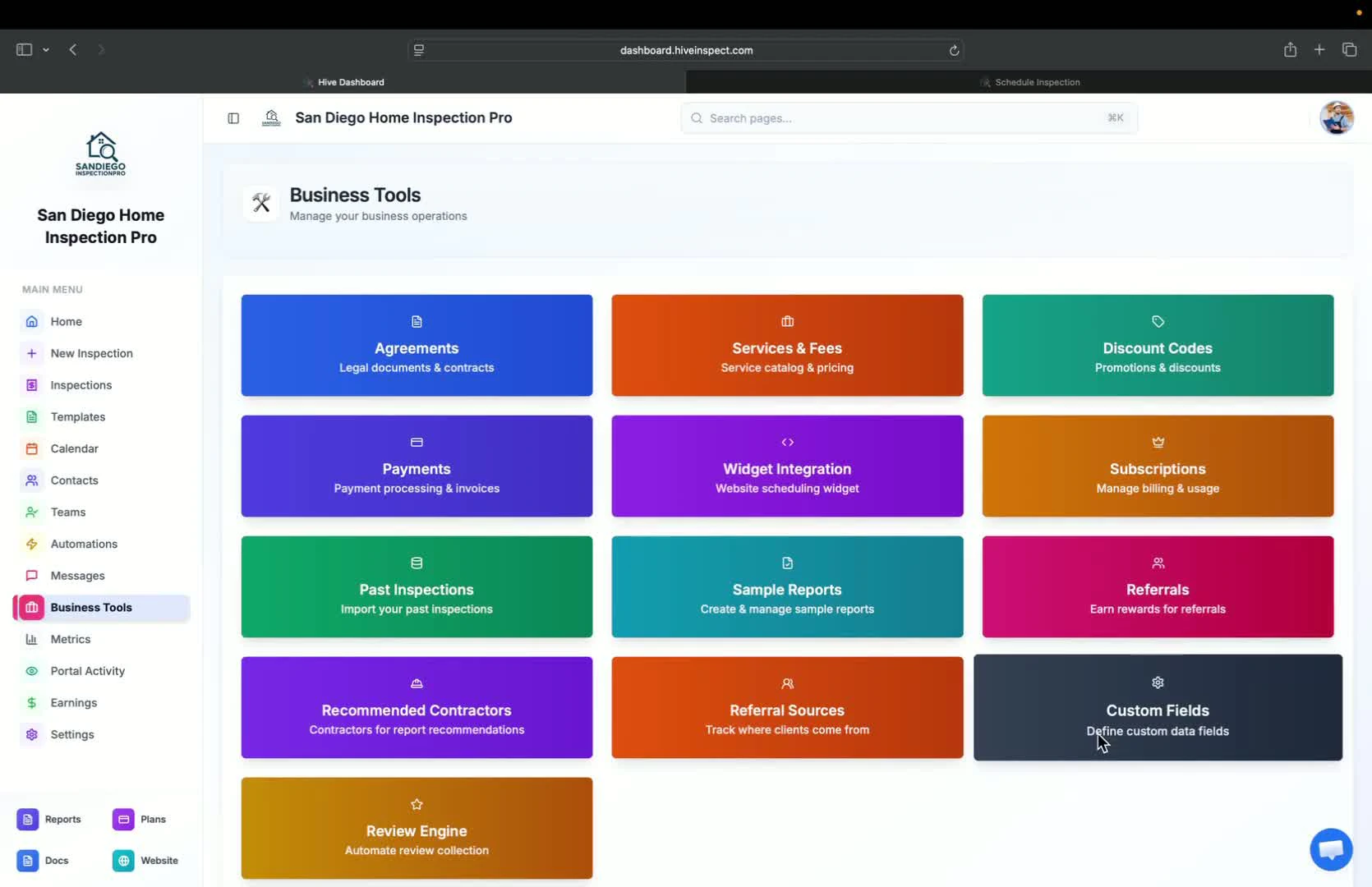 * Option to add custom fields for inspections
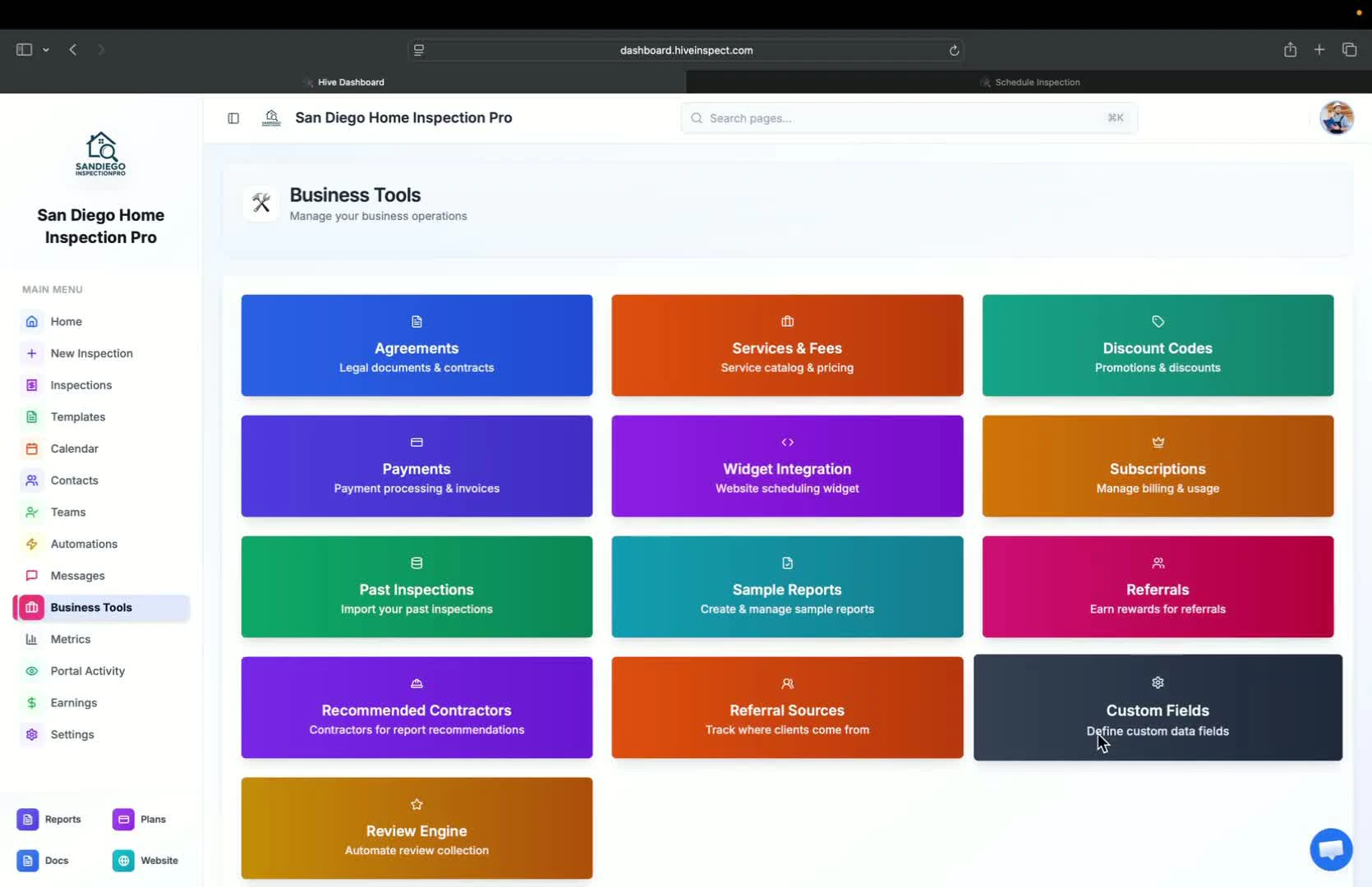 * Summary of the main features discussed