> ## Documentation Index
> Fetch the complete documentation index at: https://docs.hiveinspect.com/llms.txt
> Use this file to discover all available pages before exploring further.
# Services & Fees
> Configure your inspection services and pricing in Hive
⏱️ **Estimated time:** \~5 minutes
## Video Tutorial
* Before setting up services, ensure you have created your templates and agreements
* These will be used in the service setup
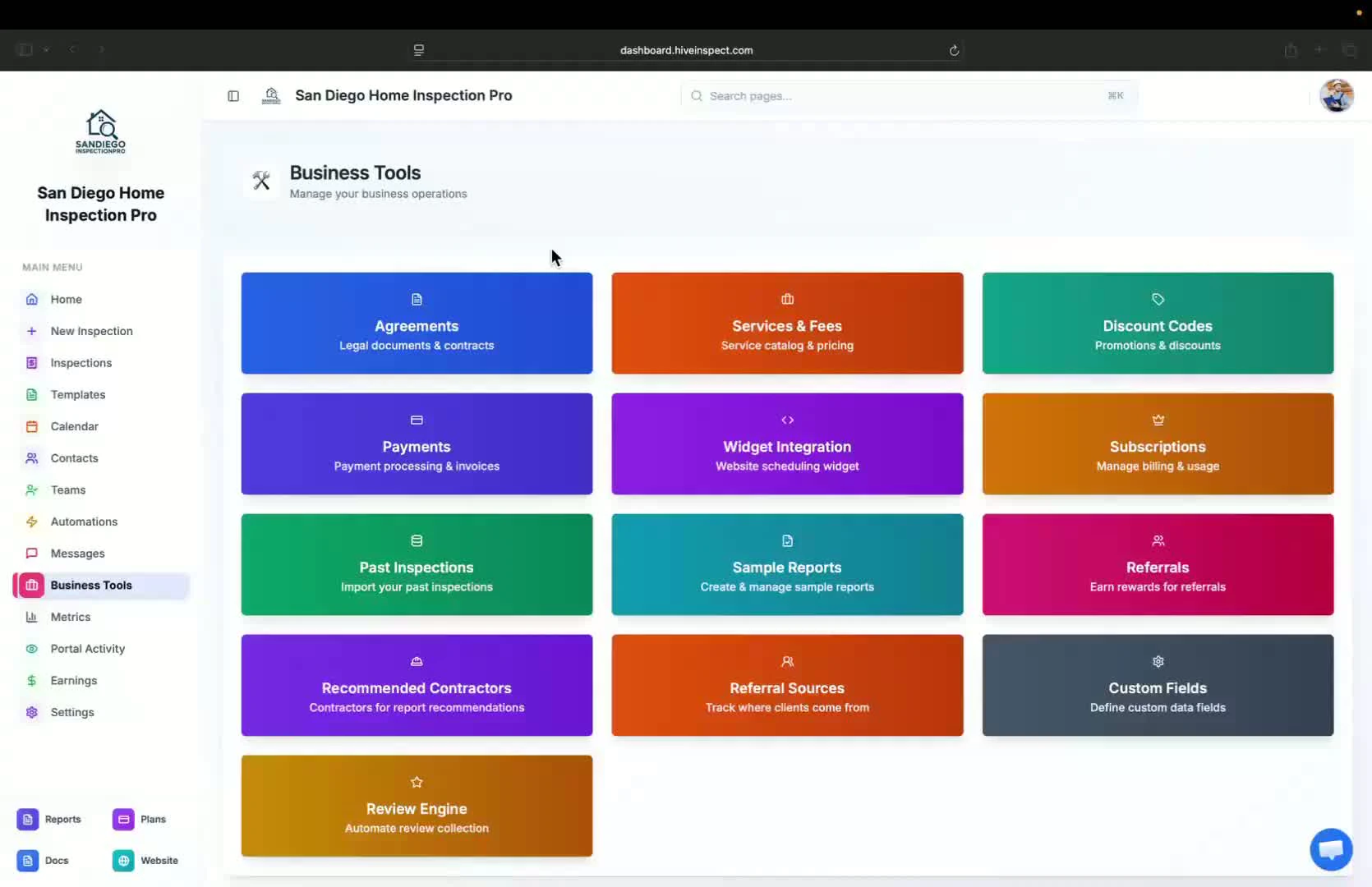 * Navigate to the business tools section
* Click on the second option: **Service and Fees**
* Navigate to the business tools section
* Click on the second option: **Service and Fees**
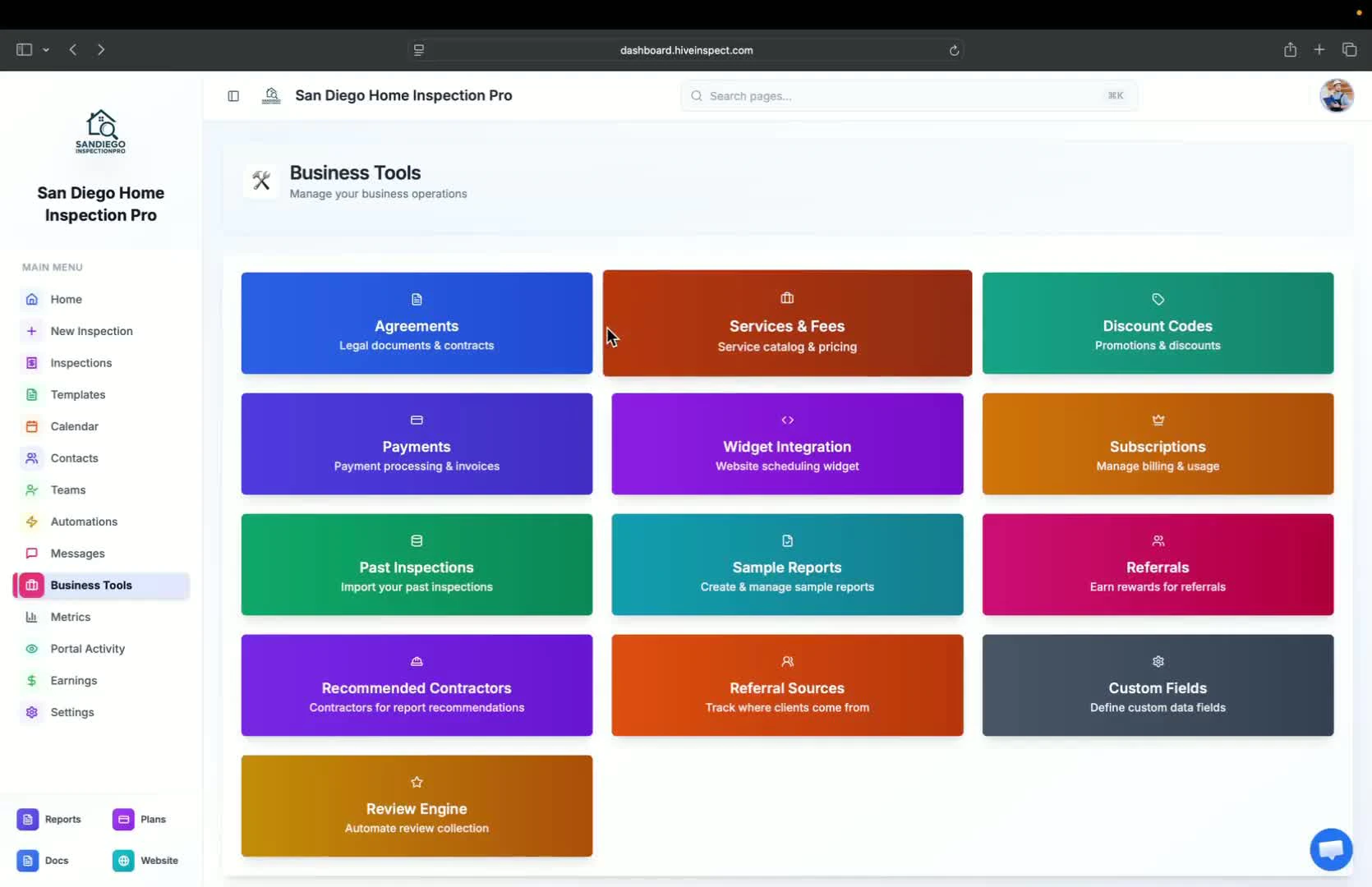 * If no services exist, click **Add New Service**
* Fill in the following details:
* Name of the service
* Description
* Base price
* Duration
* This information is for your reference
* If no services exist, click **Add New Service**
* Fill in the following details:
* Name of the service
* Description
* Base price
* Duration
* This information is for your reference
 * Choose the relevant templates and agreements for the service
* You can multi-select them to include in the service
* Choose the relevant templates and agreements for the service
* You can multi-select them to include in the service
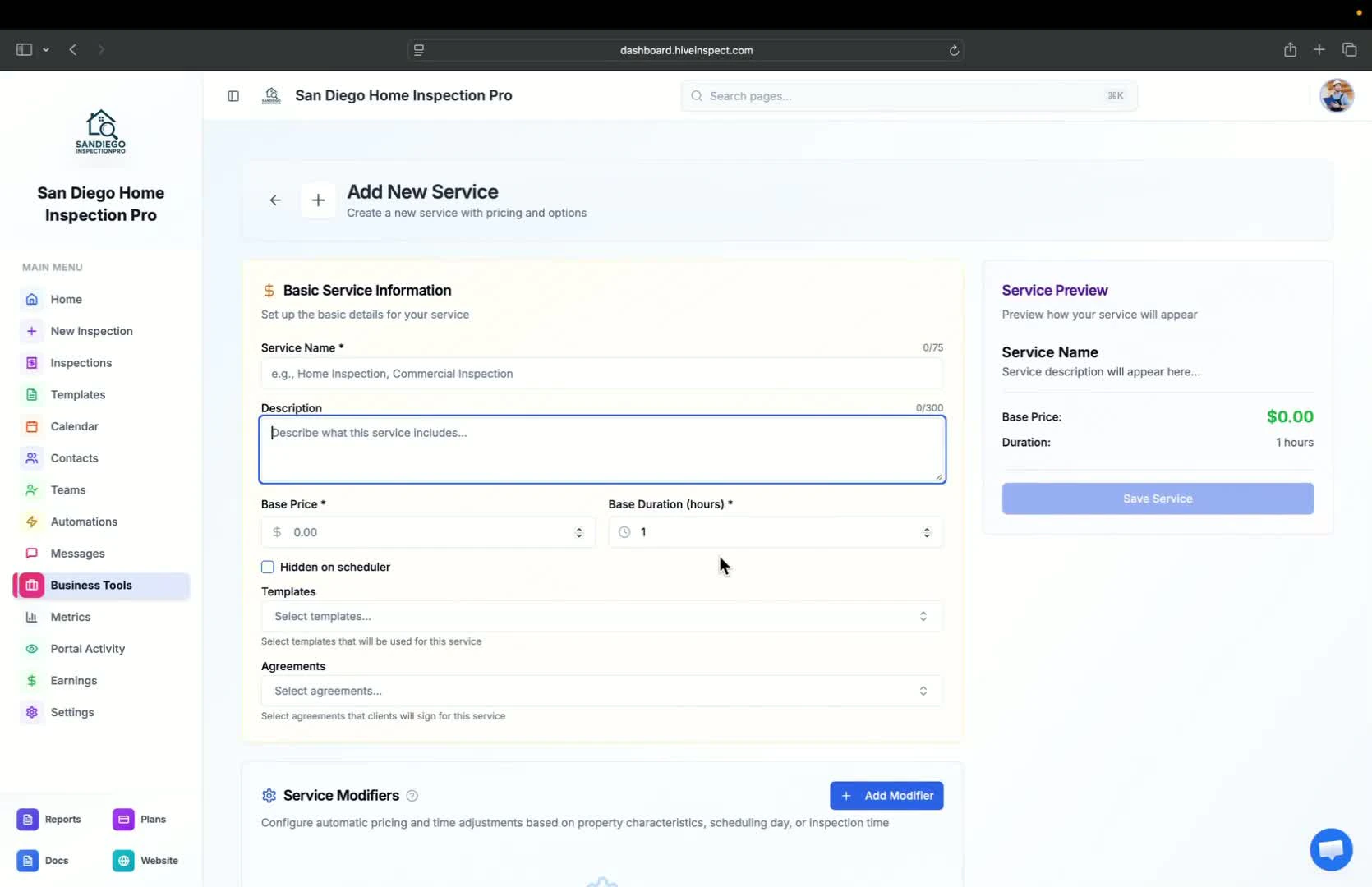 * When you add this service to an inspection, the selected templates and agreements will be automatically included
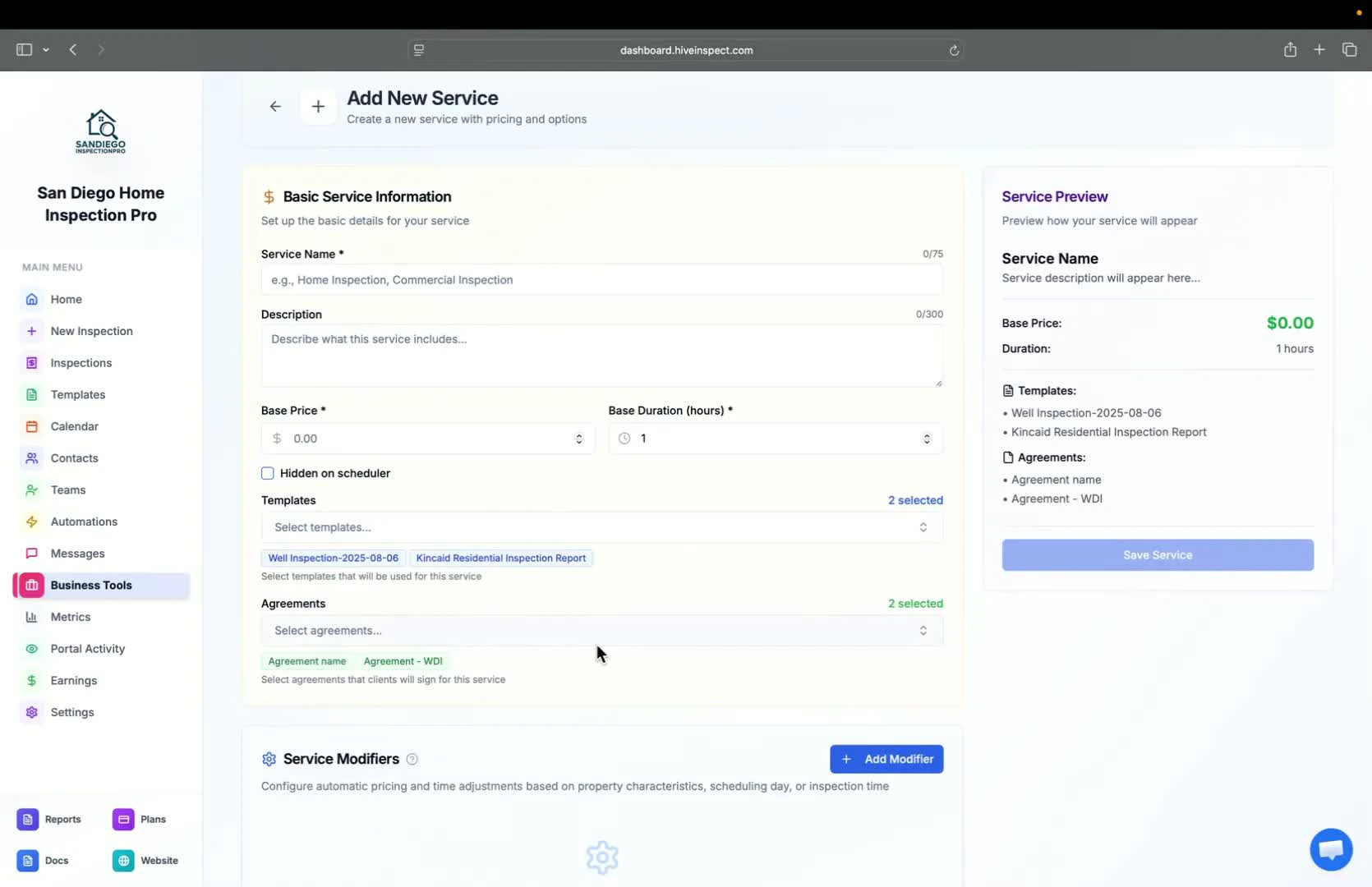 * You can add:
* Service modifiers (e.g., square footage, age of house)
* Service add-ons
* Taxes (if applicable)
* Ensure to save your changes before exiting
* You can add:
* Service modifiers (e.g., square footage, age of house)
* Service add-ons
* Taxes (if applicable)
* Ensure to save your changes before exiting
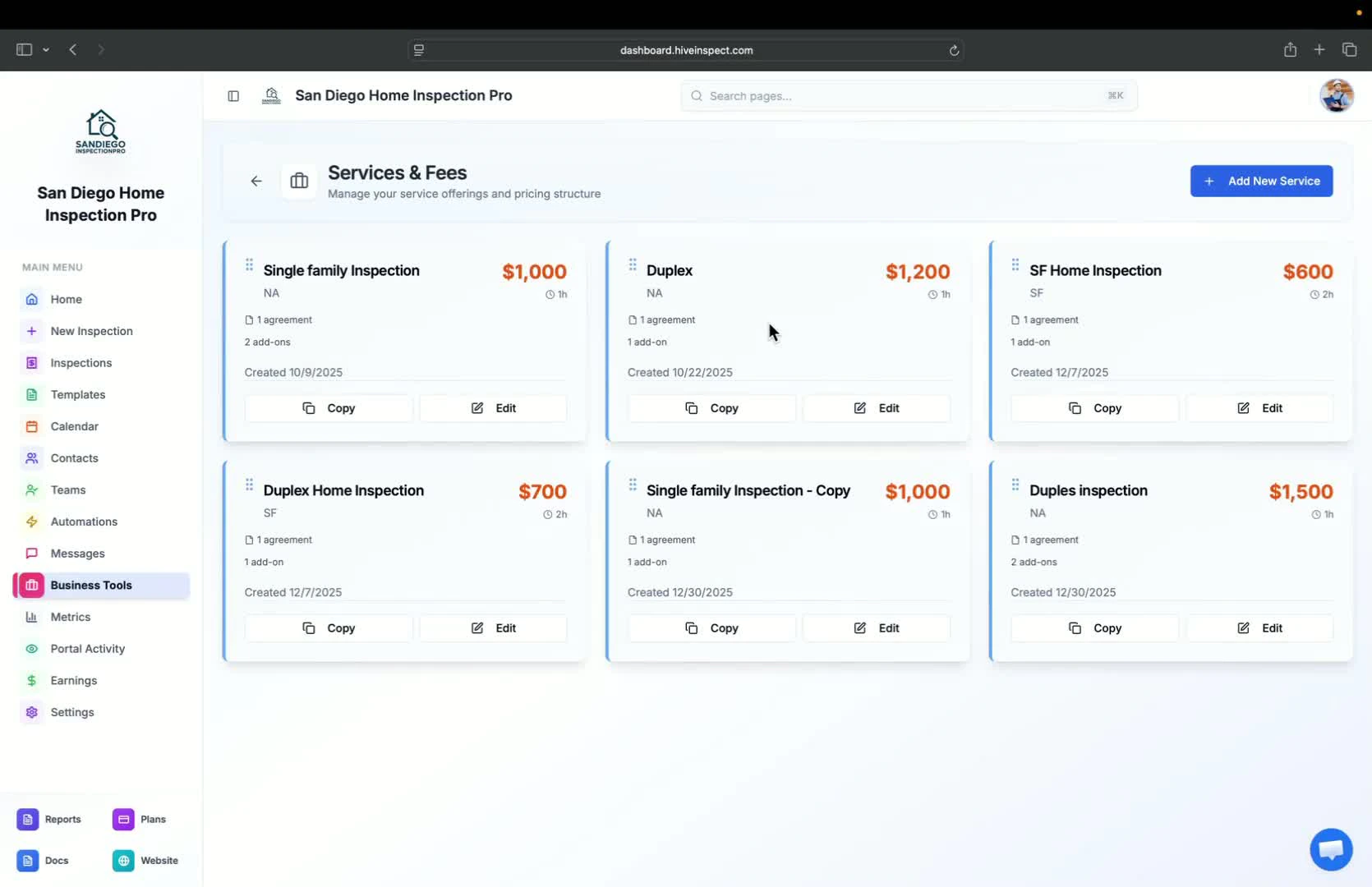
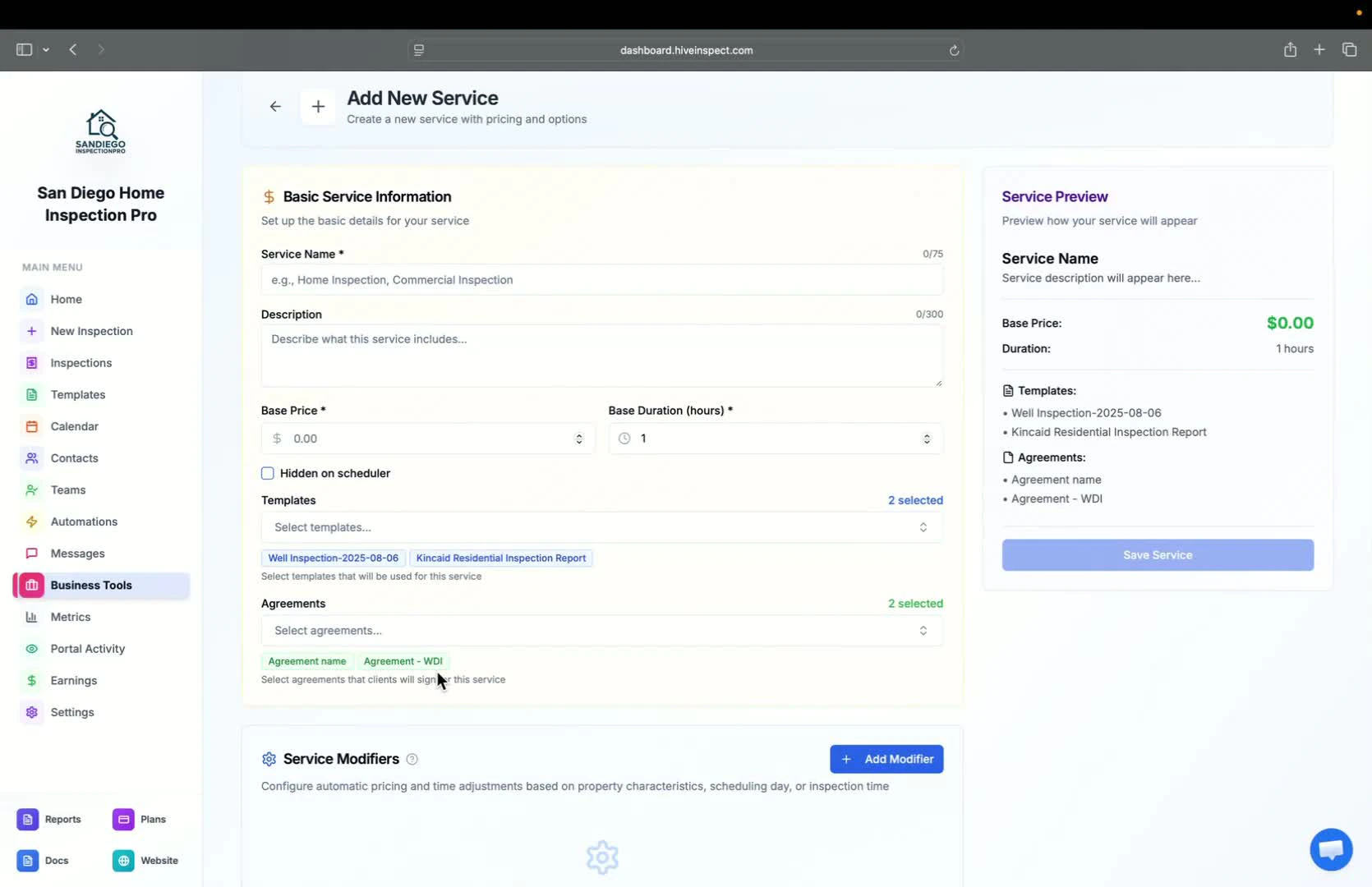 * To modify an existing service, click **Edit**
* You can also copy an existing service to create a new one
* To modify an existing service, click **Edit**
* You can also copy an existing service to create a new one
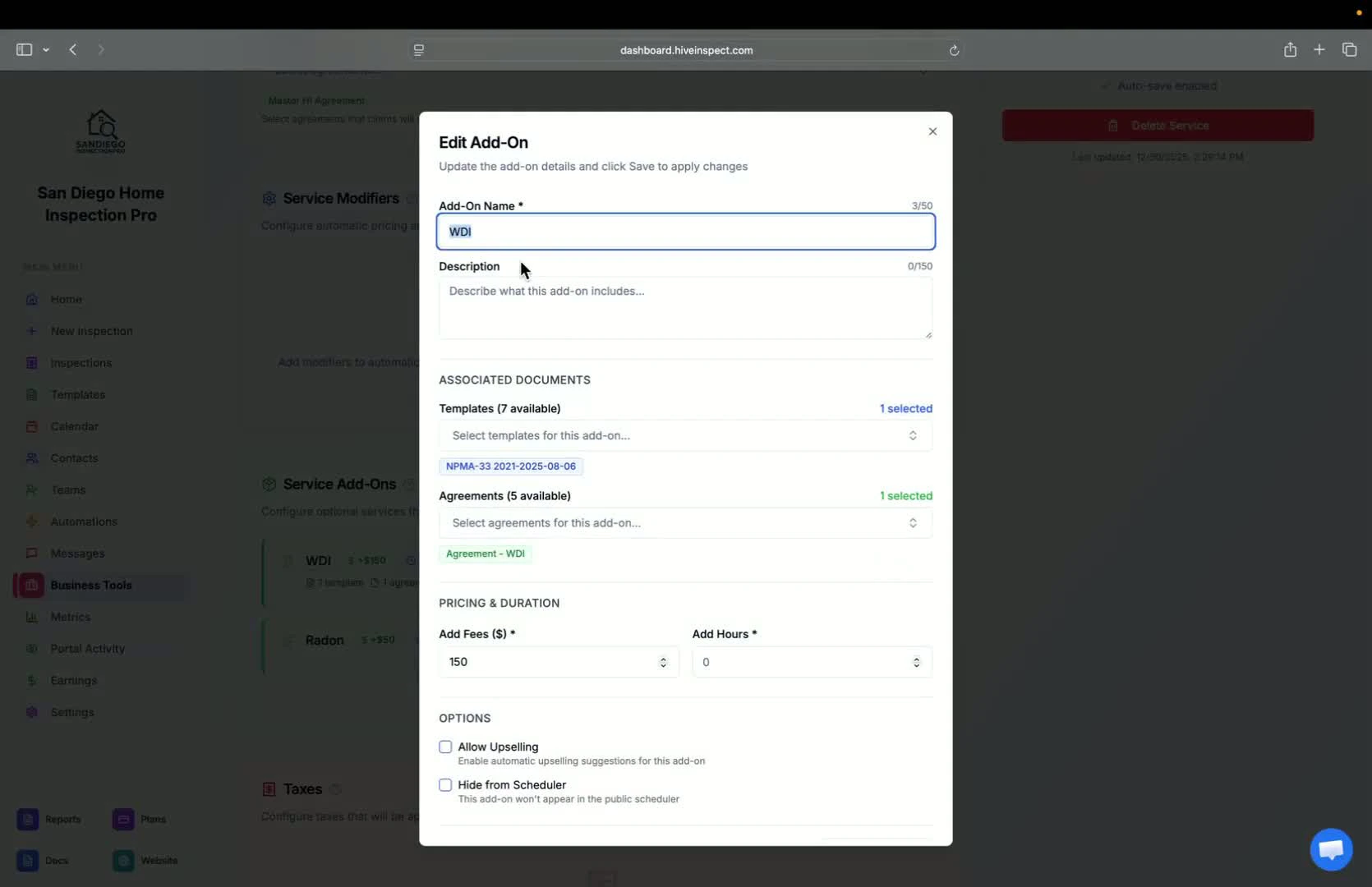
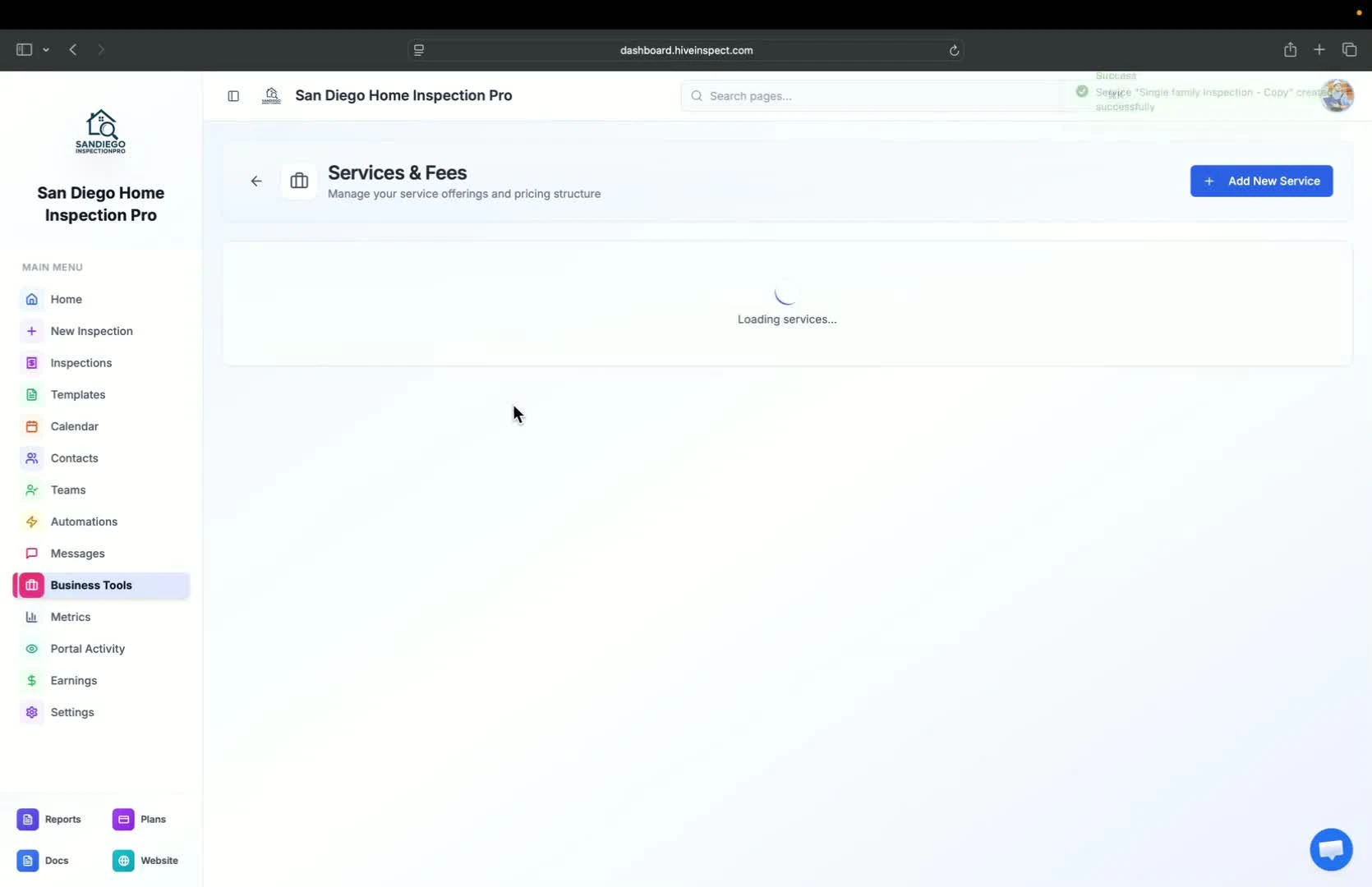 * Each service can have specific add-ons with their own fees and hours
* Options include:
* Hide from scheduler
* Specific day charges (e.g., weekends, off-hours)
* Each service can have specific add-ons with their own fees and hours
* Options include:
* Hide from scheduler
* Specific day charges (e.g., weekends, off-hours)