

Guide to using special PDFs in Template Hub
Understanding special PDFs
0:01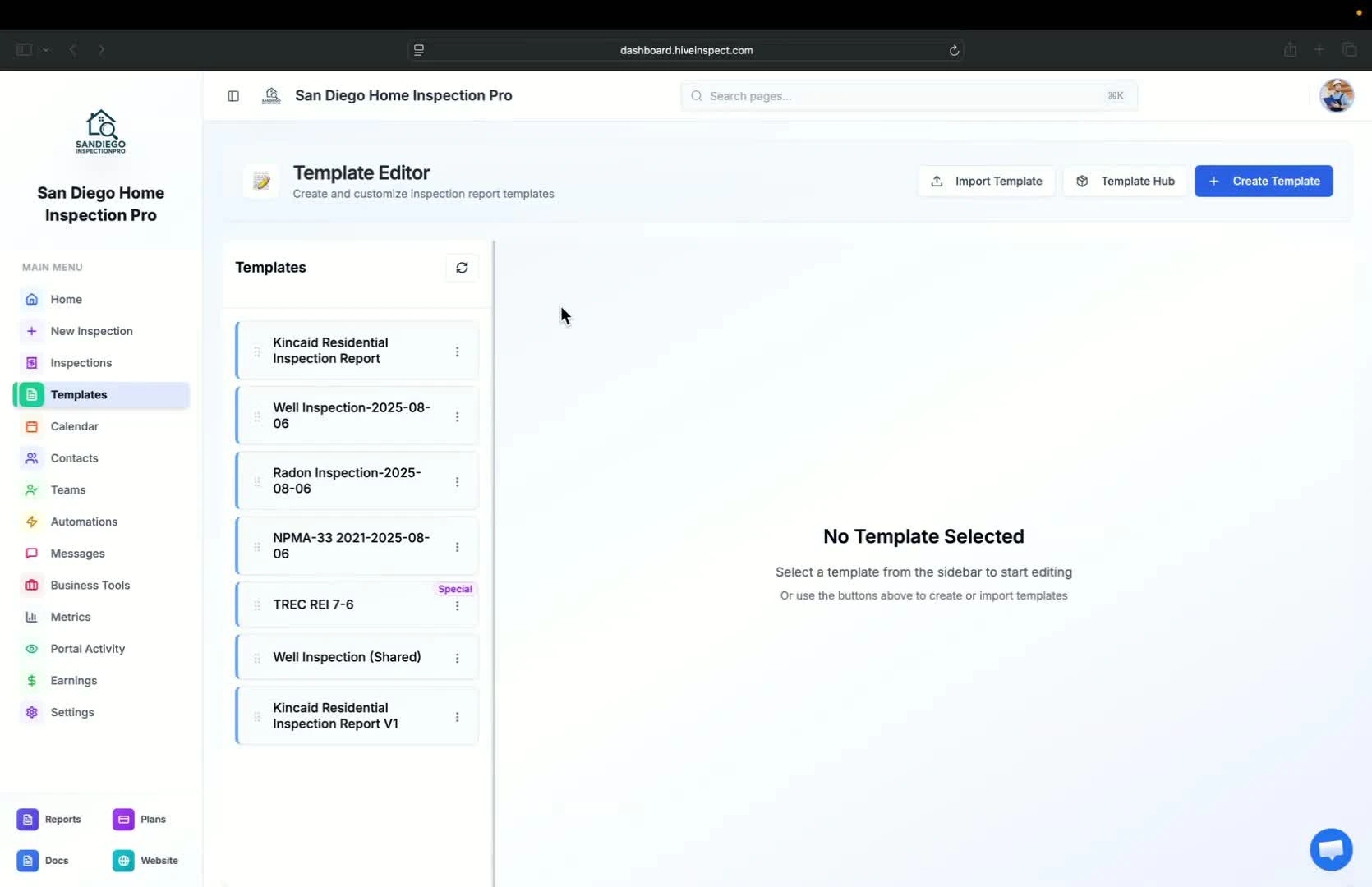
- Special PDFs are generated in a unique format
- They are designed for specific reports and templates
Accessing special PDFs
0:15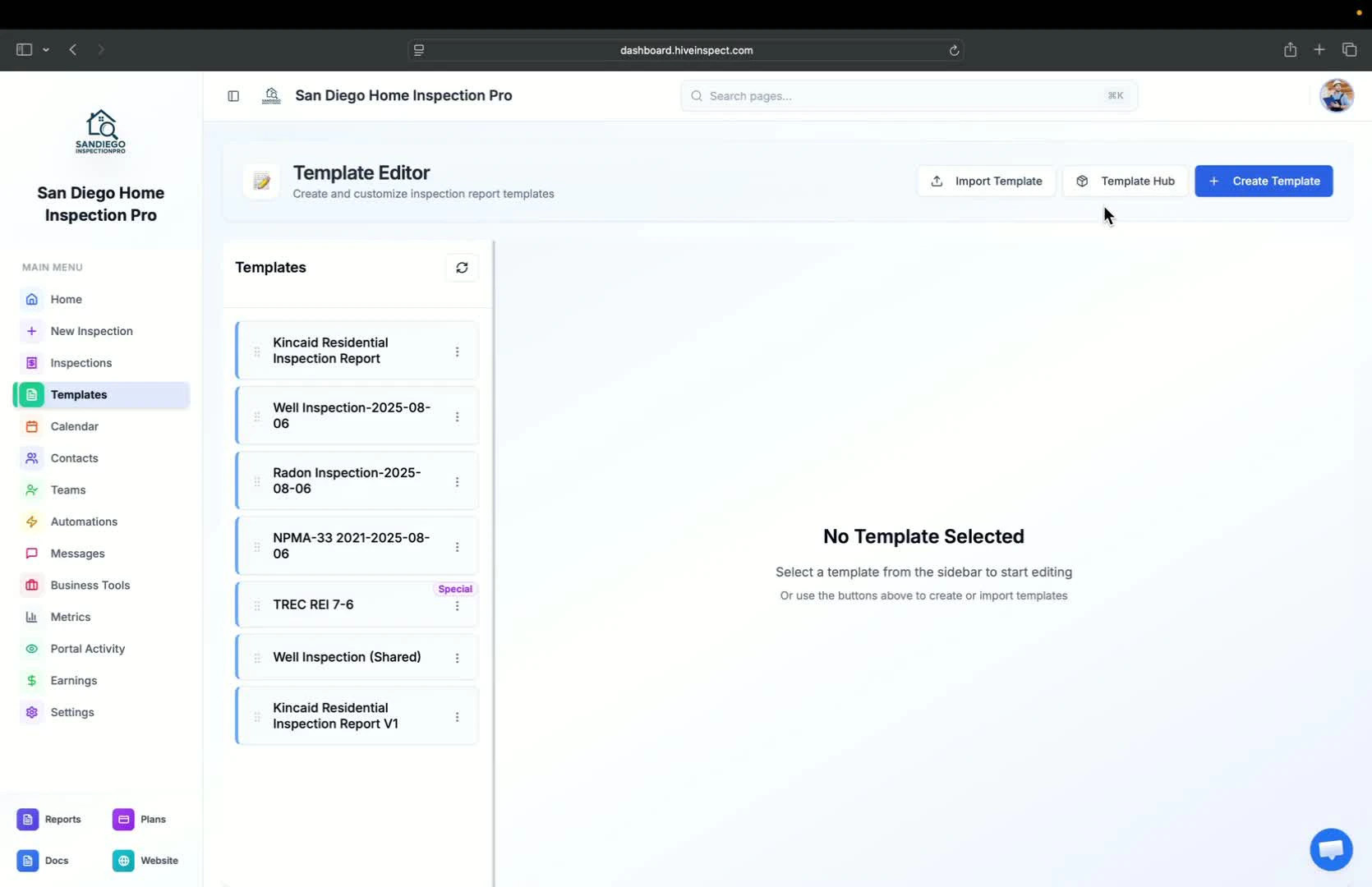
- Go to the Template Hub
- Click on the button labeled Special PDF Only to view available special PDFs
Available special PDFs
0:23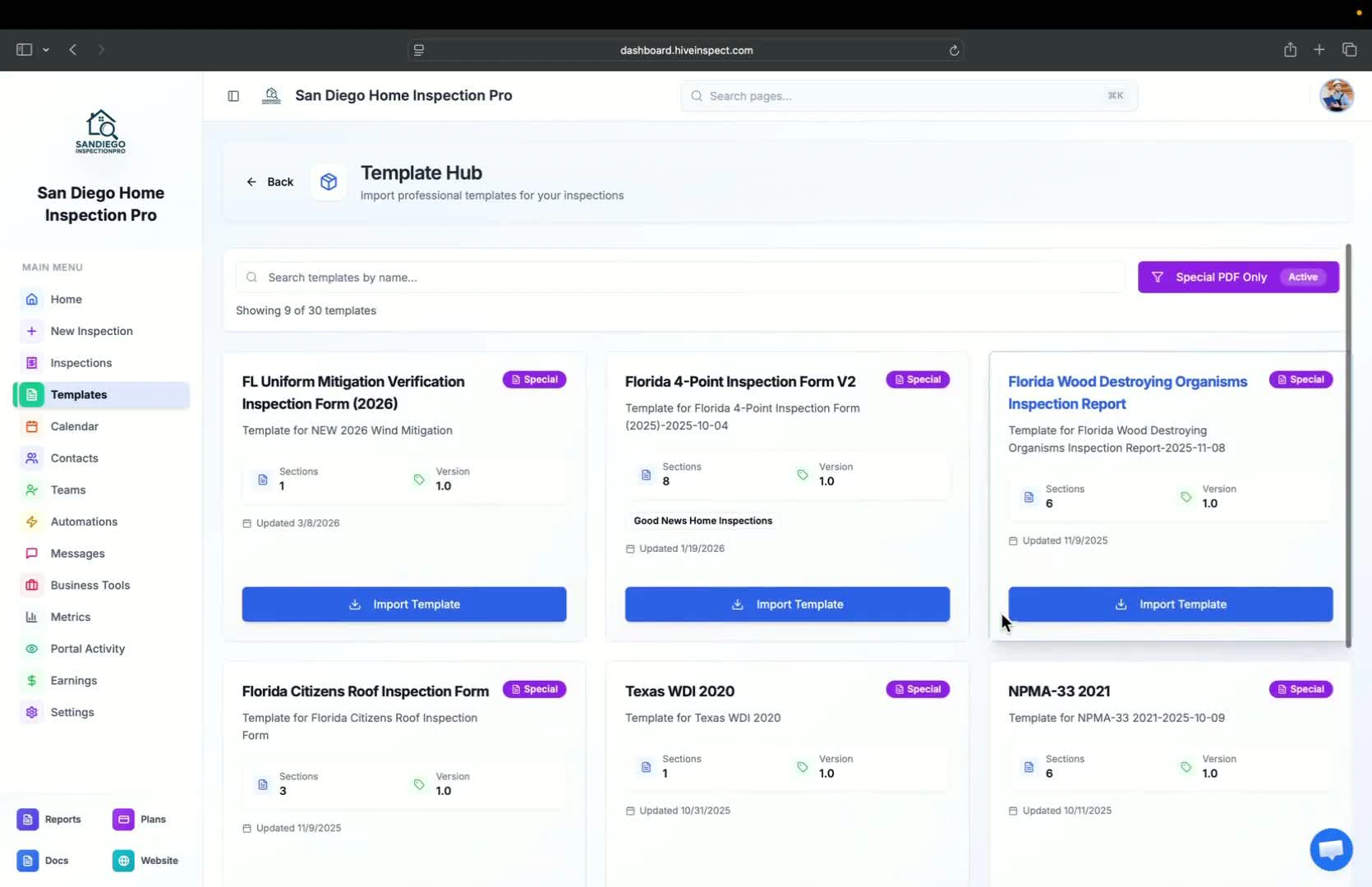
- A variety of special PDFs are available, especially for Florida, including:
- Florida insurance reports
- NPMA-33 wood-destroying insect (WDI) reports (official form)
- TREC REI 7-6 (Texas): the Texas Real Estate Commission Property Inspection Report form, with the standard TREC ratings turned on when you import it
Importing special PDFs
0:42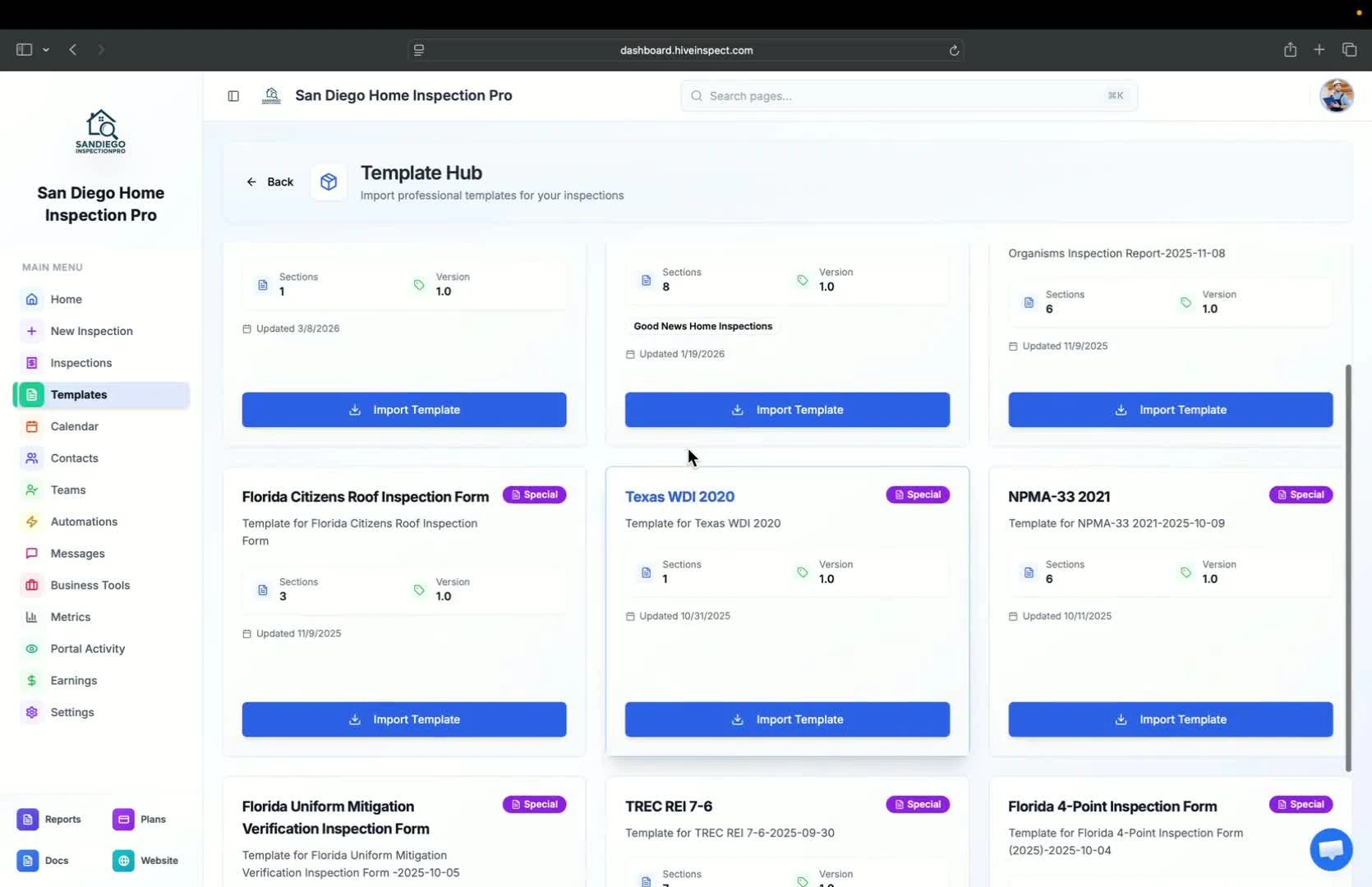
- If using different software (e.g., Spectora), do not import their special PDFs directly
- Instead, use the Import from Template Hub option to ensure compatibility
Benefits of using Template Hub PDFs
0:56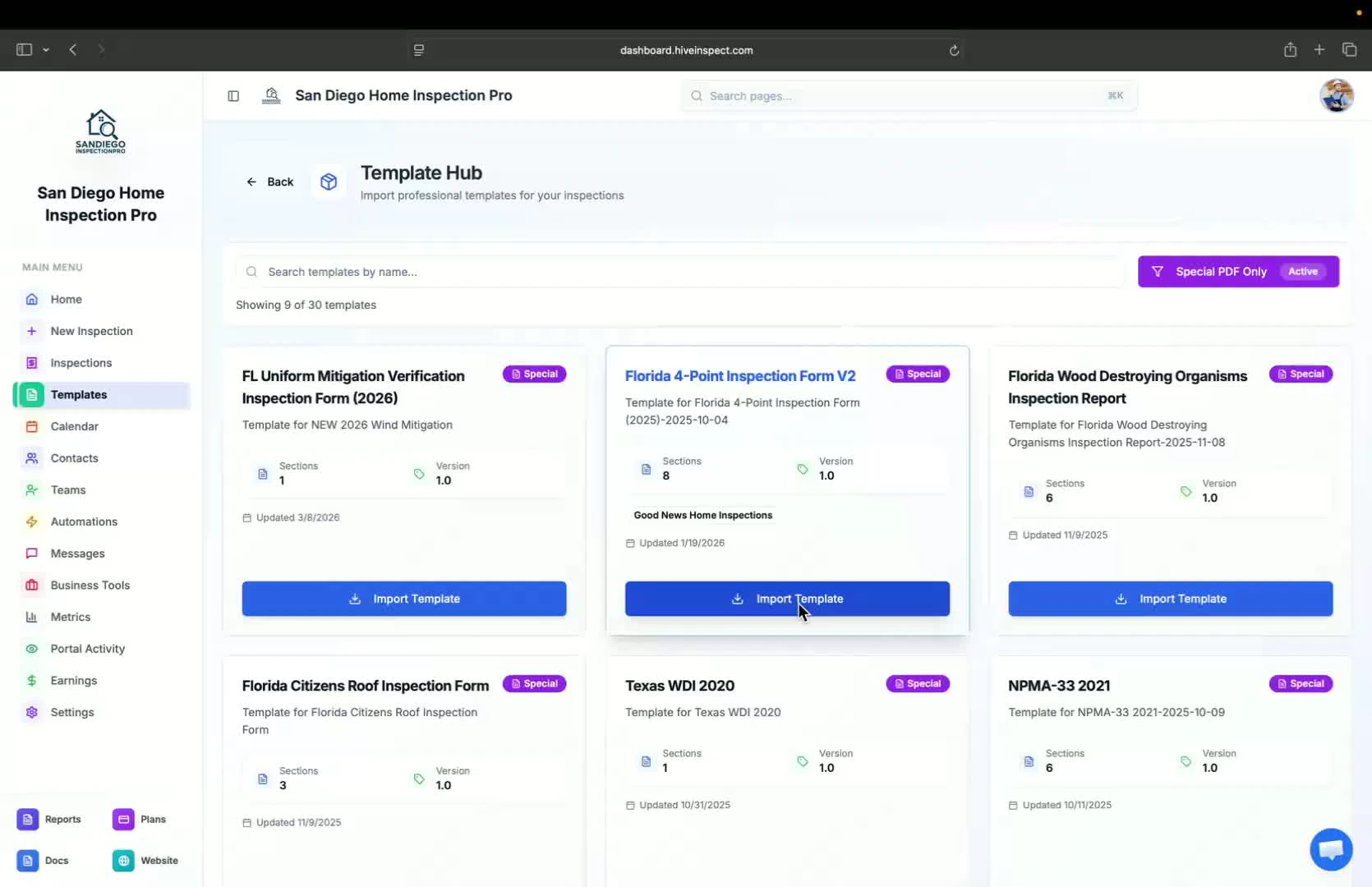
- Templates from the Template Hub are optimized for faster workflows
- Multiple versions of the same report are available to suit different preferences
Customizing imported templates
1:14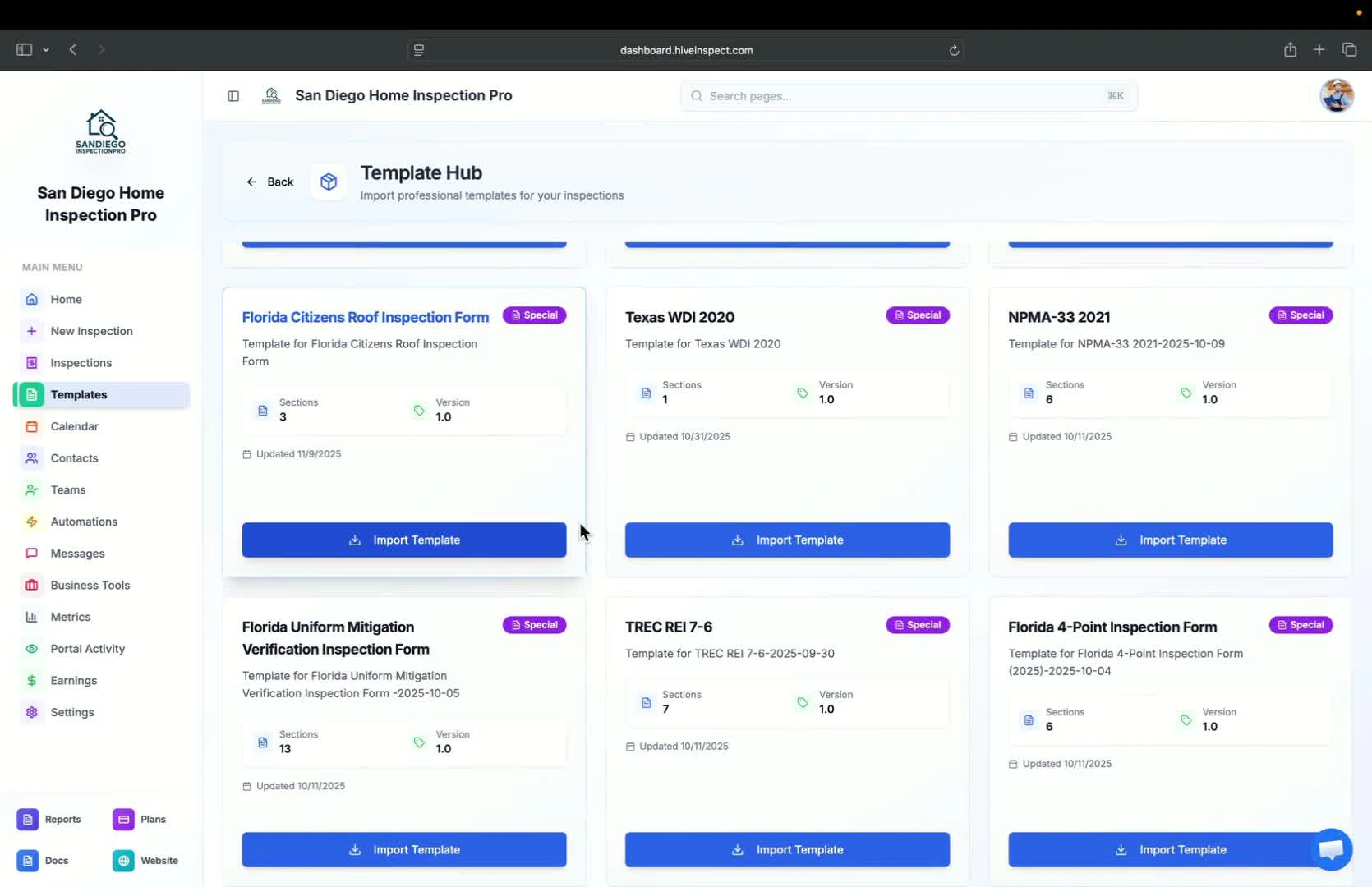
- After importing, you can make updates in the template editor
- Avoid major changes to prevent issues with data printing on the PDF
Sharing existing templates
1:29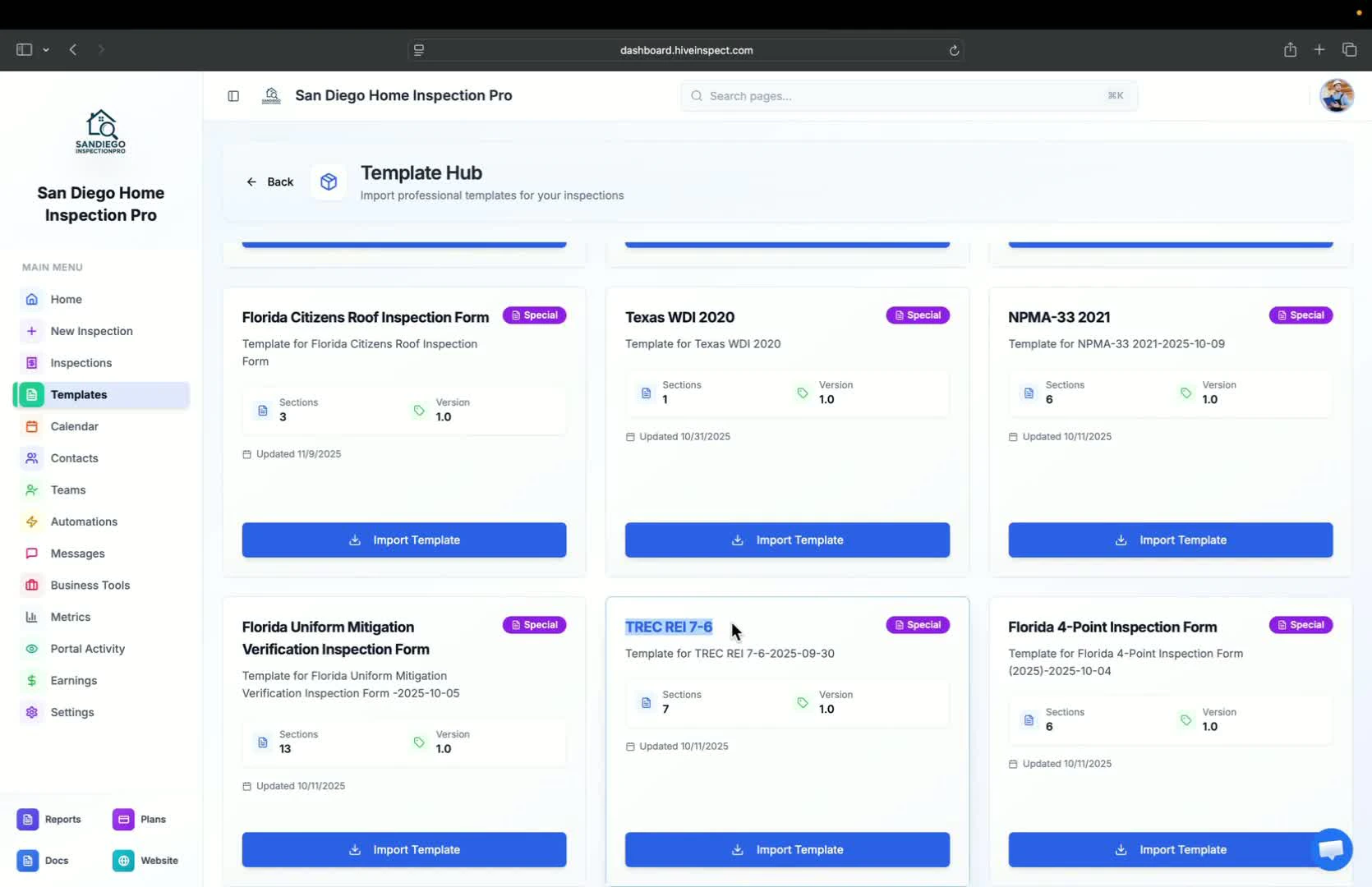
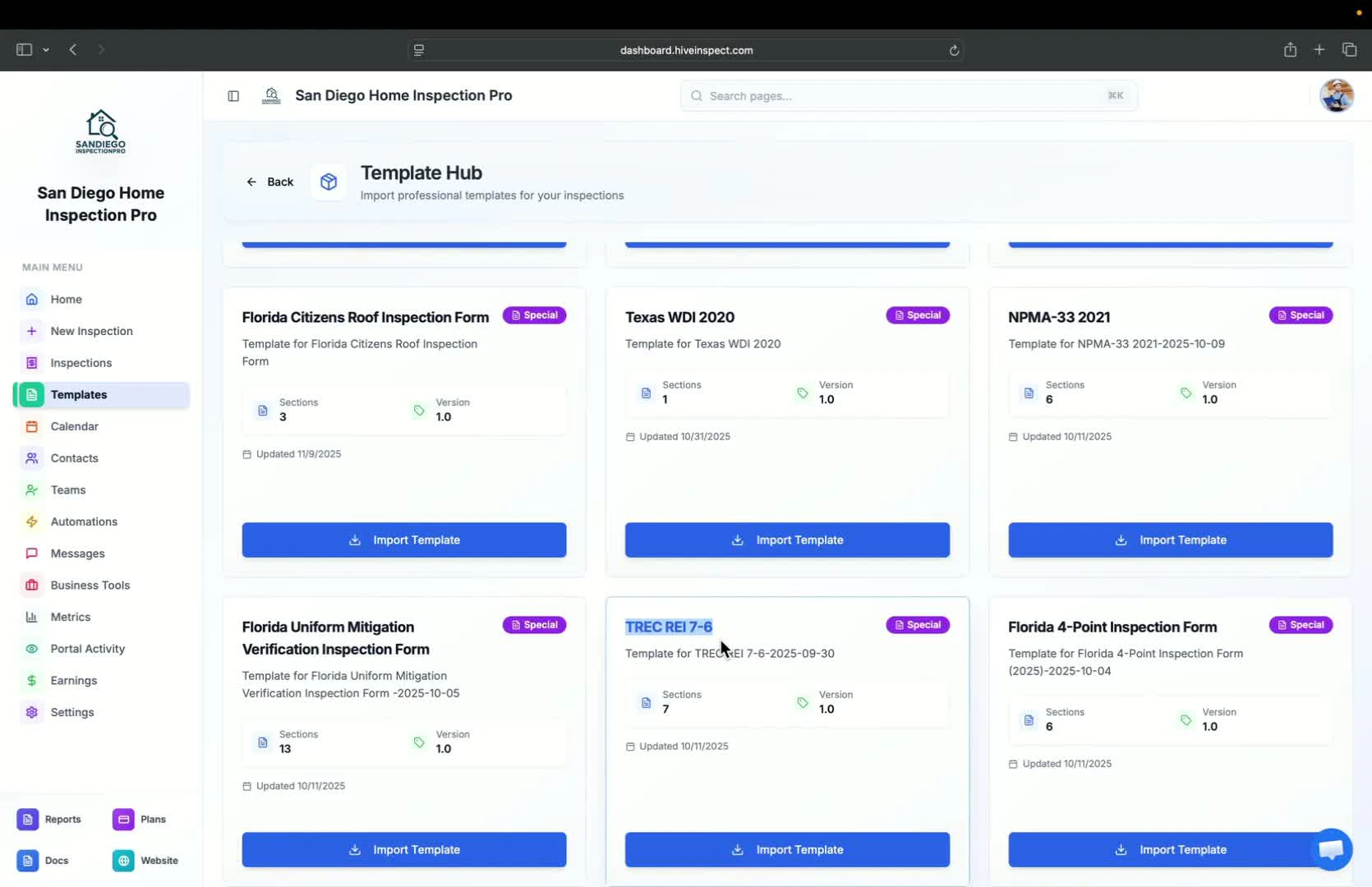
- If you have an existing TREC template, share it with our team through the chat bubble for help
- The TREC REI 7-6 template in the Template Hub is ready to use
Conclusion
Next step
Related