

Disabling IN/INP/INB ratings in inspection templates
Guide to managing IN and INP ratings in mobile app inspections
Introduction to the new functionality
0:01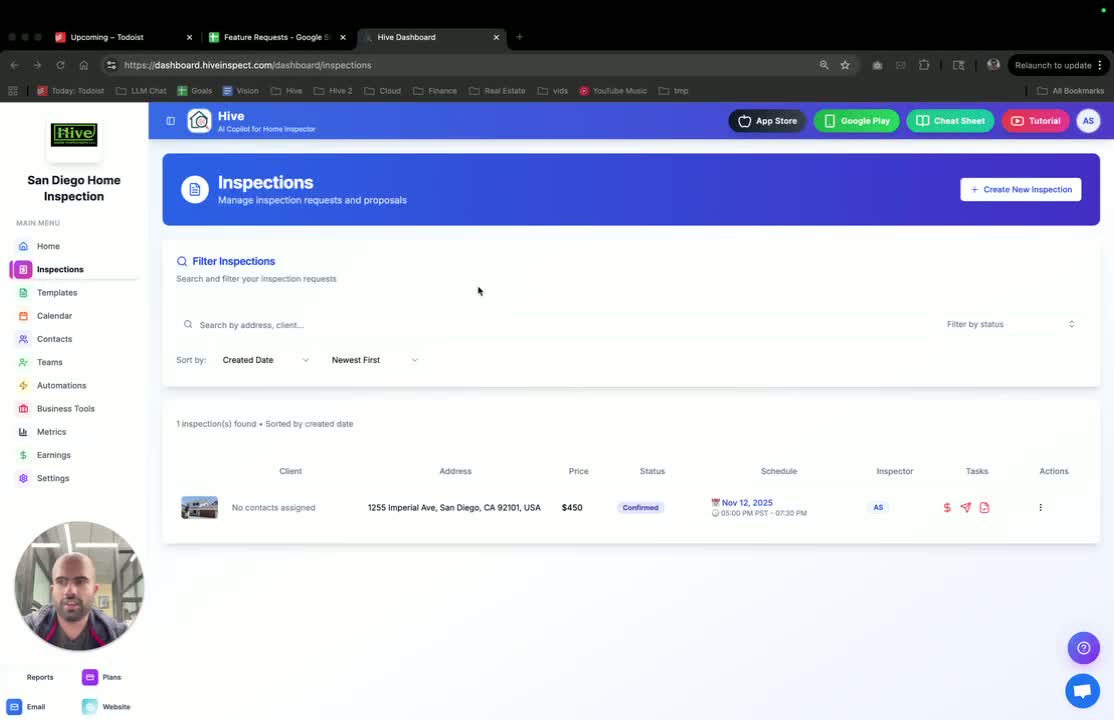
- Users requested the ability to manage IN and INP ratings in the mobile app during inspections.
- A new functionality has been introduced to remove these ratings.
Accessing template settings
0:12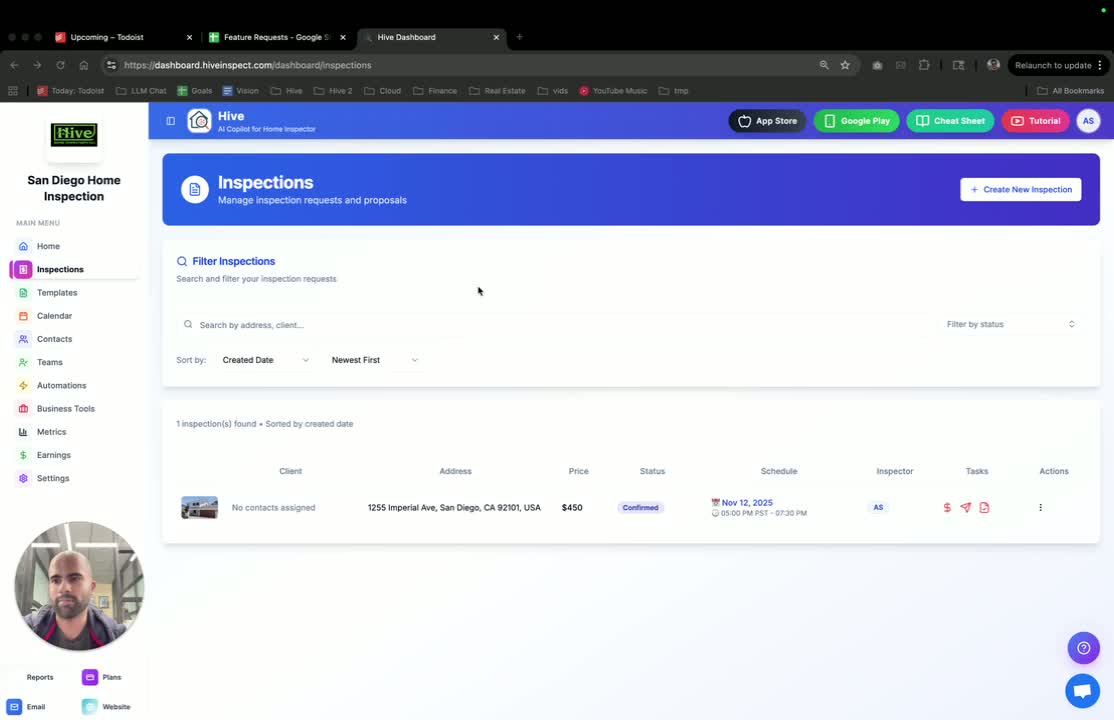
- Navigate to the templates section in the app.
- The default setting for ratings is turned off (false).
- To enable ratings, you must manually turn them on.
Demonstrating templates with ratings on
0:27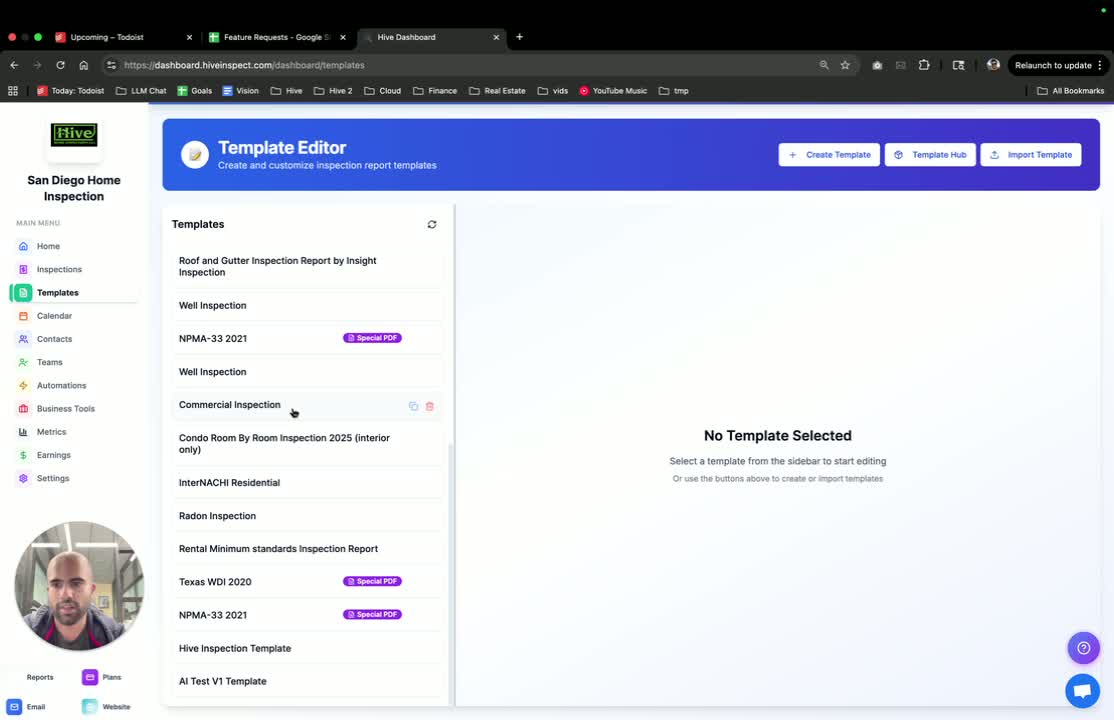
- Show a template where ratings are turned on.
- In this template, you will see IN and INP ratings displayed.
Demonstrating templates with ratings off
0:37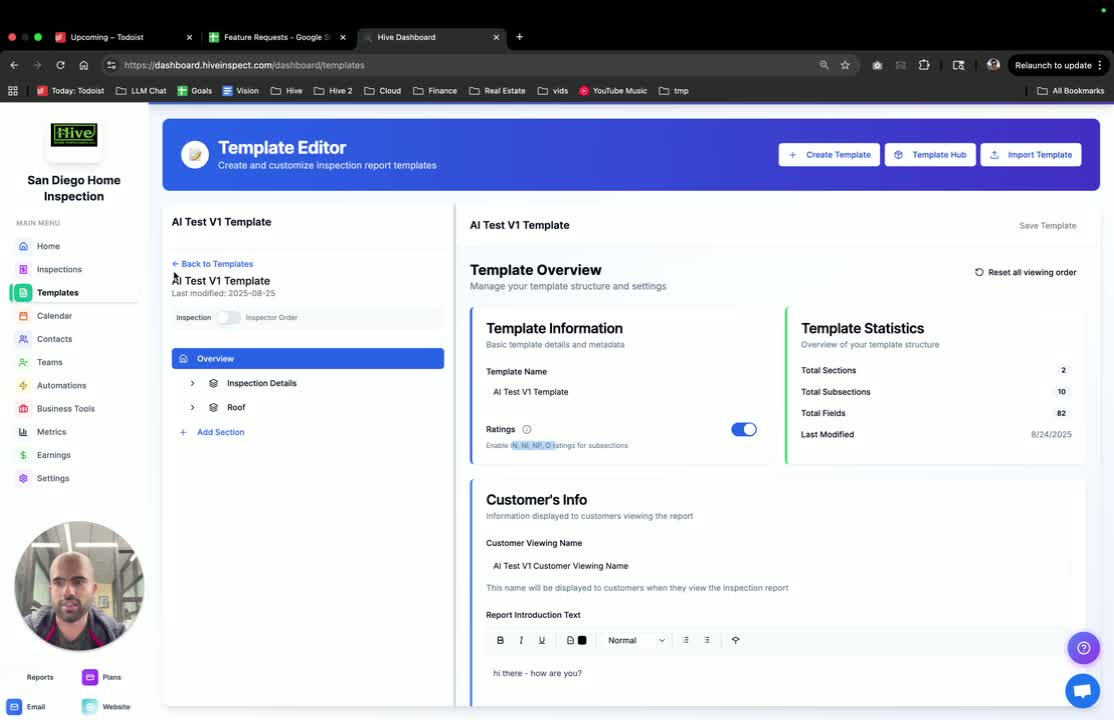
- Show another template where ratings are turned off.
- In this case, the grid for ratings will not be visible.
Viewing inspections with different settings
0:46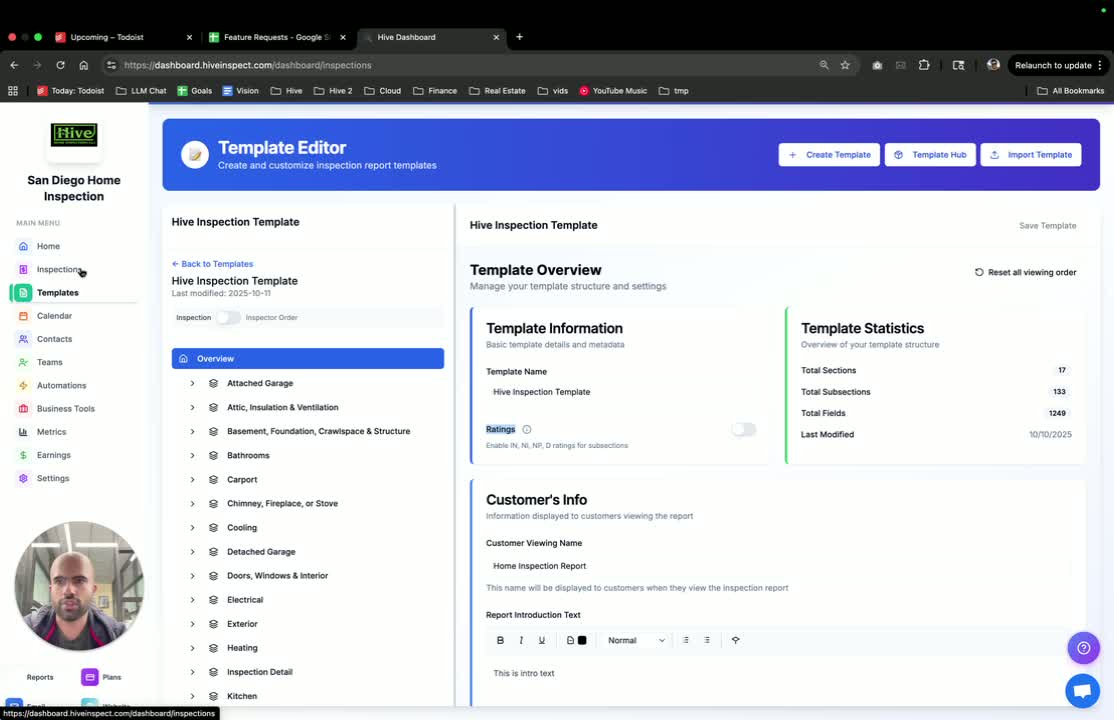
- Open inspections that utilize both templates.
- For the template with ratings turned off, the subsections will not display the ratings grid.
Observing report viewer behavior
1:06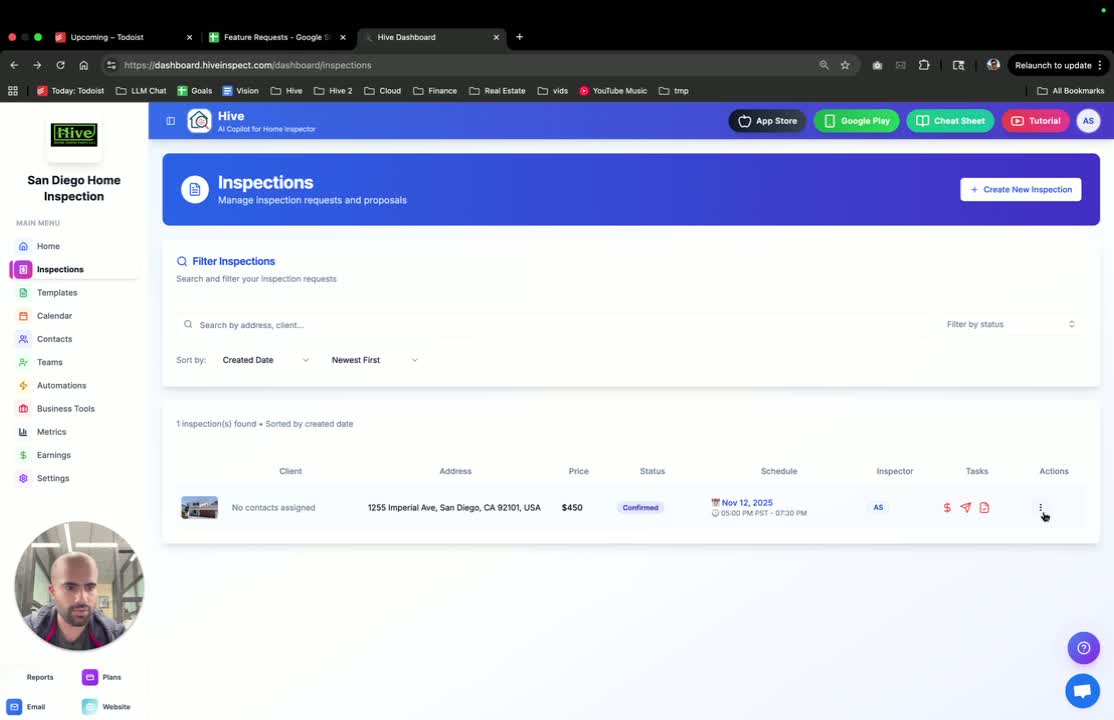
- In the report viewer, if ratings are turned off, the status column will not appear.
- Conversely, if ratings are turned on, the status column will be visible.
Mobile app display of ratings
1:44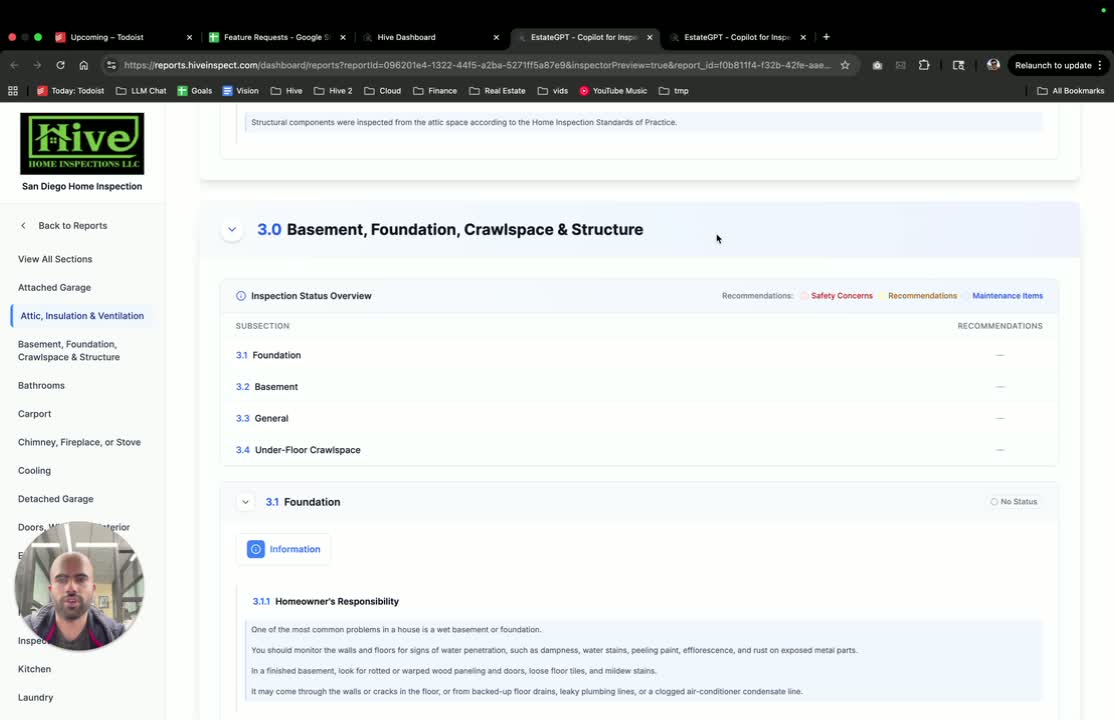
- In the mobile app, if ratings are turned off, the grid for selecting ratings will not be present.
- If ratings are turned on, the grid will be available for selection.
Conclusion and default settings
2:05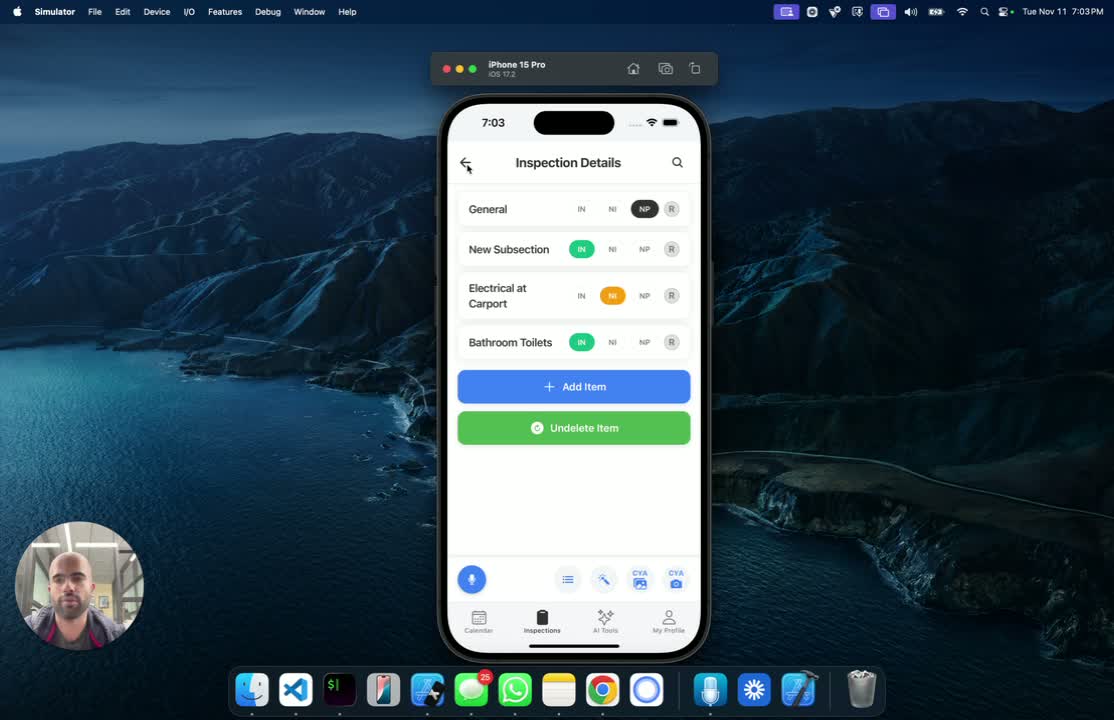
- Users can toggle the ratings on or off based on their requirements or preferences.
- Remember that by default, all ratings are turned off.
Next step
Related