

In the dashboard: Profile Settings → Team Settings (top right), and Org Settings for company-wide settings
Set each inspector’s availability
If you have more than one inspector, you can set everyone’s hours and start times from one page. You need to be the owner, or have the Schedule Management permission.Open Team Settings
Click Profile Settings in the sidebar, then Team Settings at the top right. The page lists the owner and every sub-inspector.
Set their hours and start times
- General Business Hours: the earliest and latest they work. Set them wide; a start time is only offered online if the inspection ends before the end time.
- Weekly Availability Schedule: turn on each day they work and add the exact start times clients can book, such as 9:00 AM, 11:30 AM and 2:30 PM.
- Inspector Local Address and Maximum Travel Distance: where they start from, and how far online bookings can be from there.
Company-wide settings
Org Settings in the sidebar holds the settings for your whole company, in four sections:- Report Writing: annotation prompts in the mobile app, the rule to finish every section before publishing, and location tags.
- Scheduling: time zone, calendar, minimum notice and buffer for online bookings, showing prices on the scheduler, and the thank-you message.
- Business Management: agreement signatures, email color, inspector contact info, locking client order changes, daily schedule emails, report activity emails and distance units.
- Sender Email Verification: send emails from your own company address.
Video: team availability and organization settings
This video was recorded with an older version of the settings pages. The notes under each step say where each option is today.
Access team availability settings
0:01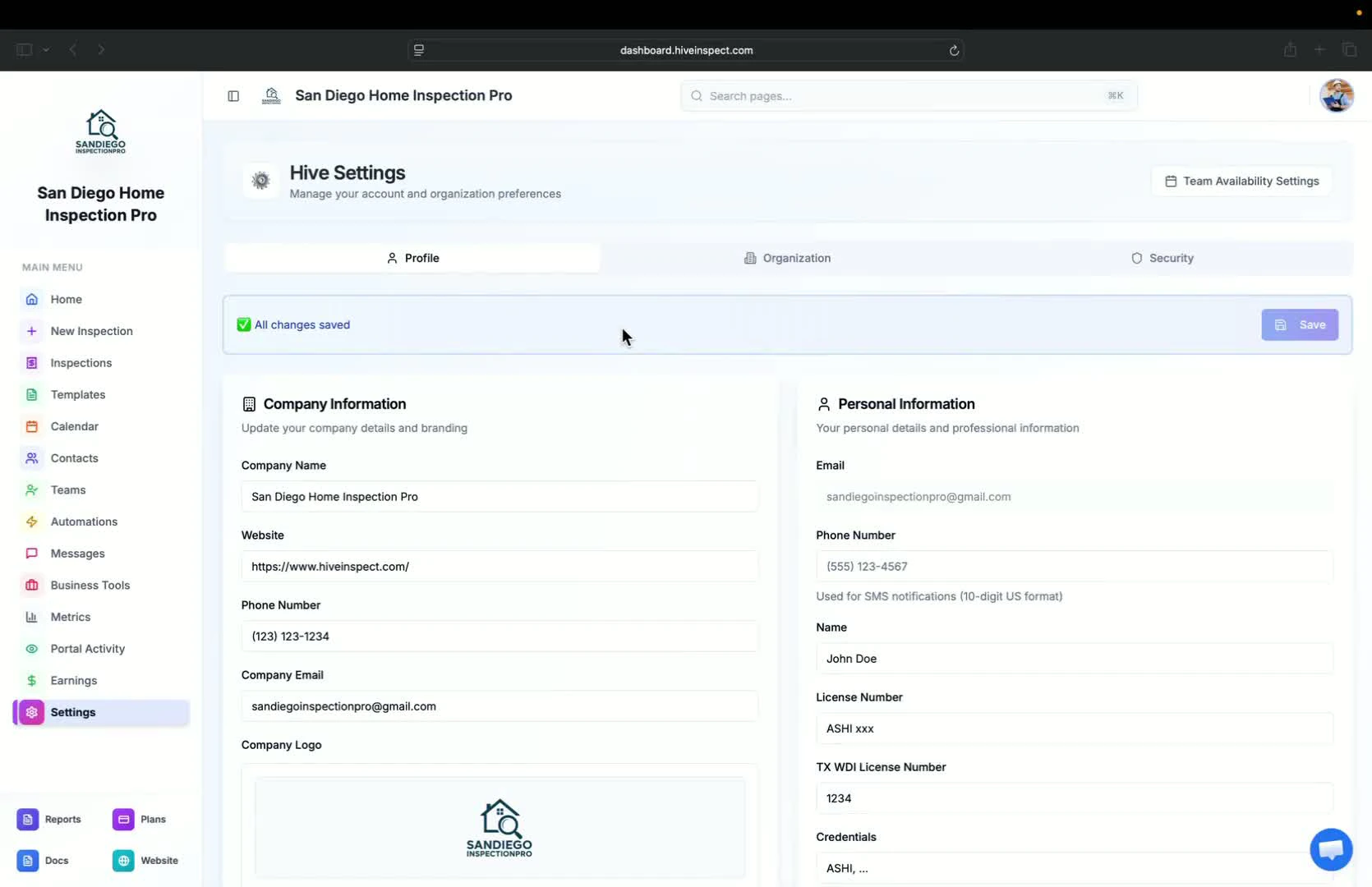
- After setting up your profile, open Profile Settings and click Team Settings at the top right
- This is useful for companies with more than one inspector
- The owner, or anyone with Schedule Management, can update every inspector’s information
Organization settings overview
0:37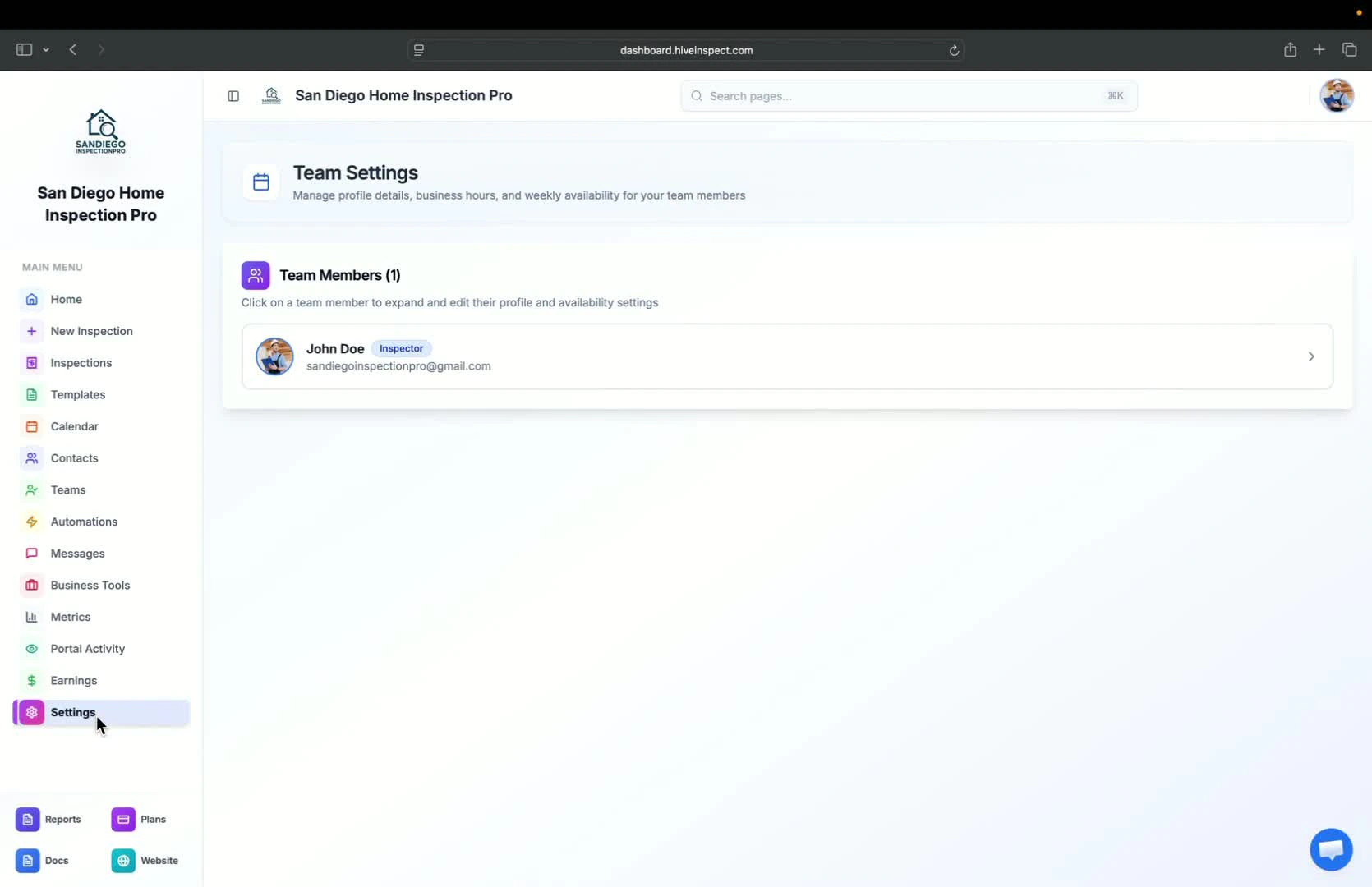
- Click Org Settings in the sidebar for company-wide settings
- Today the page has four sections: Report Writing, Scheduling, Business Management and Sender Email Verification
- The Viewing Reports and AI Features sections shown in the video have moved: report options are in Report Customization, and AI tools are in Business Tools → Hive AI
Configure report writing settings
0:44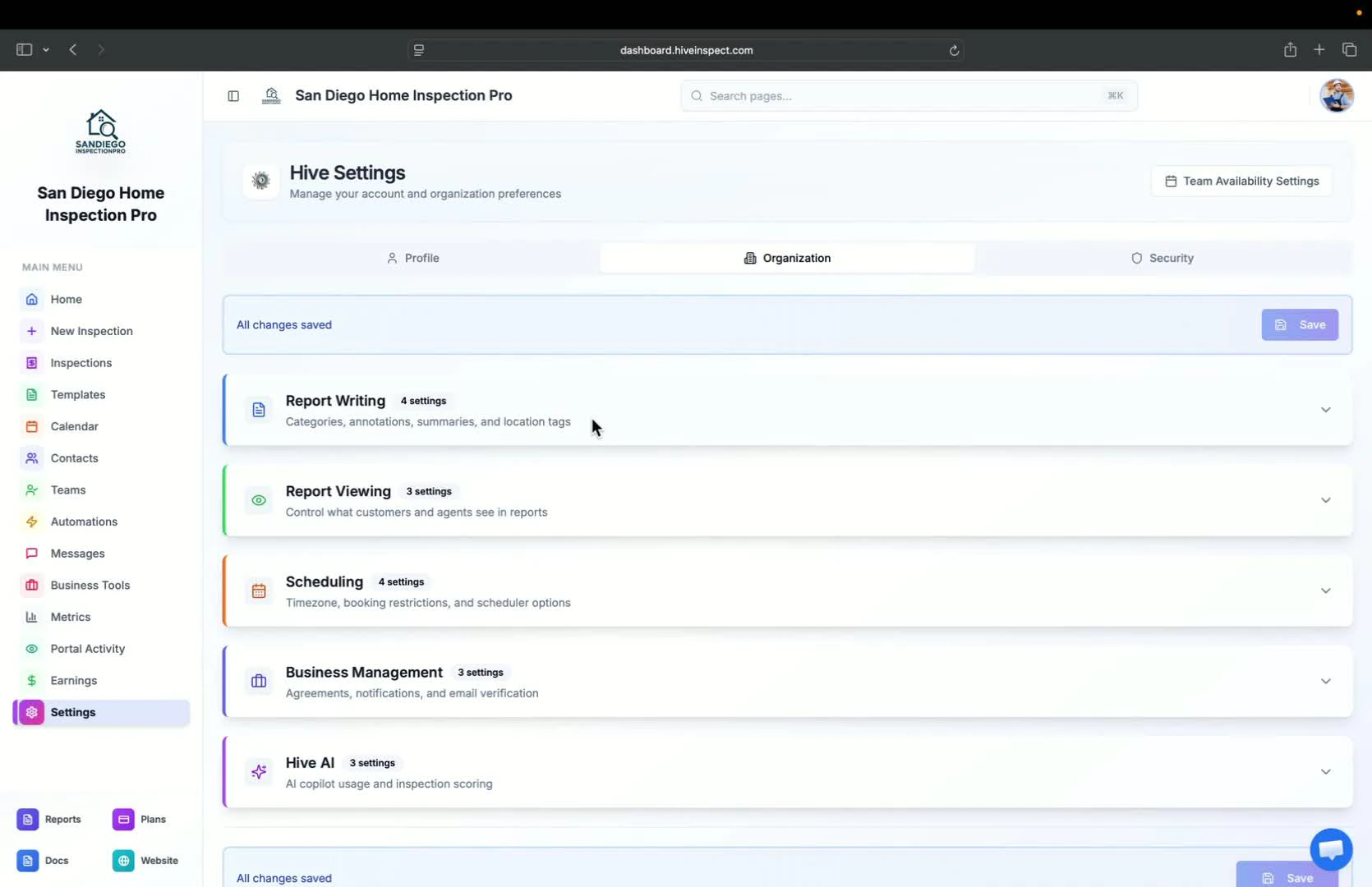
- Defect category names (default: Maintenance Items, Recommendations, Safety Concerns) are now in Report Customization → Category names
- Annotation prompts for the mobile app are in Org Settings → Report Writing. See Annotation Prompts
- The defects summary for the digital report and PDF is now in Report Customization → Defects summary
- Location tags for tagging photos are in Org Settings → Report Writing. See Location Tags
Set viewing report options
2:16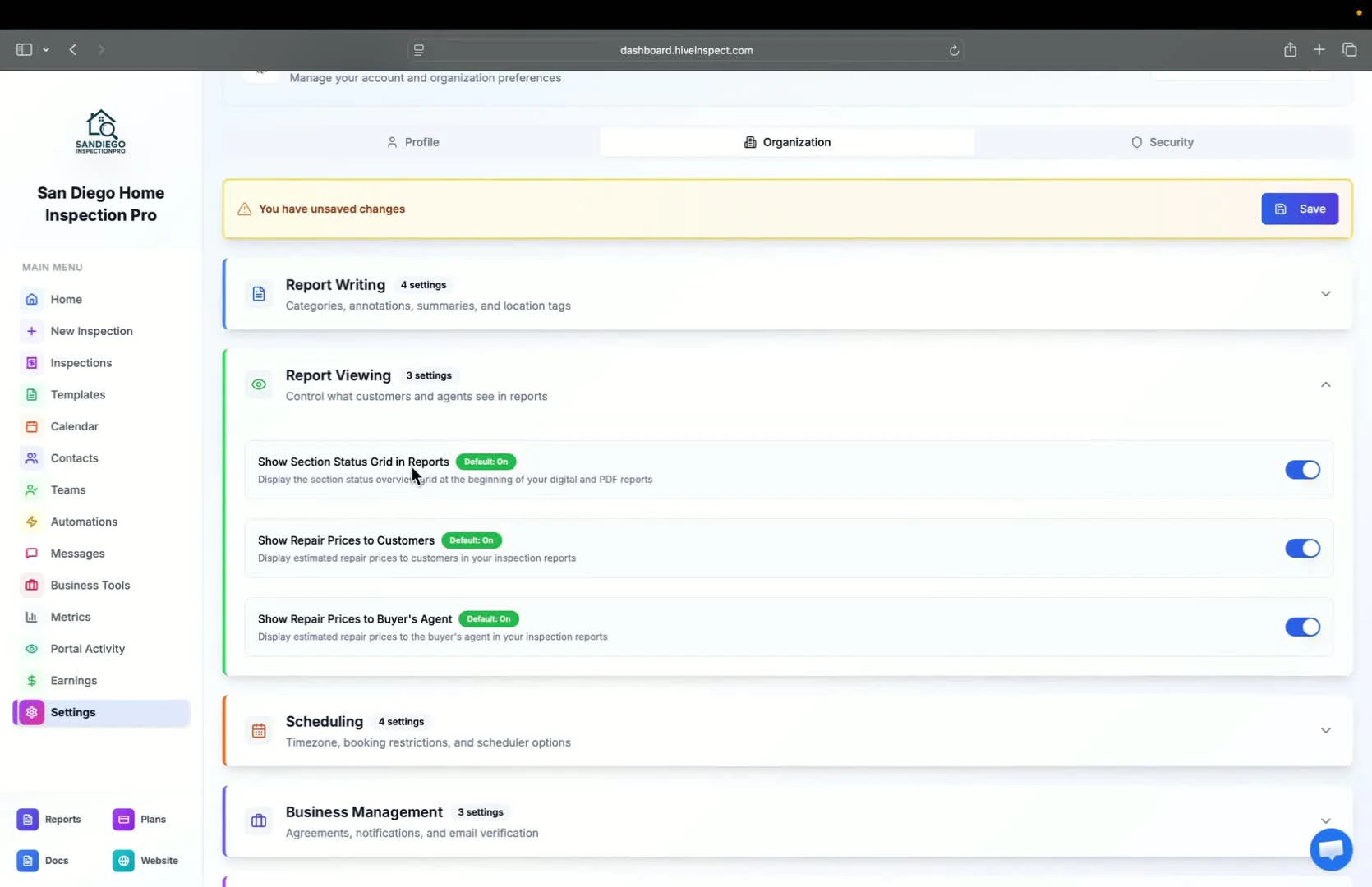
- These options are now in Report Customization, for example the table of contents
- For repair prices, see the Repair Estimator and Cost to Cure
Adjust scheduling settings
2:42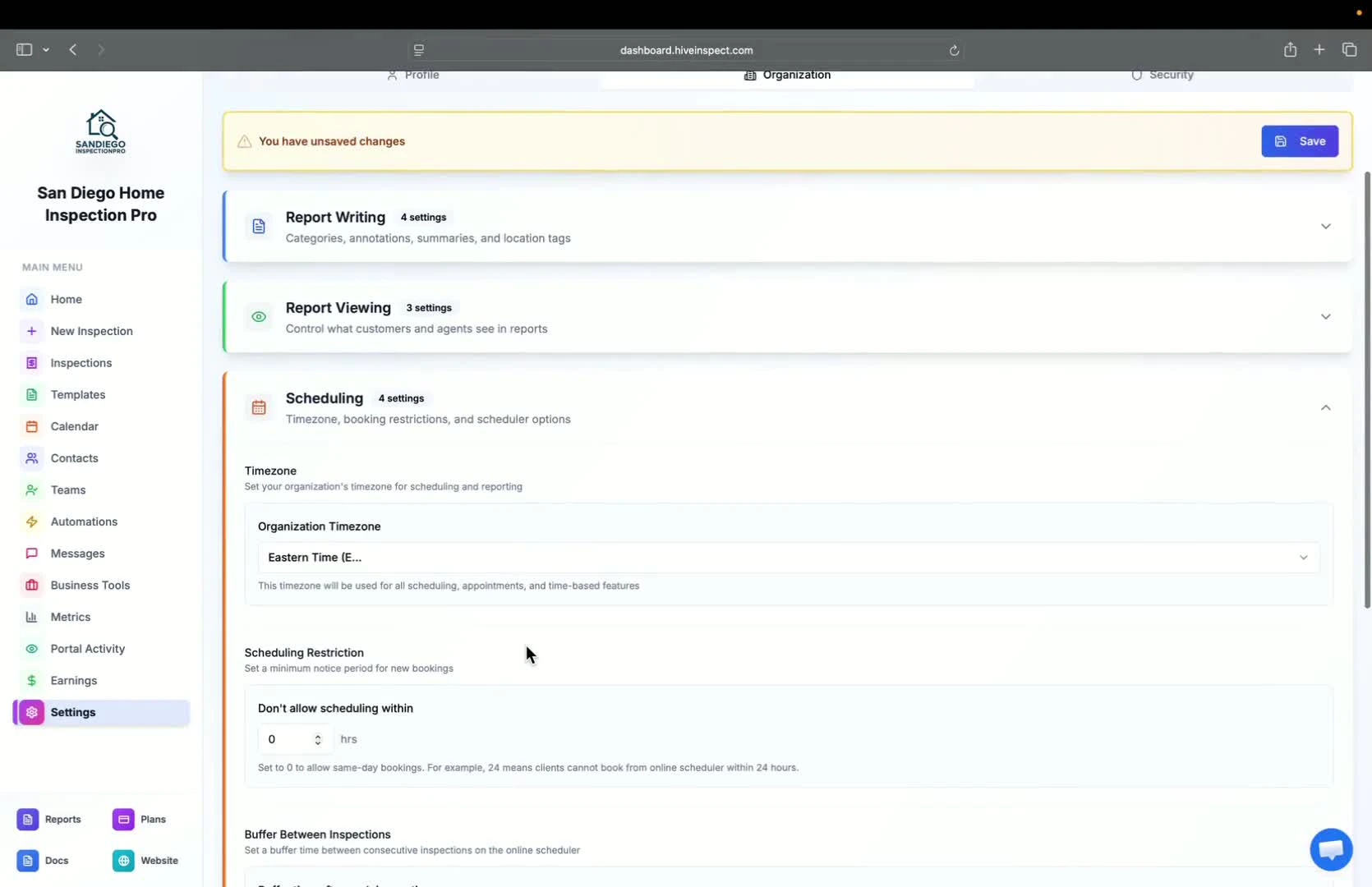
- Select your company’s time zone
- Set the minimum notice for online bookings and the buffer after each inspection
- Decide if service prices are shown on the online scheduler
Manage business settings
3:14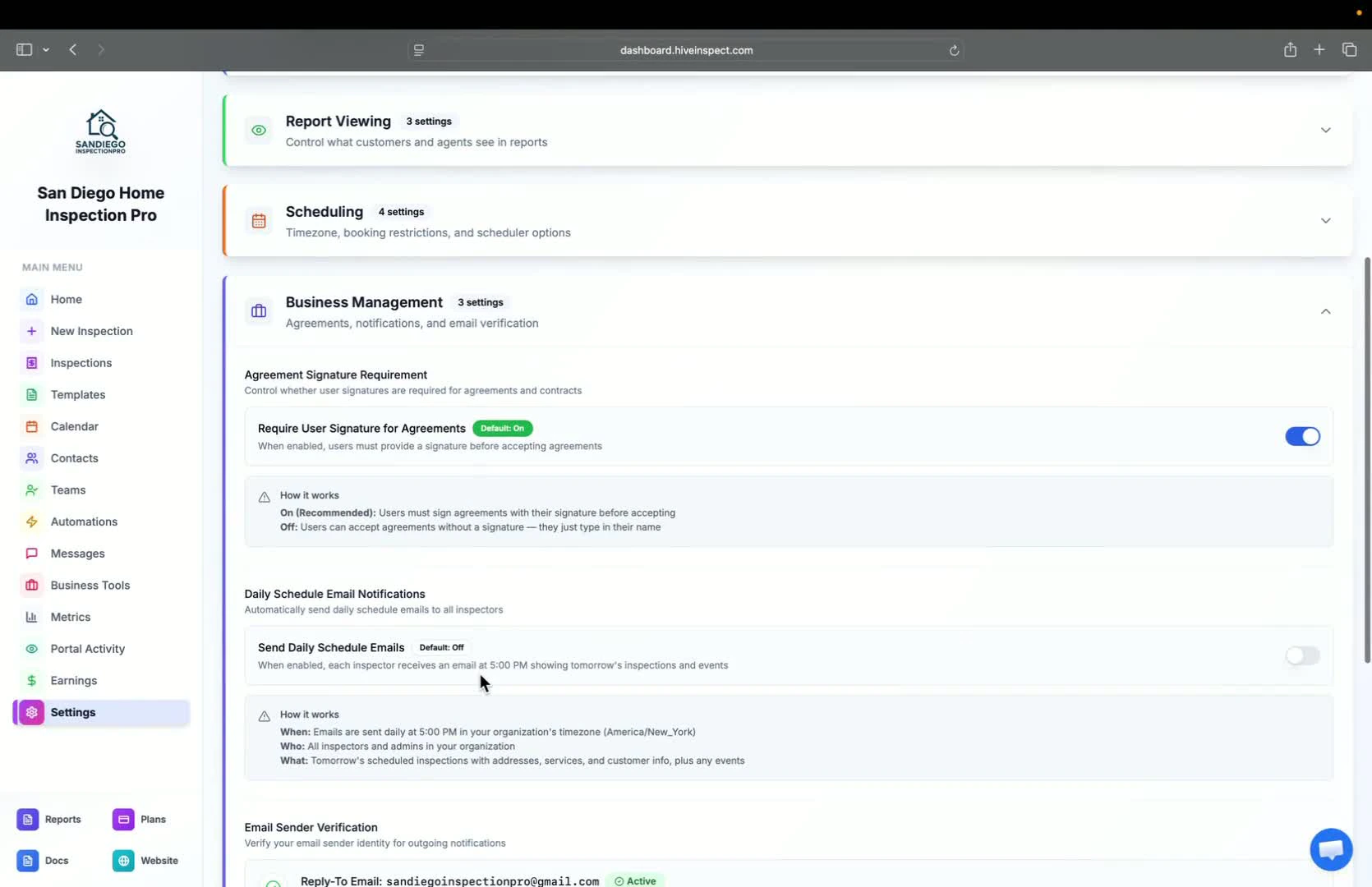
- Choose whether clients sign agreements with a signature or by typing their name
- Turn on daily schedule emails for inspectors (includes inspections and events)
Explore AI features
4:06
- AI tools are now in Business Tools → Hive AI
Next step
Related