

How to import contacts into Hive
The import window has changed a little since this video: you no longer choose Client or Realtor. Pick your old software under Select Company, tick a tag such as Clients or Agents under Assign Tags (Optional), and drop in the file. For the full written steps, see Import contacts and Manage contact tags.
Access contacts and manage tags
0:00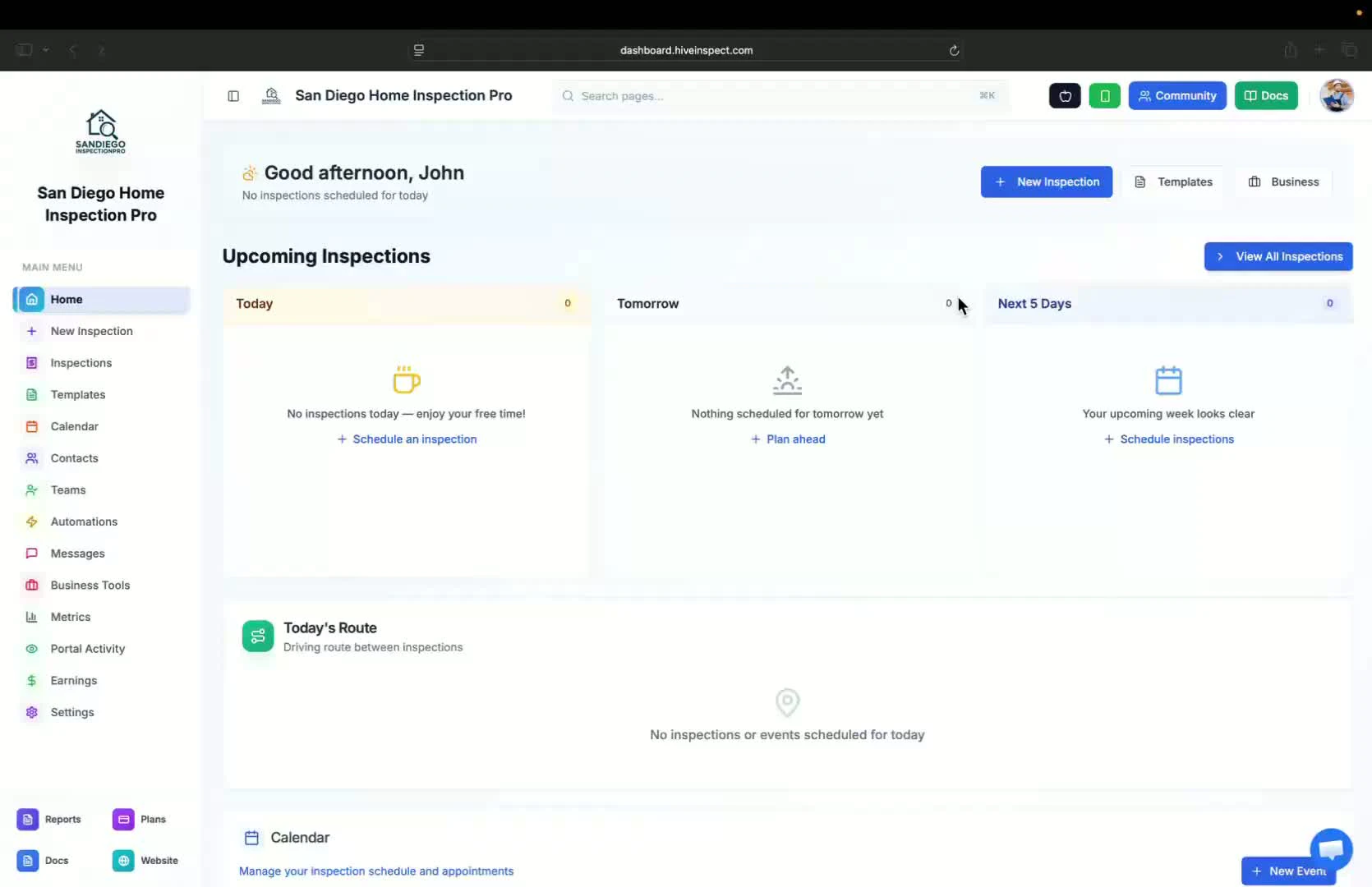
- Go to the Contacts section from the sidebar
- Click on Manage Tags to create new tags
- Example tags: “Realtor”, “Agent”, “Client”
Import client contacts from CSV
0:25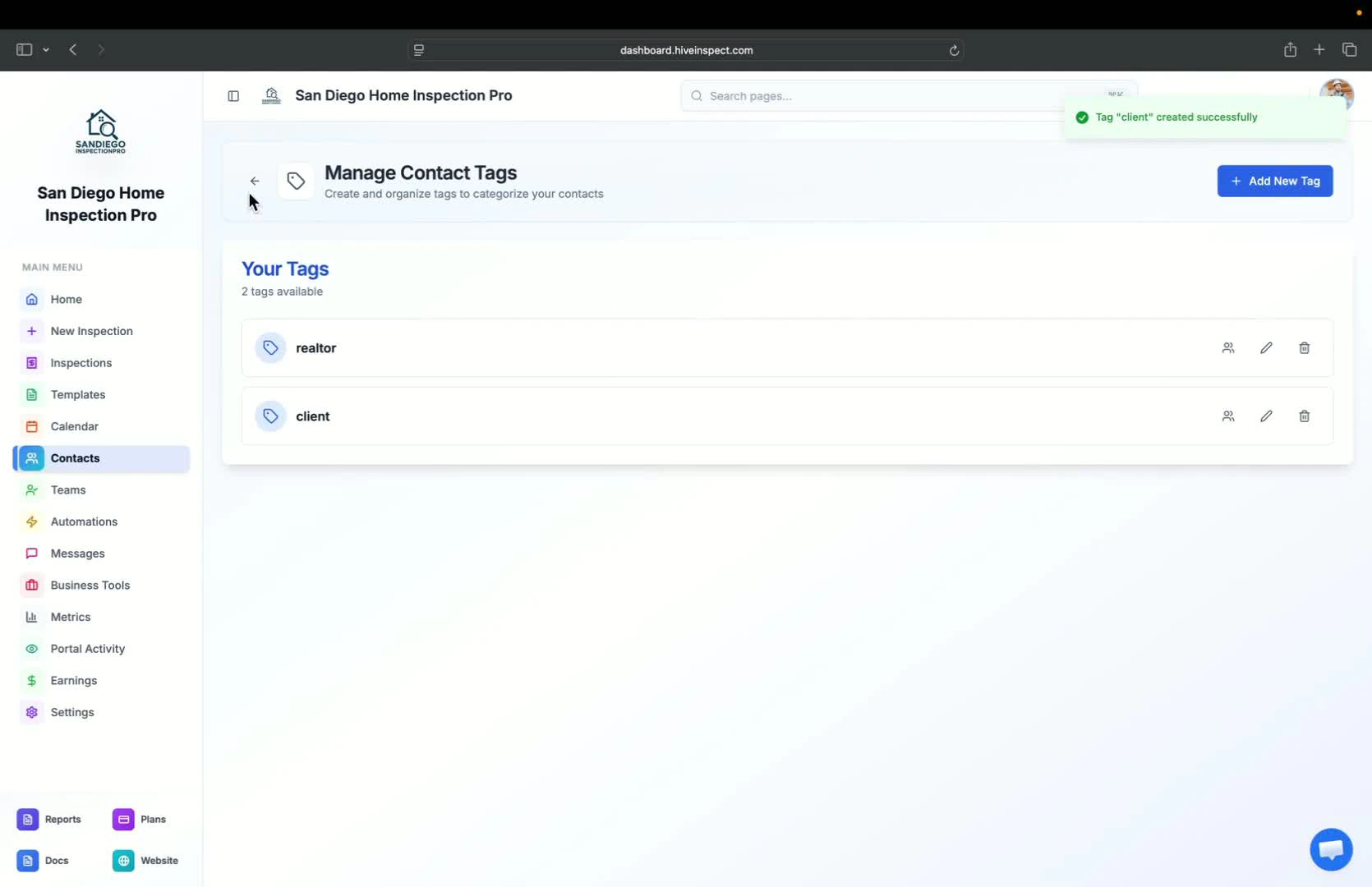
- Click on Import CSV
- If importing from Spectora, select Client
- Drop the client CSV file into the designated area
- Note: This process may take a few minutes as images are downloaded and uploaded
Import realtor contacts from CSV
0:46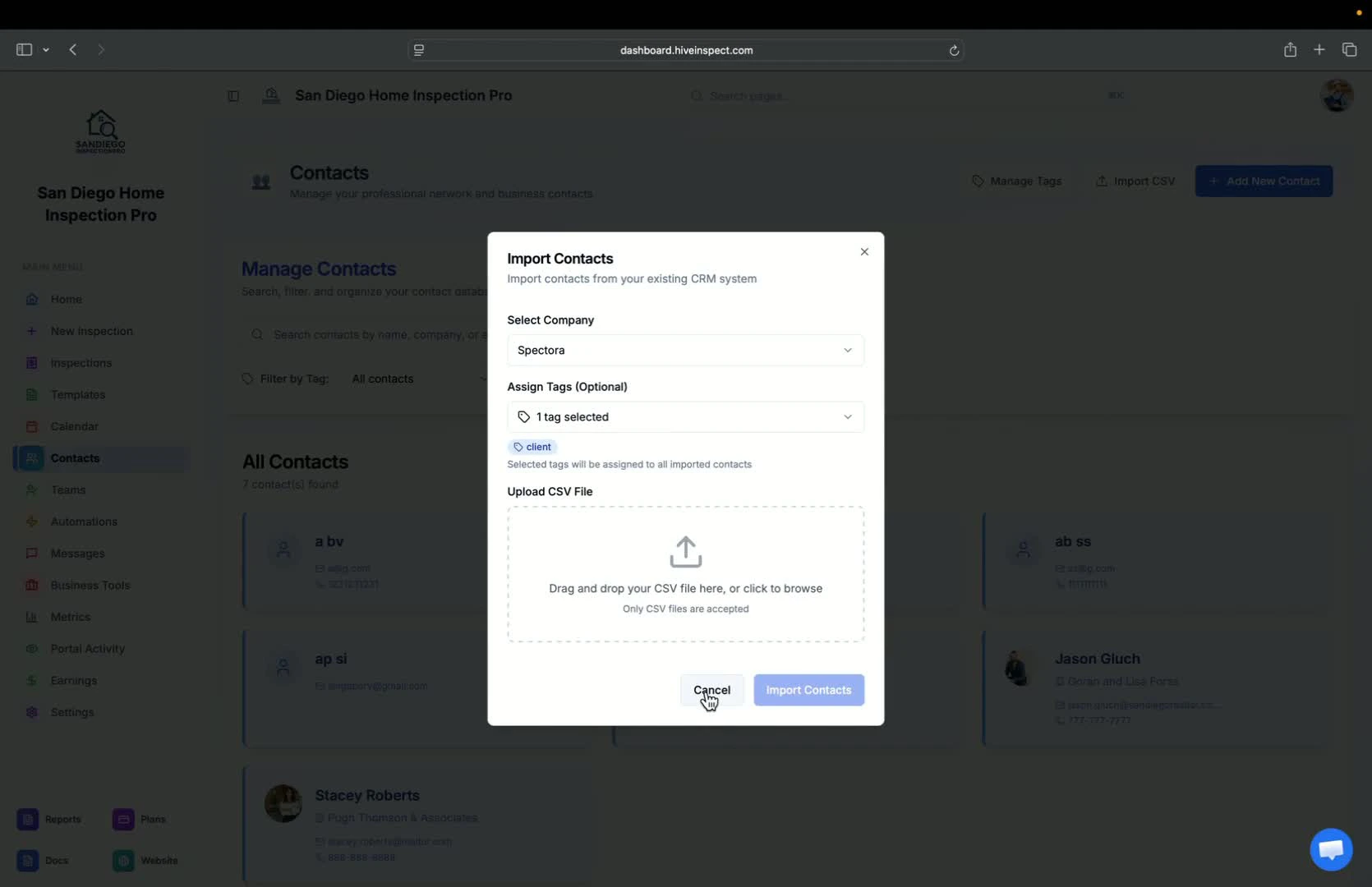
- Keep your old account until everything is checked in Hive. See When to cancel your old subscription
- Repeat the import process for Realtors:
- Select Realtor and drop the corresponding CSV file
Import contacts from other companies
1:04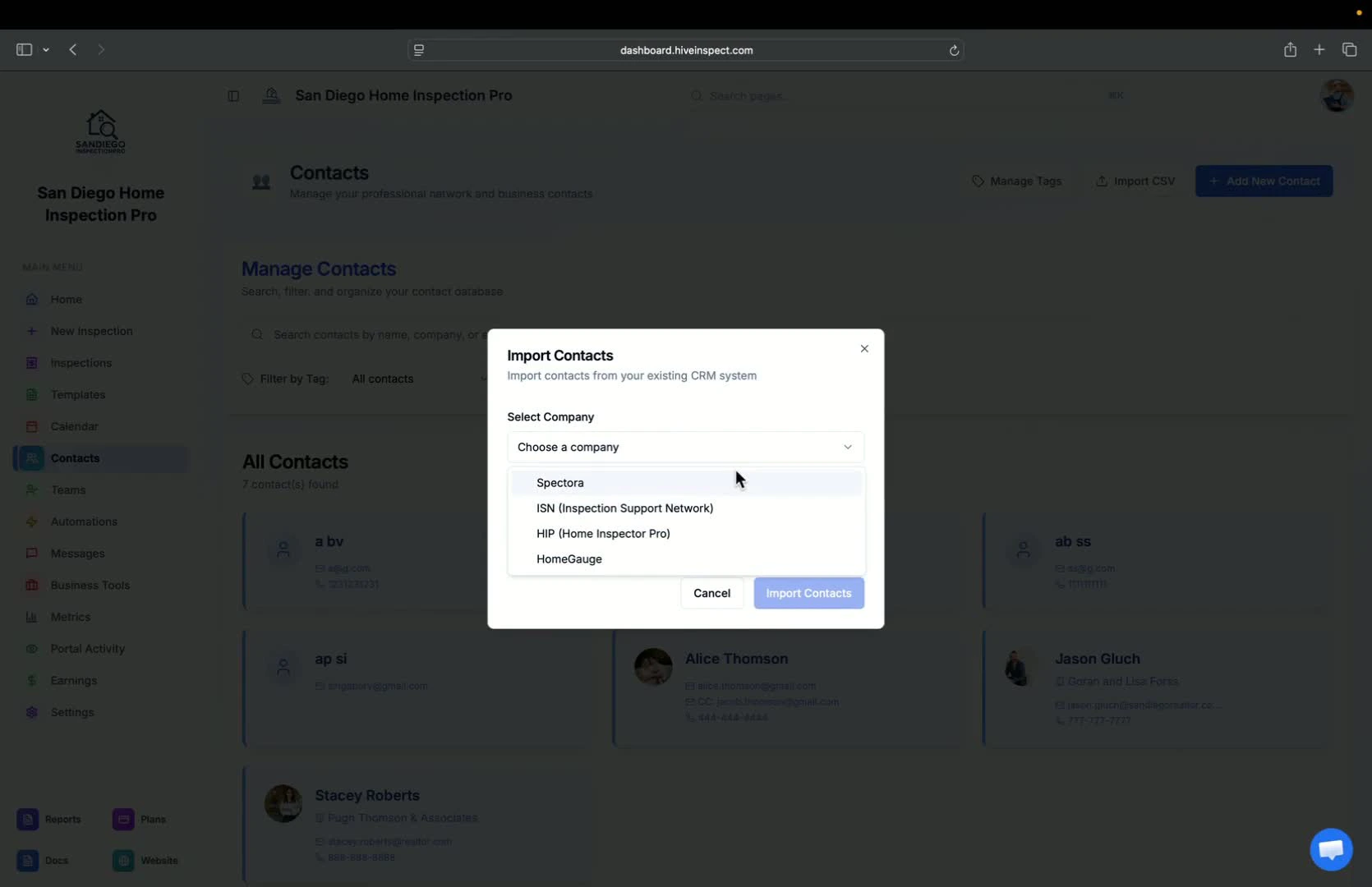
- You can import contacts from other software: Spectora, ISN, HIP, HomeGauge or Horizon
- If your software isn’t listed, contact support via the chat bubble and send your CSV file
Create multiple tags for contacts
1:19
- You can create multiple tags for different Realtors:
- Examples: “First-time Realtor”, “Regular Realtor”, “Tiered Realtors”
Update existing contacts
1:36
- Go to an existing contact to update their information
- Assign tags to the contact by selecting the appropriate tag
- Optionally, add a profile photo for the contact
Utilize photos for marketing
1:55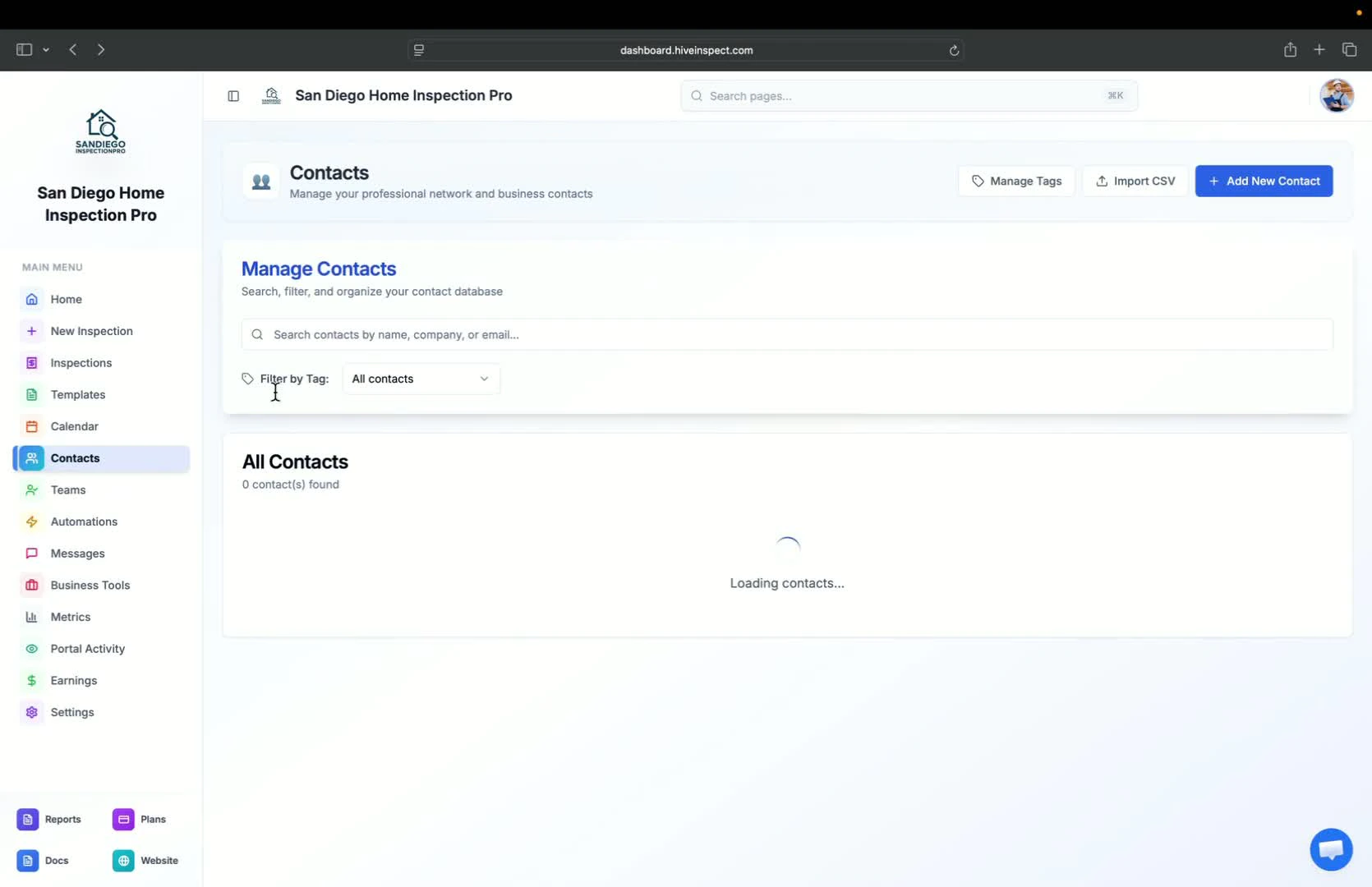
- Including Realtor photos in reports is a good marketing strategy
- Ensure to add photos whenever possible
Next step
Related