

In the dashboard: Business Tools → Socials, Business Tools → FAQ Management and Business Tools → Marketing Kit.
Three small Business Tools that help clients find and trust you:- Socials: your social media links, shown to clients in the report portal and on your public page.
- FAQ Management: the questions and answers clients see on the FAQs page of the report portal.
- Marketing Kit: Hive logos and ready-made images for your website and marketing.
Socials
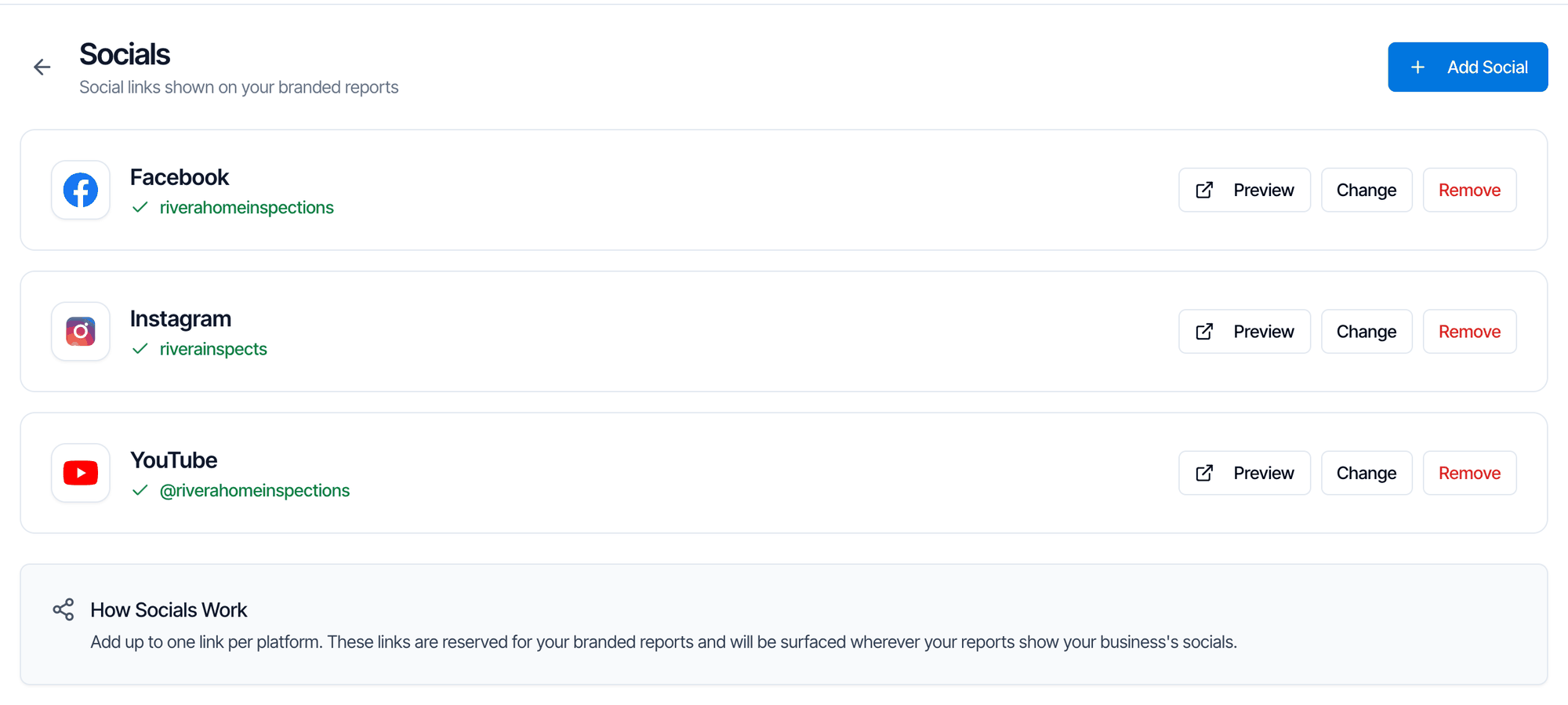
Add a social link
- Open Business Tools → Socials.
- Click Add Social (or Add your first social if you have none yet).
- Under Platform, choose the platform. Only platforms you haven’t added yet are listed.
- Paste your page or profile address under Link. The hint under the box tells you which address to use, for example “Use your profile URL: instagram.com/yourhandle”.
- Click Add. You see Social link added.
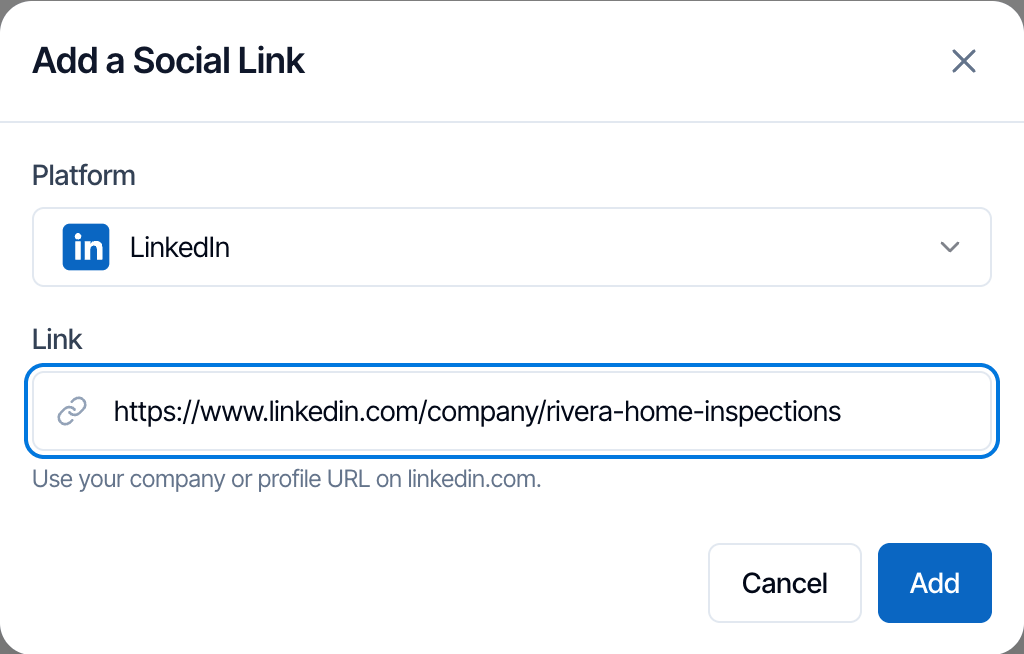
https://; Hive adds it. The link has to be on that platform’s site. If it isn’t, you see an error such as URL does not look like a instagram link.
Once all five platforms are added, Add Social is greyed out.
Change or remove a link
- Preview opens the link in a new tab so you can check it.
- Change lets you paste a new address for that platform. Click Save.
- Remove asks “Remove your Facebook link?” (or whichever platform). Confirm to delete it.
Where clients see your social links
Social links don’t appear on PDF reports or in emails.
Report Portal FAQs
Every report you publish has an FAQs page in the client portal, in the left sidebar. It shows “Frequently Asked Questions” as a list clients click to open. FAQ Management is where you write your own. Until you add any, clients see Hive’s five default home-inspection FAQs instead: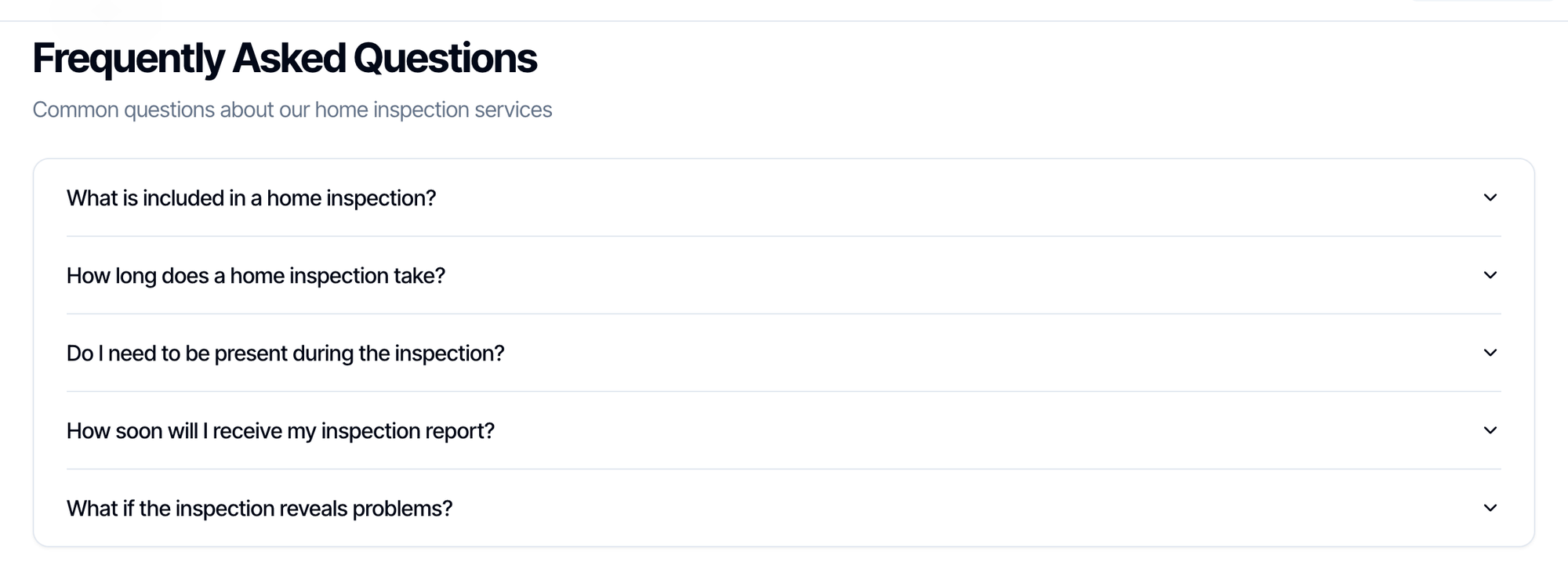
- What is included in a home inspection?
- How long does a home inspection take?
- Do I need to be present during the inspection?
- How soon will I receive my inspection report?
- What if the inspection reveals problems?
The default answers say a typical inspection takes 2-3 hours and the report usually arrives within 24 hours. If that isn’t true for you, add your own FAQs.
Add an FAQ
- Open Business Tools → FAQ Management.
- Click Add FAQ (or Add Your First FAQ).
- Type the Question and the Answer. Both are required.
- Click Add FAQ. You see FAQ created successfully.
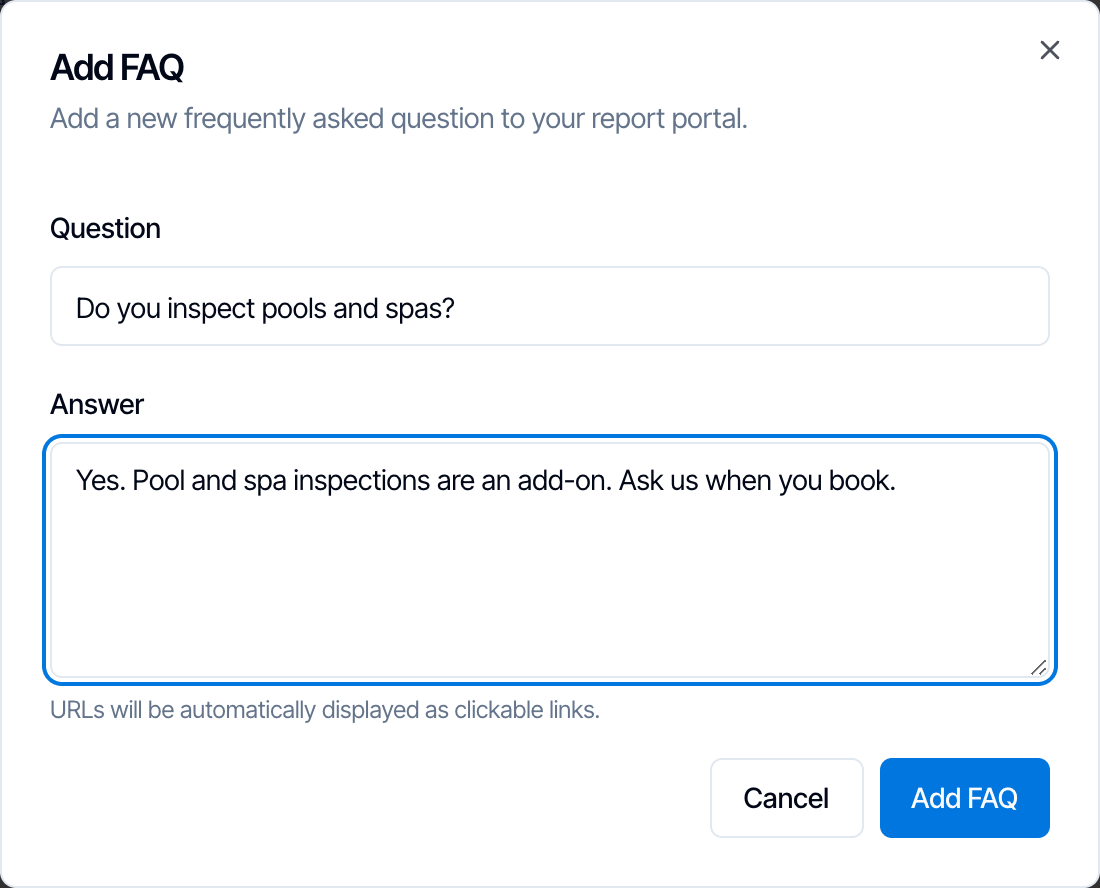
http:// or https:// turn into clickable links, in FAQ Management and in the portal. Line breaks you type are kept in the portal.
Edit, delete and order
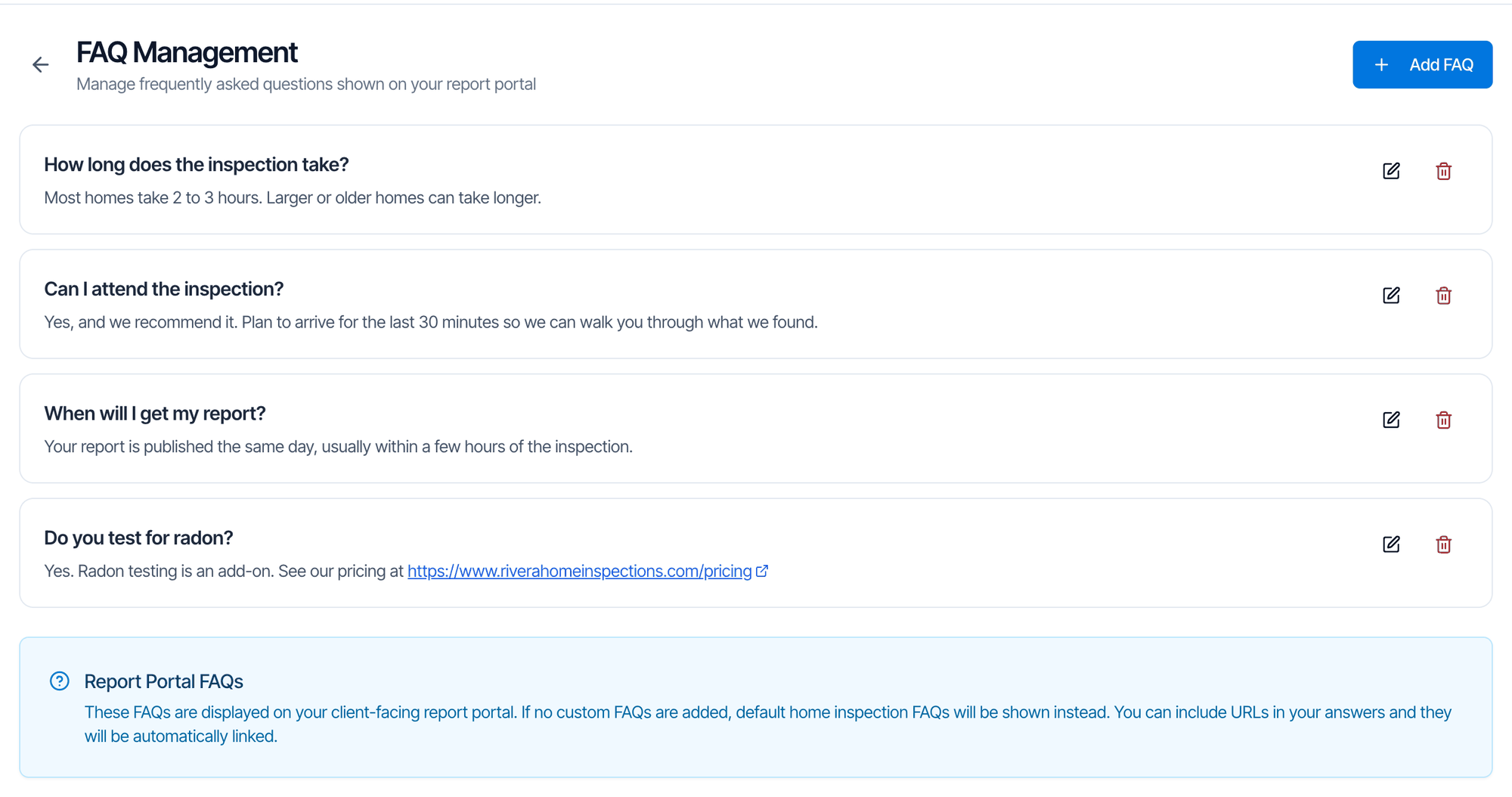
- Edit: click the pencil icon, change the question or answer, and click Save Changes.
- Delete: click the trash icon, then Delete in Delete FAQ?. This can’t be undone.
- Order: FAQs show in the order you added them, and each new one goes to the bottom. There’s no way to drag them into a new order. To move one, delete it and add it again, or edit the existing FAQs so their text is in the order you want.
Marketing Kit
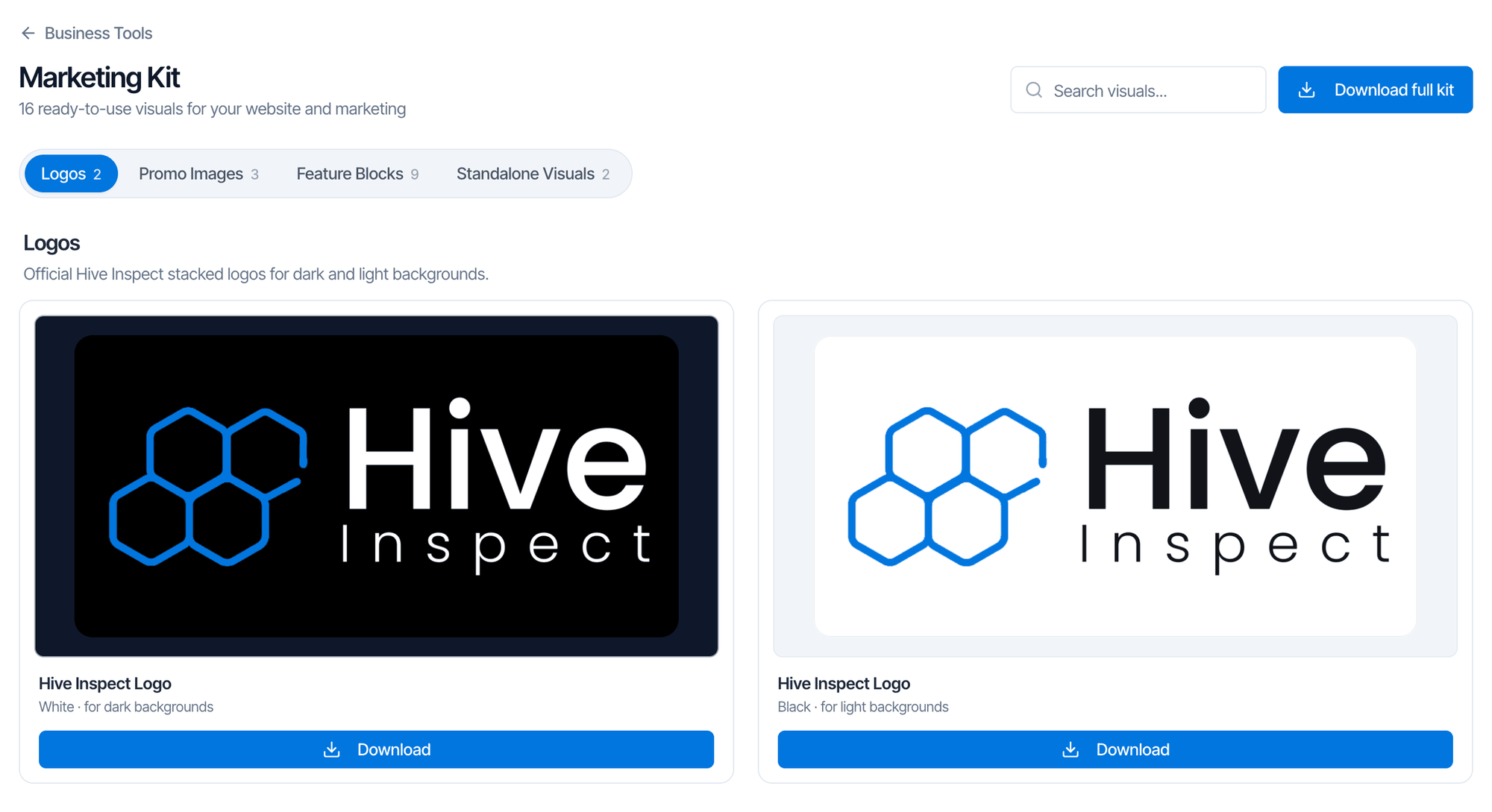
Download images
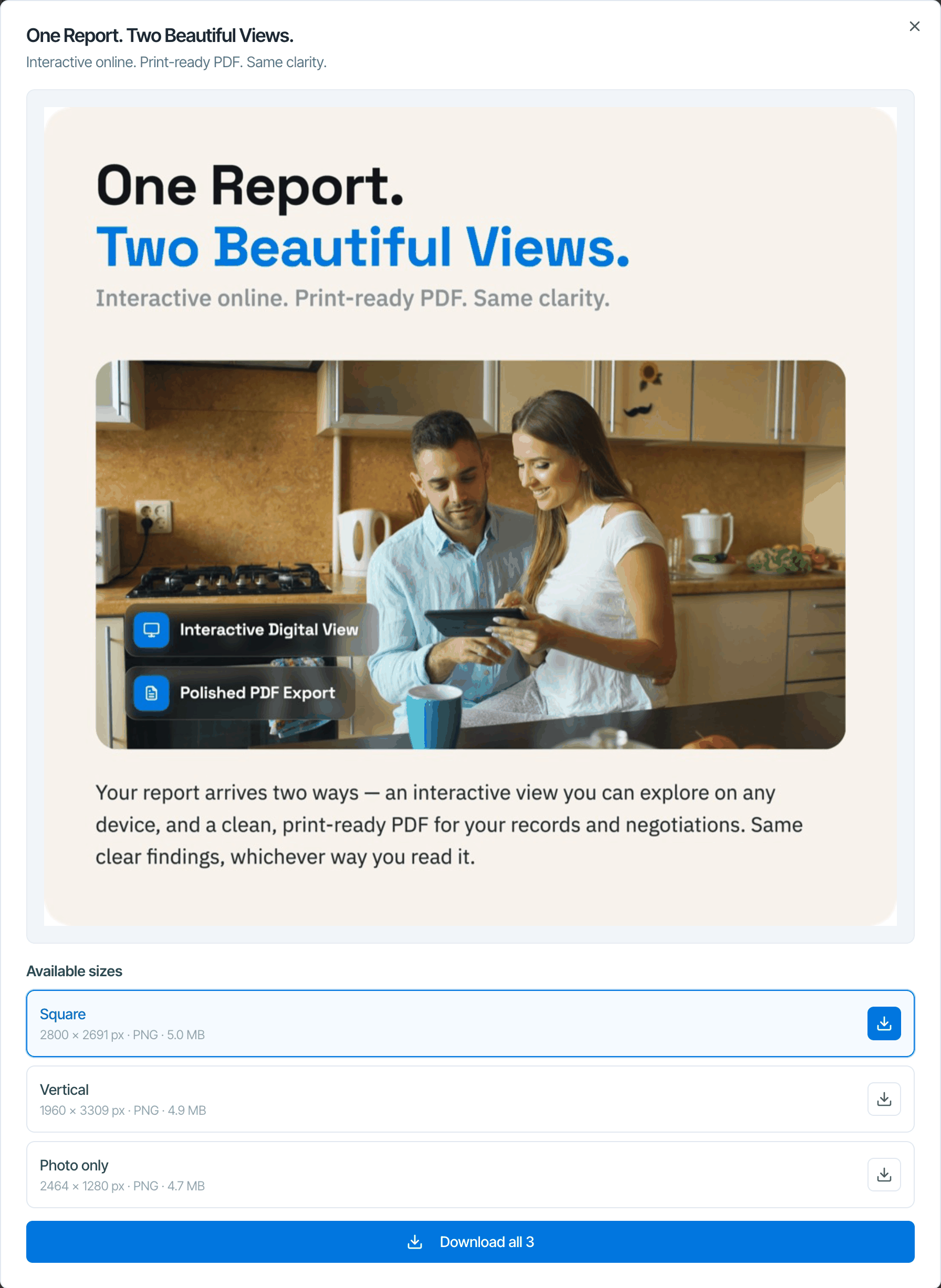
- Click an image to preview it, or View sizes to see every size with its pixel size, format and file size. Download one size with its download button, or all of them with Download all.
- Download (or Download all) on a card saves every size of that image.
- Download full kit at the top saves all of them in one zip file.
- Type in Search visuals… to find an image by name or topic, such as “agents” or “payments”.
Common questions
Can I add X (Twitter), Google or Yelp in Socials?
Can I add X (Twitter), Google or Yelp in Socials?
No. Socials takes Facebook, Instagram, TikTok, YouTube and LinkedIn. For Google, Facebook or Yelp reviews, connect them in the Review Engine under Review Sites.
I added one FAQ and the default FAQs disappeared
I added one FAQ and the default FAQs disappeared
That’s expected. Your own FAQs replace the defaults completely. Add the other questions you want clients to see, copying the default ones if you like them.
How do I change the order of my FAQs?
How do I change the order of my FAQs?
There’s no drag-and-drop. FAQs show in the order you added them. Delete and re-add one to move it to the bottom, or edit the text of existing FAQs to swap them.
Can I put links in an FAQ answer?
Can I put links in an FAQ answer?
Yes. Paste the full address starting with
https:// and it becomes a clickable link.Can I use the Hive logo on my website?
Can I use the Hive logo on my website?
Yes. The Marketing Kit says its visuals are free to use on your website, listings, email signatures and marketing materials. Don’t change the logo’s colors or proportions.