

Overview of mobile app features and inspection process
Introduction to the mobile app
0:01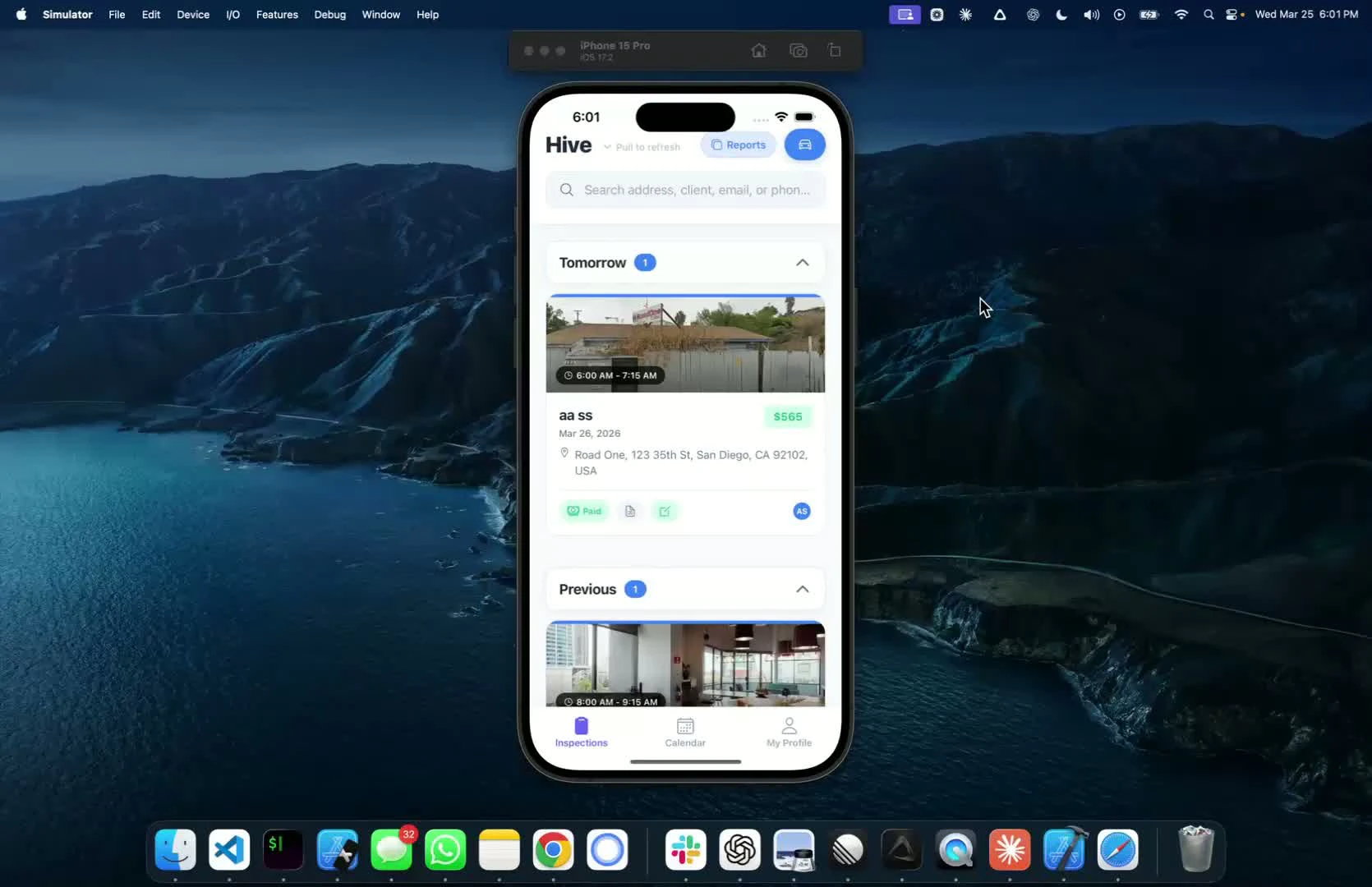
- Overview of the mobile app features
- This video does not cover actual inspections, but focuses on app functionalities
Viewing confirmed inspections
0:16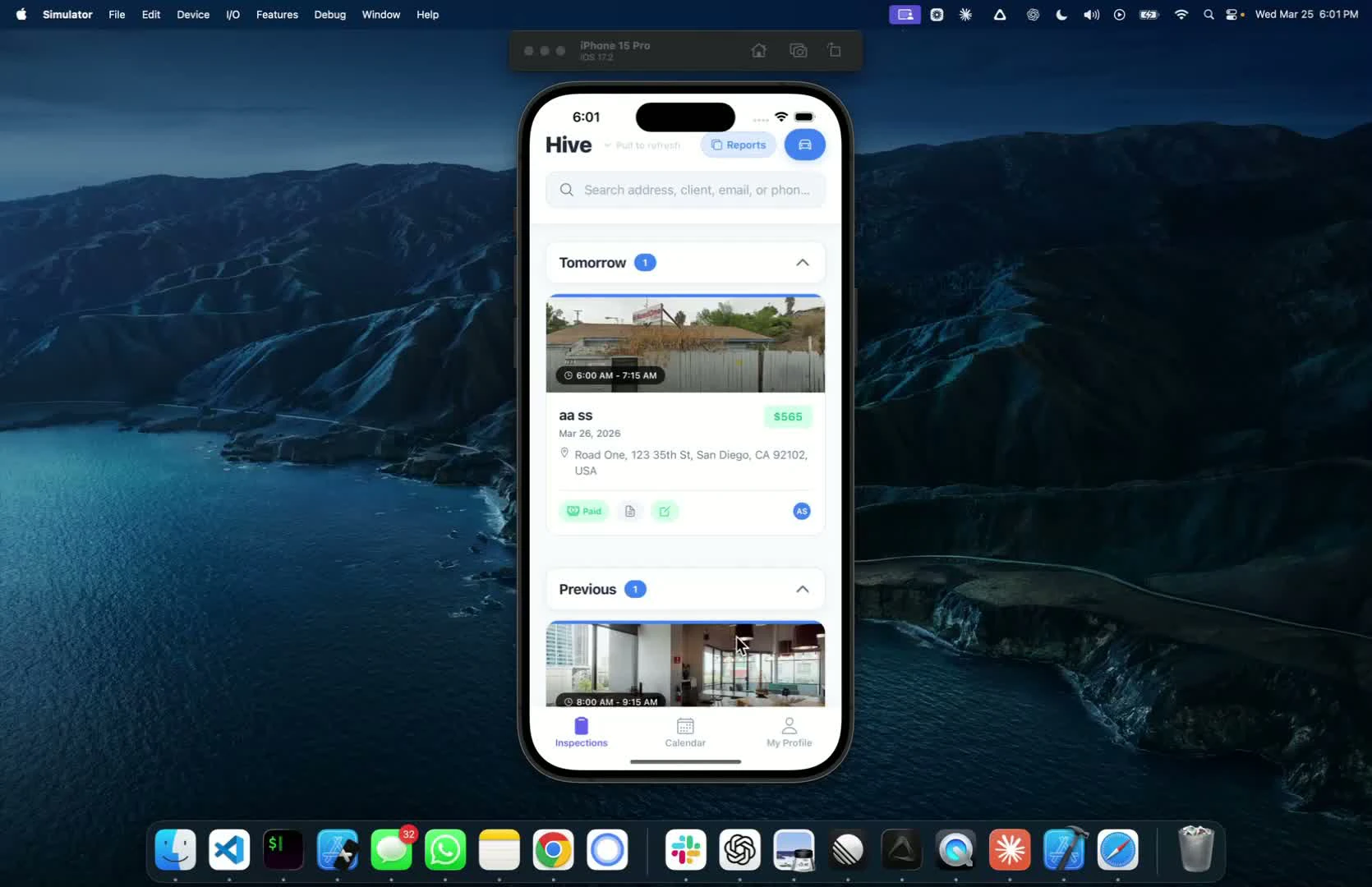
- After logging in, see all confirmed inspections
- Status buttons indicate payment and signing status:
- Paid but not signed
- Unpaid inspections
Accessing inspection details
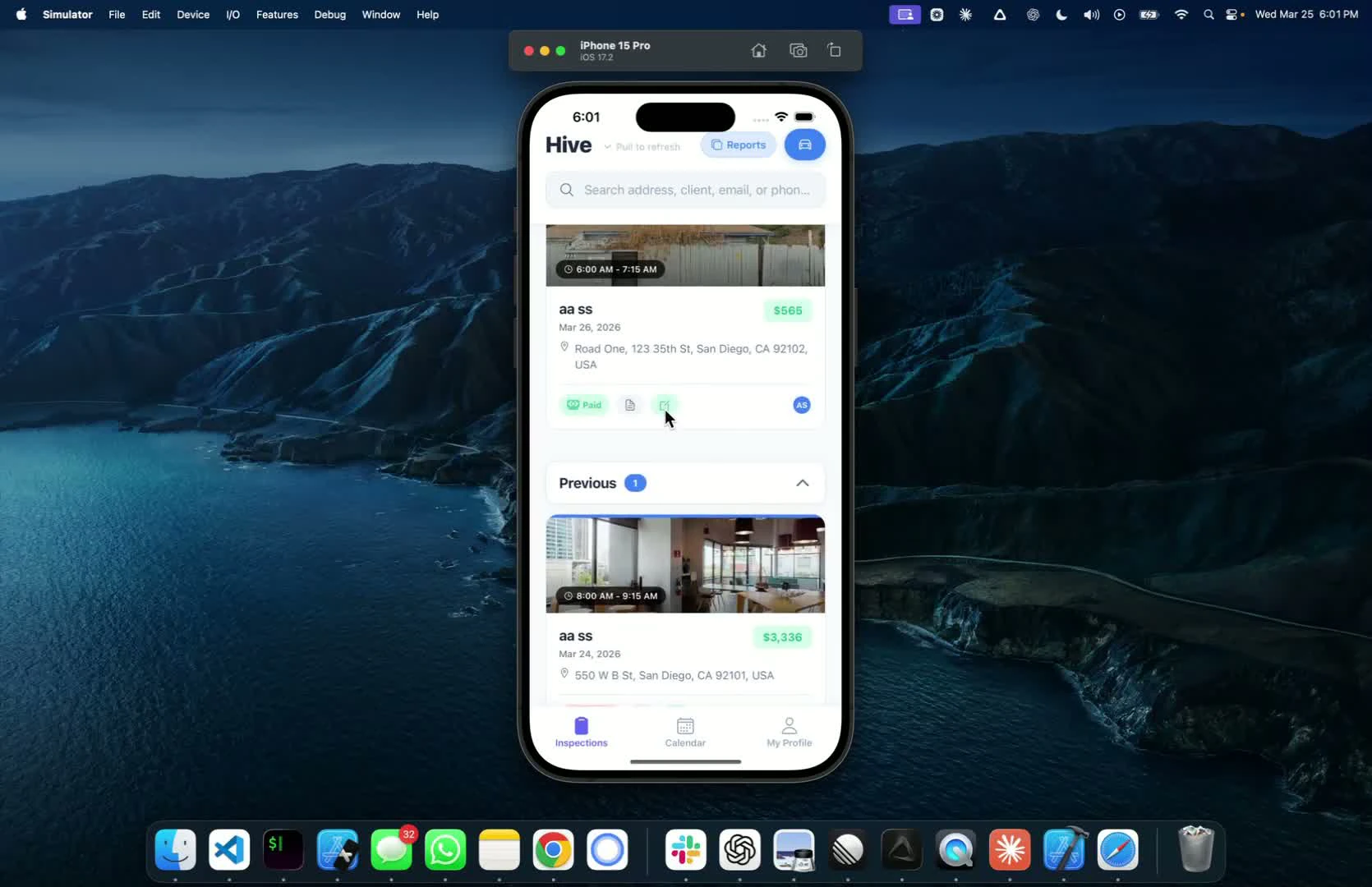
Next step
Related