

Setting up discount codes and Business Tools
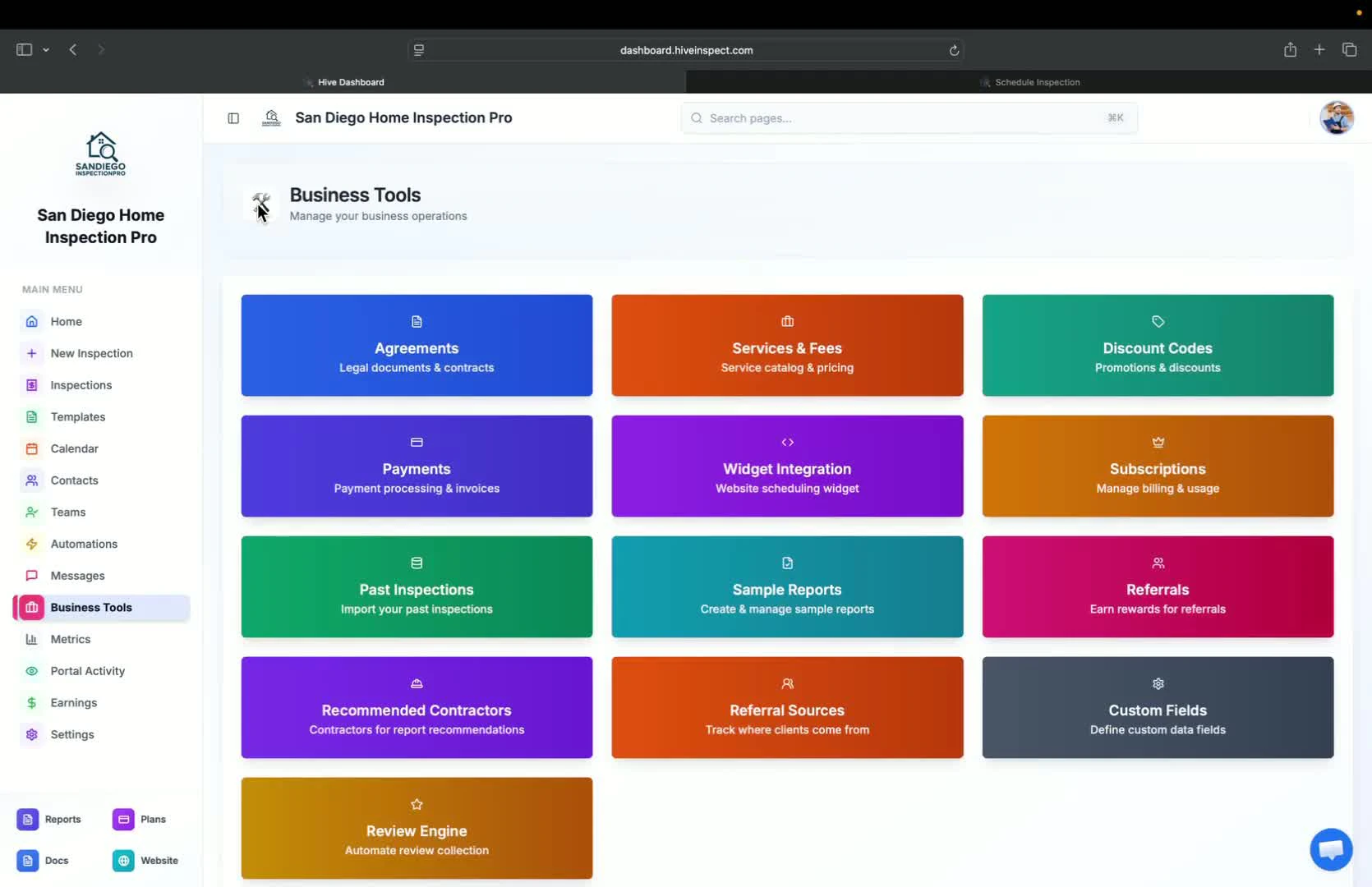
Introduction to Business Tools
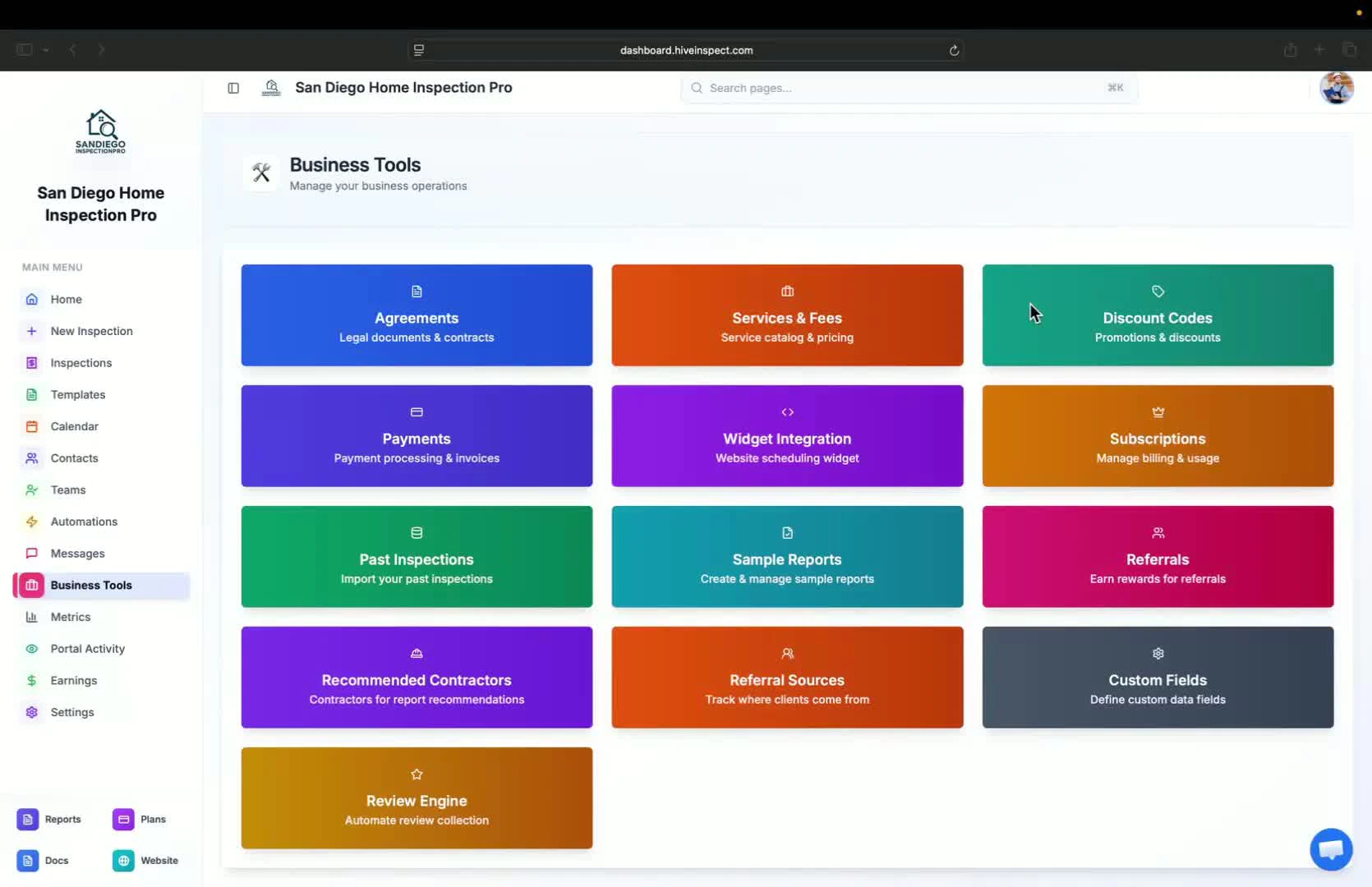
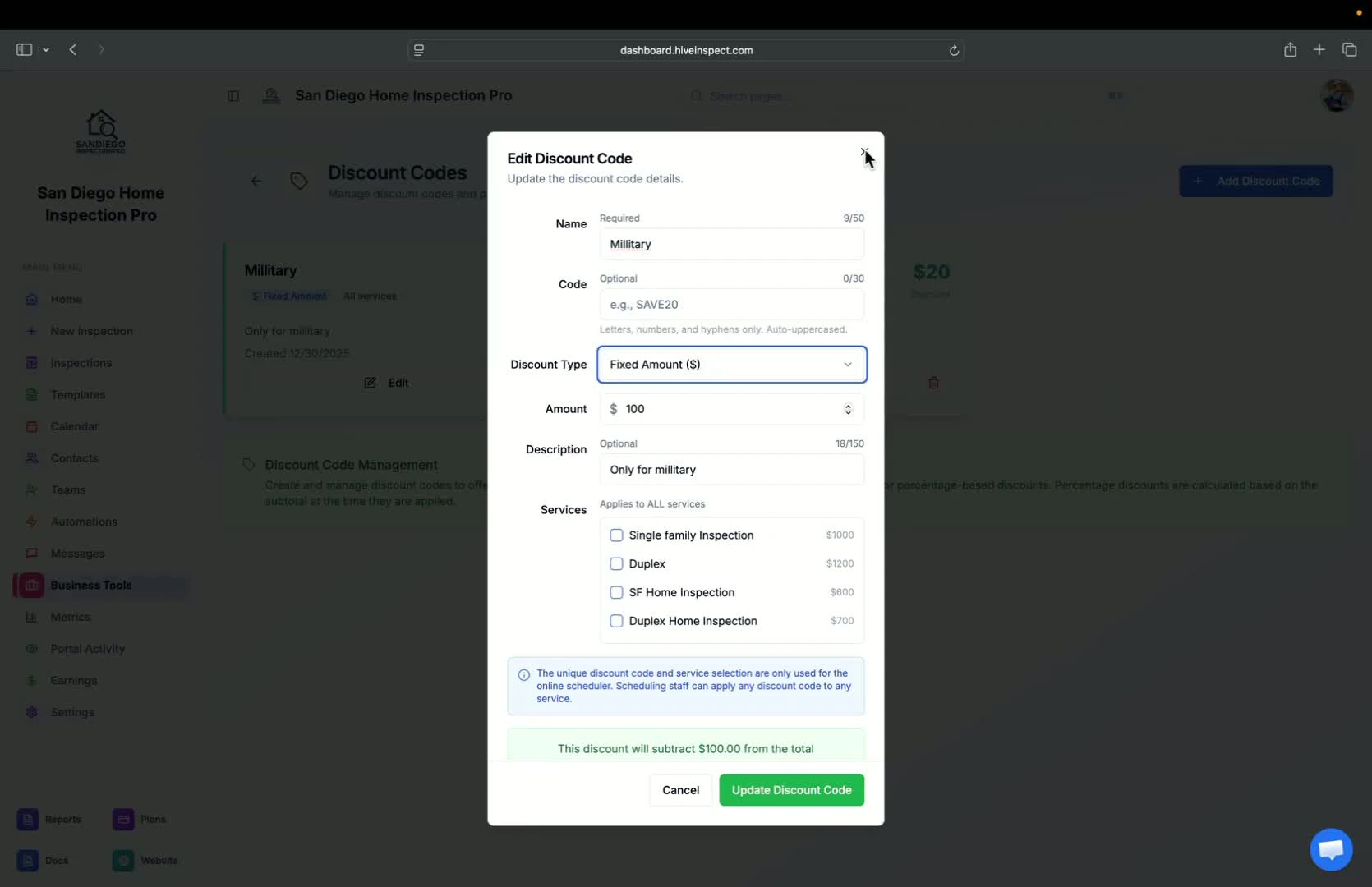
Discount codes
0:20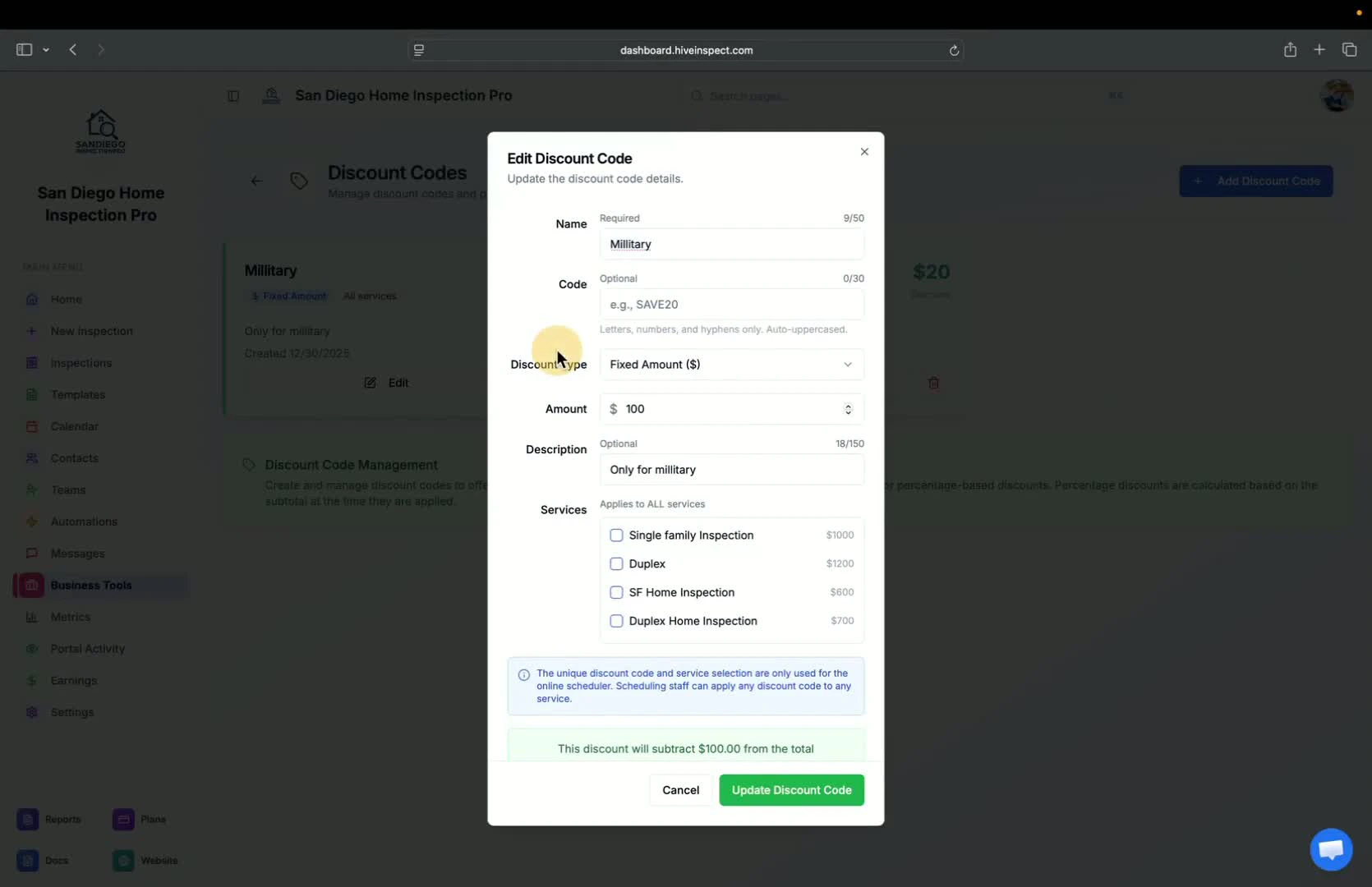
- Ability to add discount codes for services
- Options to select multiple services for discounts
- Types of discounts:
- Military discount
- Veteran discount
- First-time home buyer discount
- Set discount as a fixed amount or percentage
- Include a description for invoices
- Create customer-facing codes for online bookings
Payment processing
Scheduler widget
1:12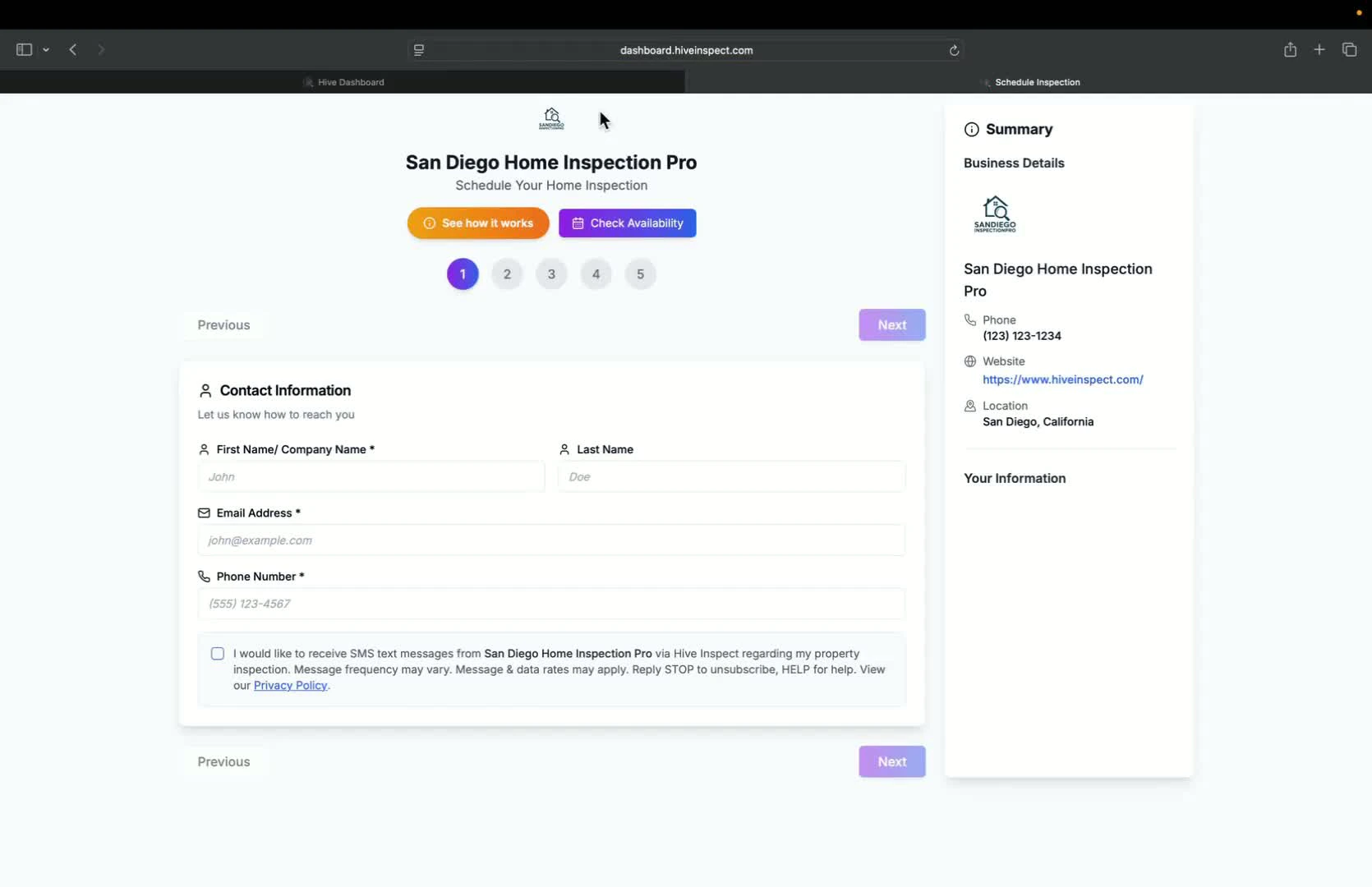
- Instructions on how to grab the scheduler widget code
- Provide the code to your website provider or contact for website building assistance
Subscription management
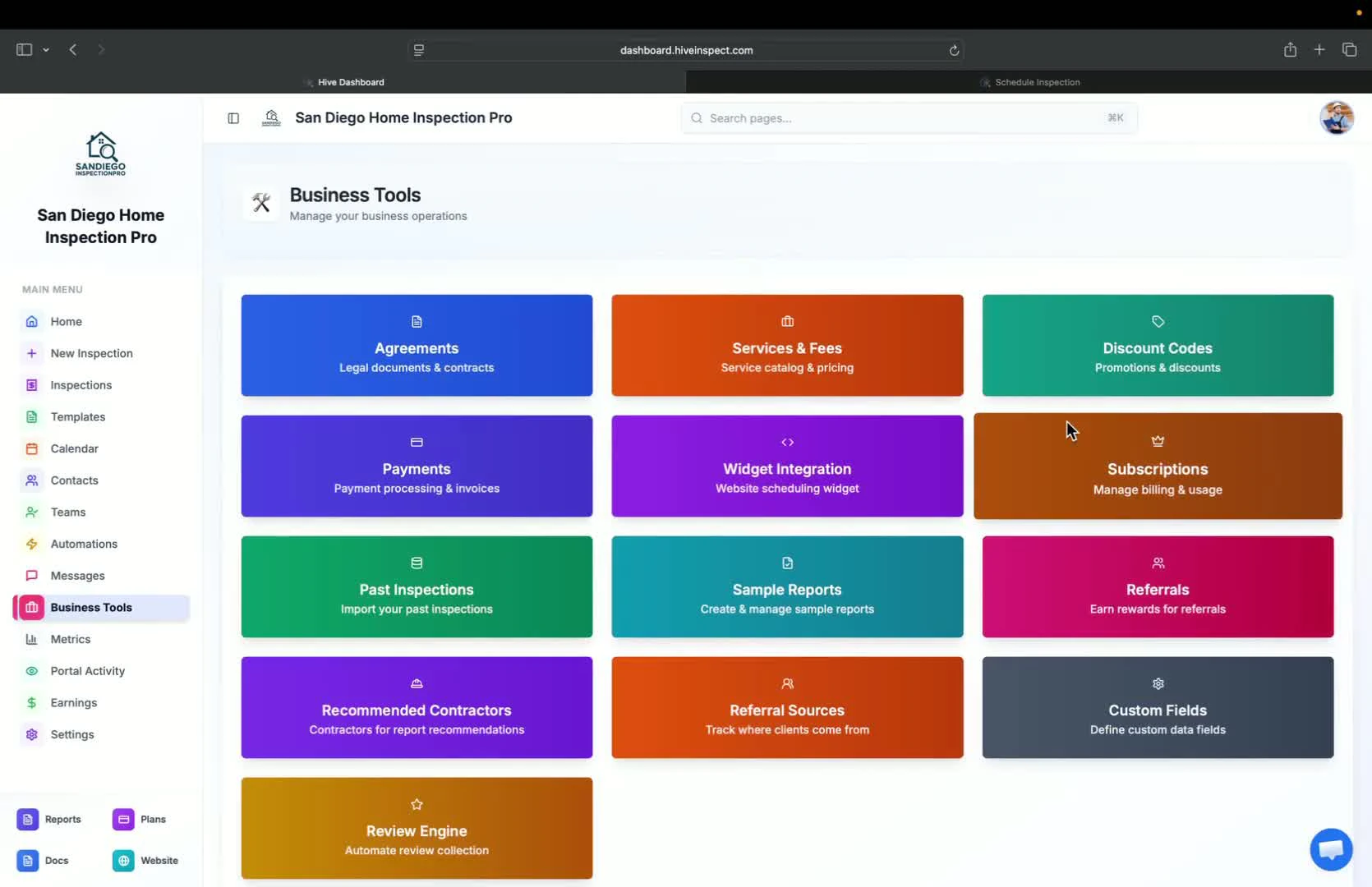
Past inspections
1:37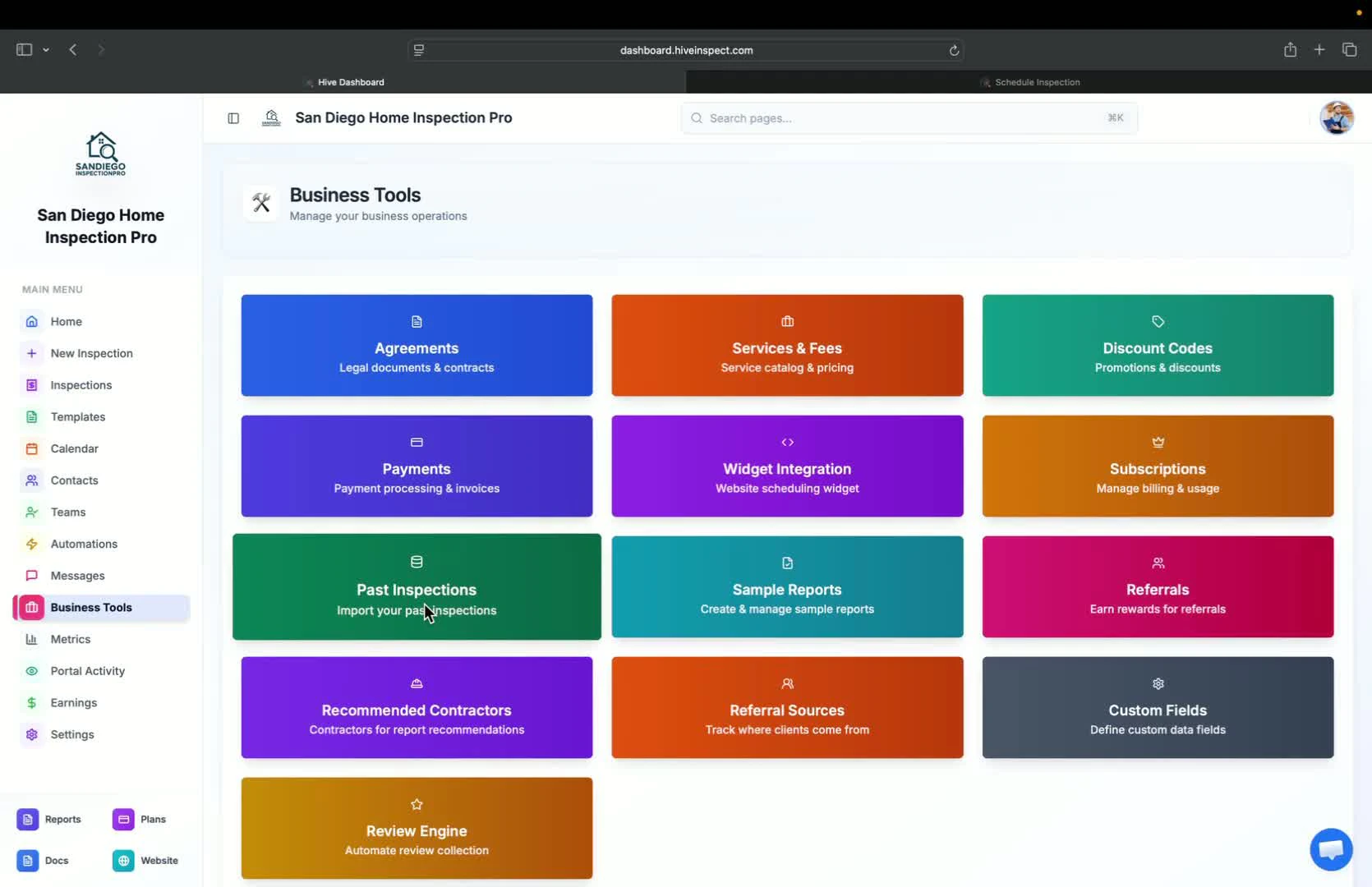
- View past inspections from previous software providers
- Automated import available for Spectora users
- Contact support for assistance with other platforms
Sample reports
2:00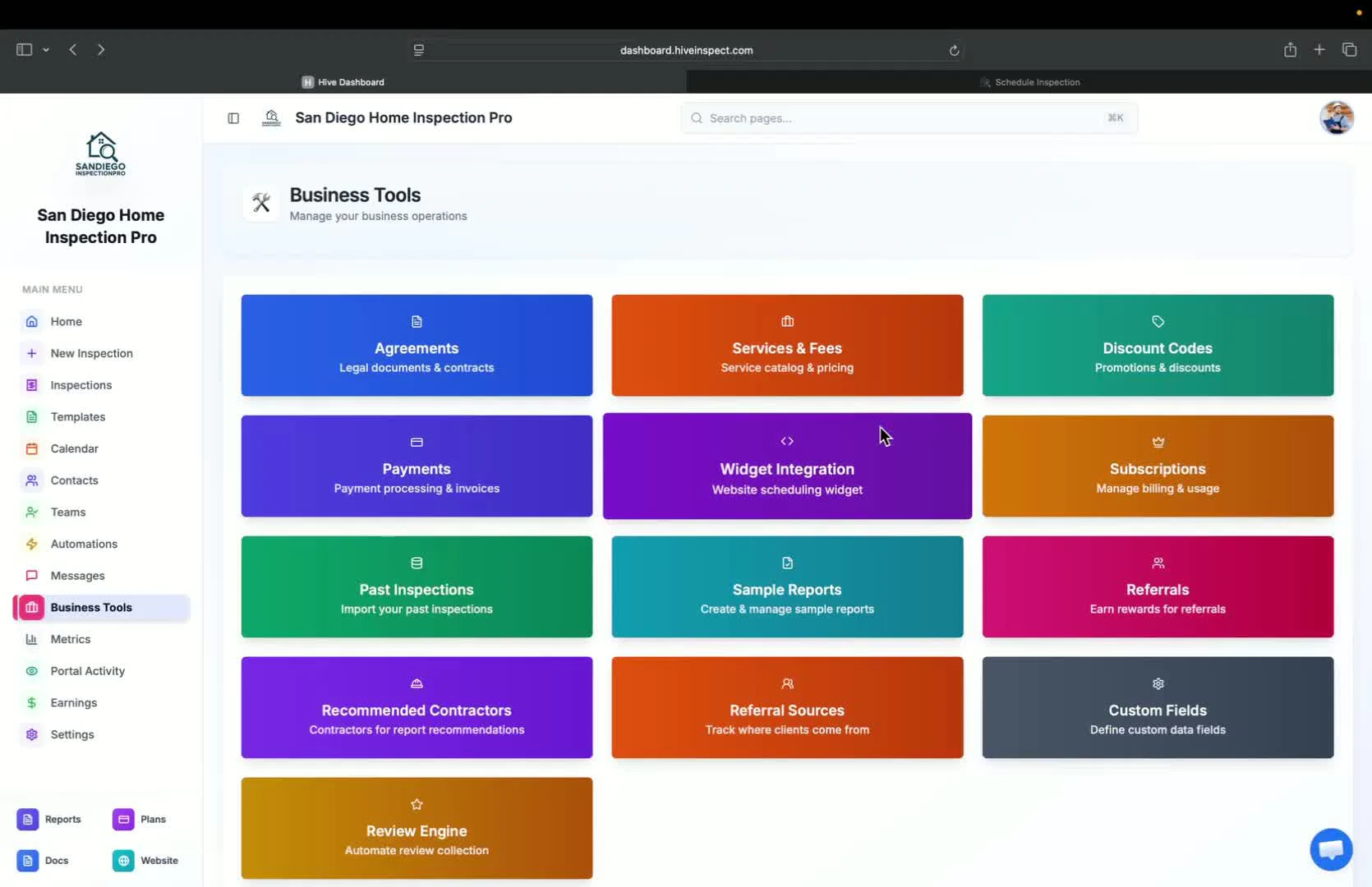
- Create sample reports after completing inspections
- Sample reports can be used to showcase work on your website
Referral tracking
2:10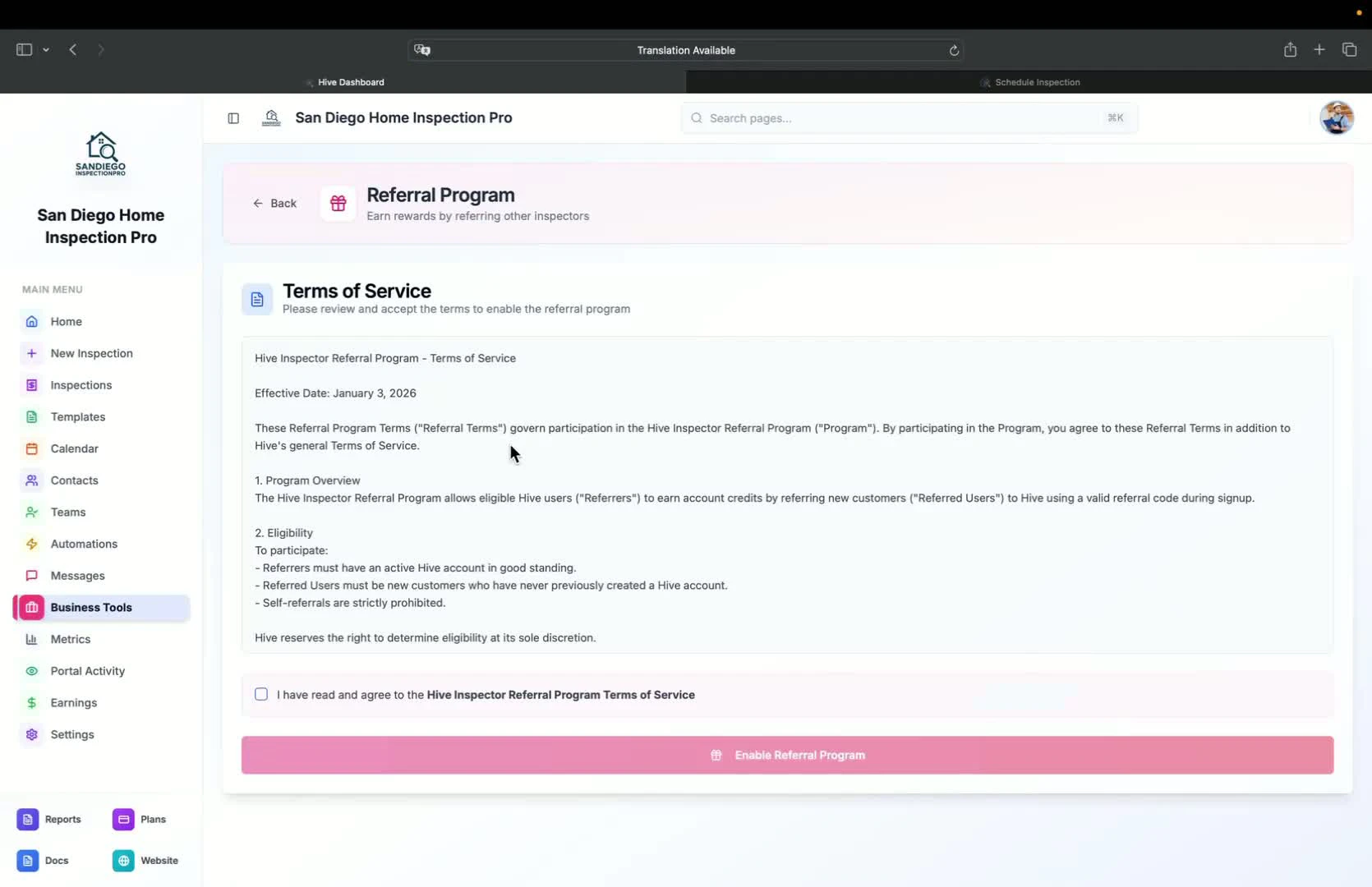
- Track referral sources by adding them to the system
- Assign referral sources to inspections for metrics analysis
Marketing tools
Recommended contractors
2:43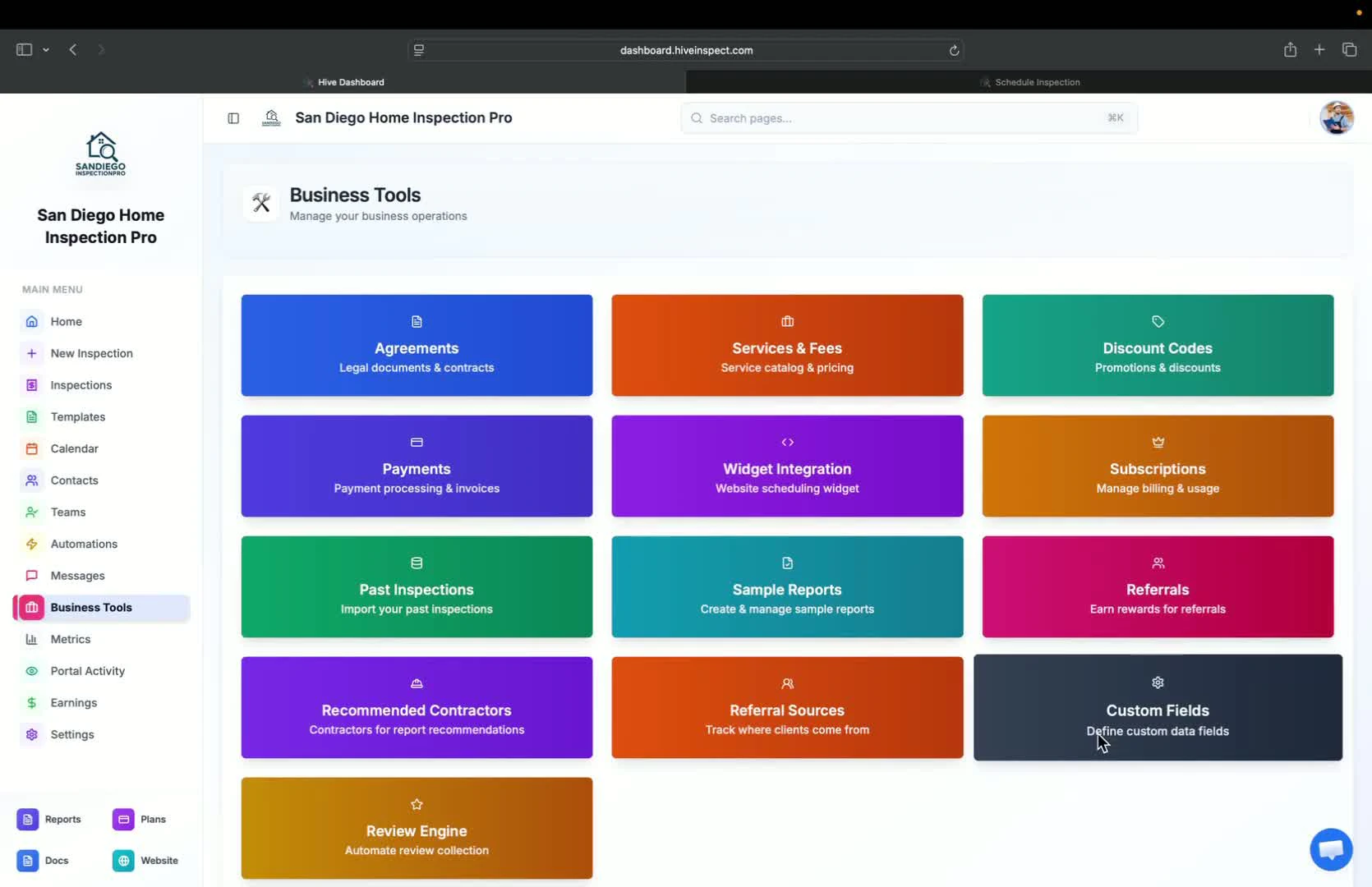
- Add contractors to reports for client convenience
- Clients can easily access recommended contractors for defects found
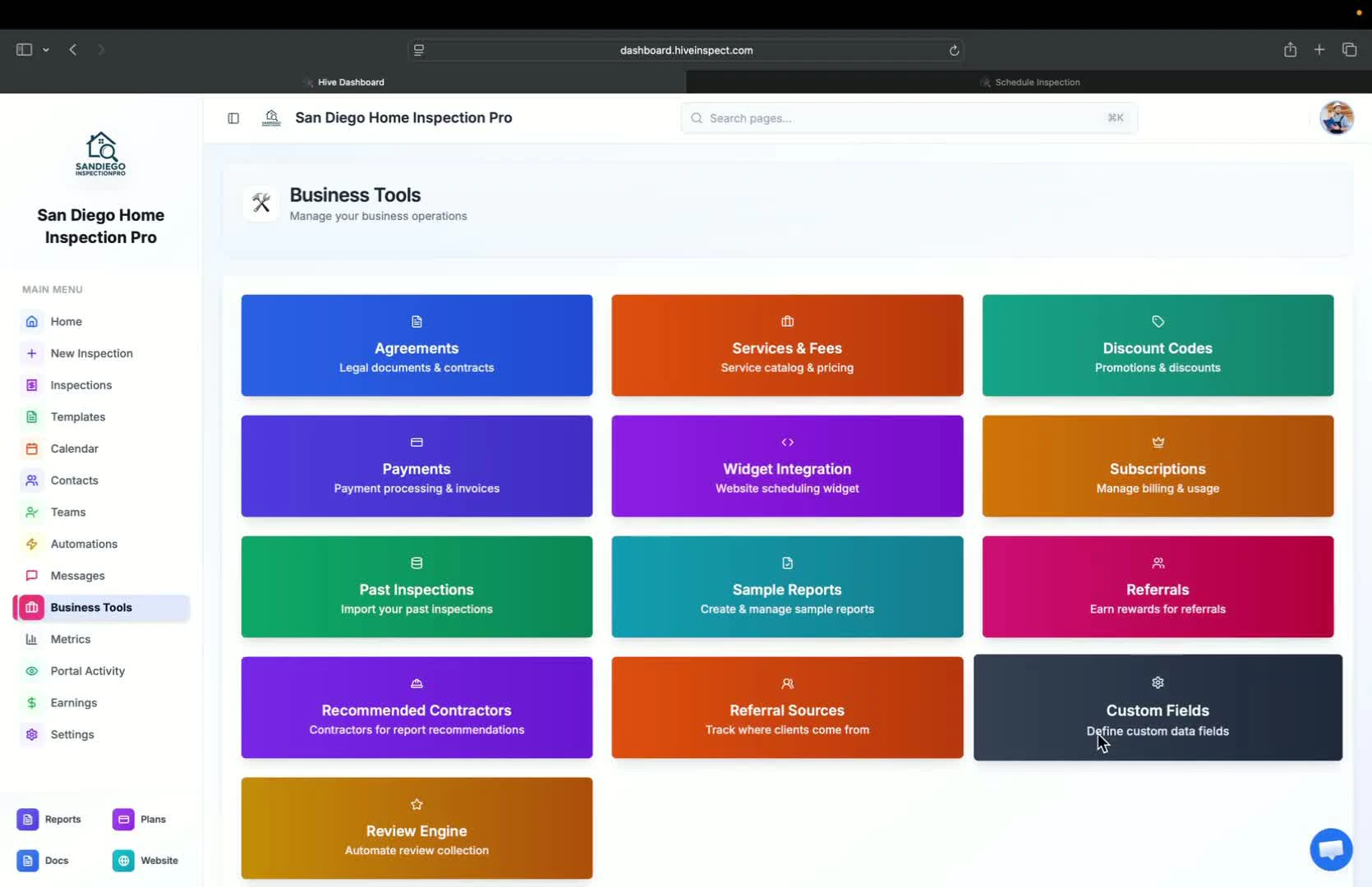
Custom fields
Conclusion
Next step
Related