

Attaching Third-Party reports to an inspection
How to add additional reports to inspections in Hive
Introduction to additional reports
0:00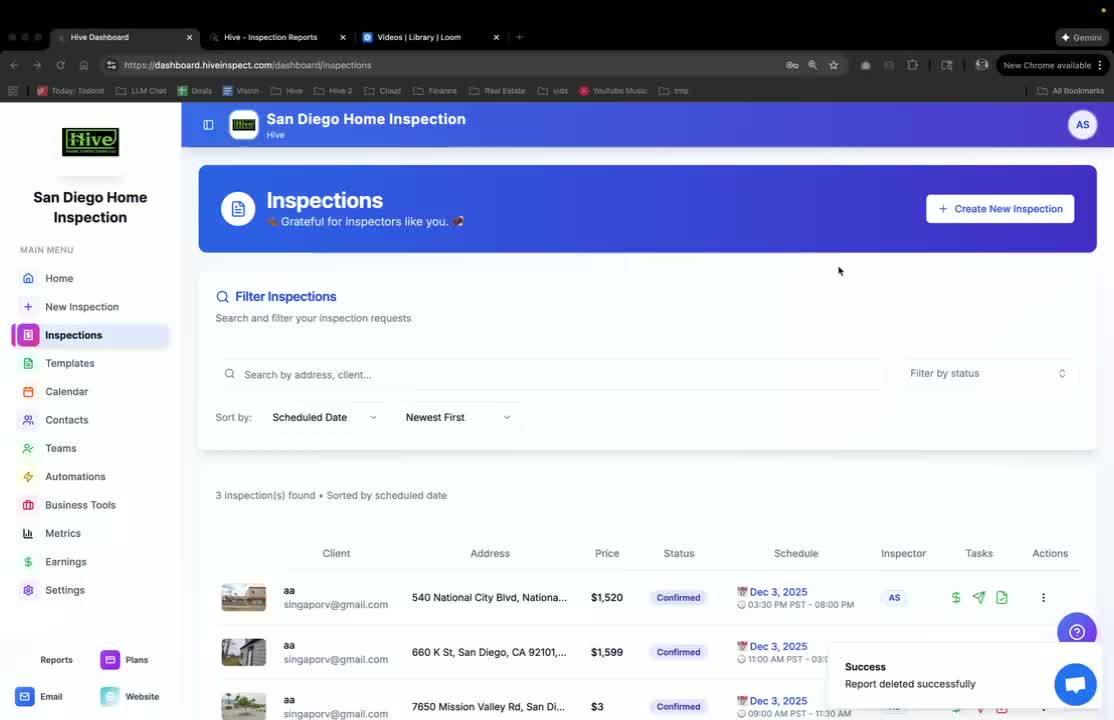
- Learn how to add reports that are not generated through Hive but are outsourced.
- Examples include Radon or WDI reports.
- Purpose: To provide customers with all reports on one platform.
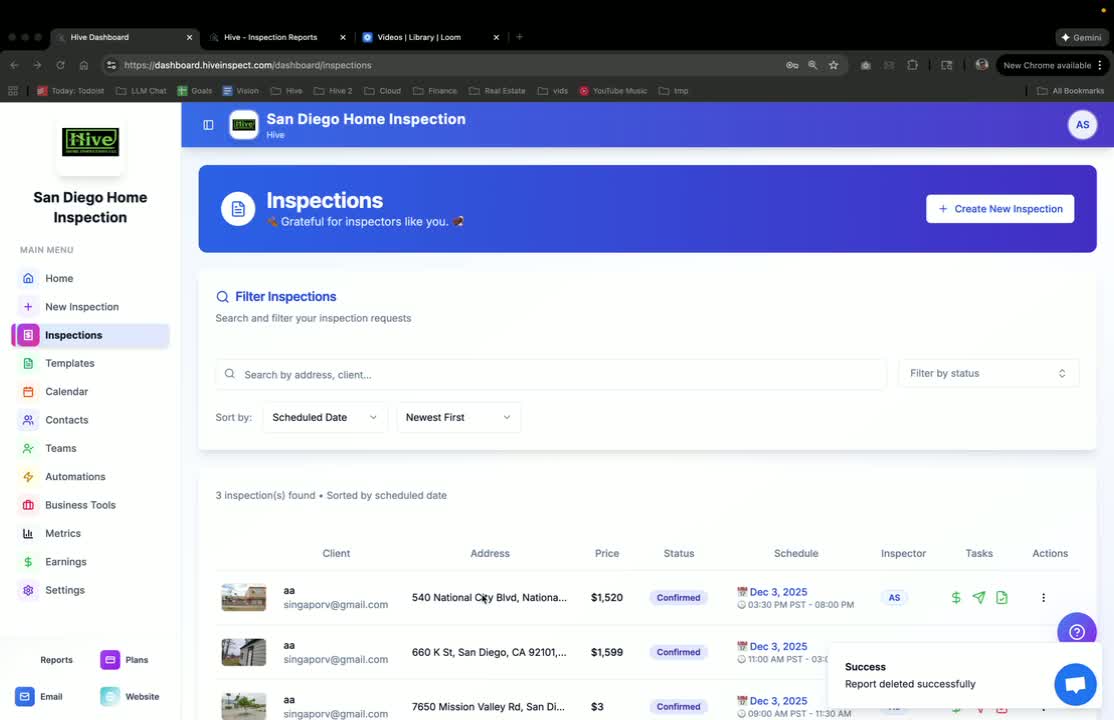
Accessing the inspection
Adding an additional report
0:32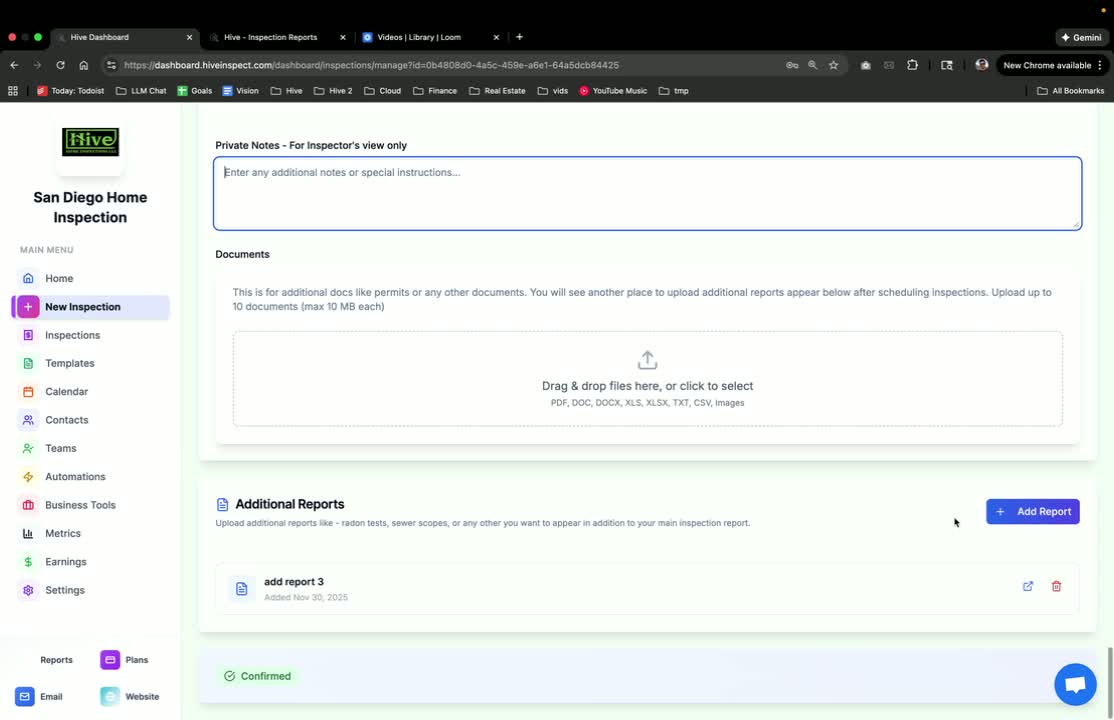
- Locate the ‘Additional Reports’ section.
- Click on ‘Add Report’.
- Provide a custom name for the report.
- Drag and drop the report file into the designated area.
Viewing the report on customer portal
0:41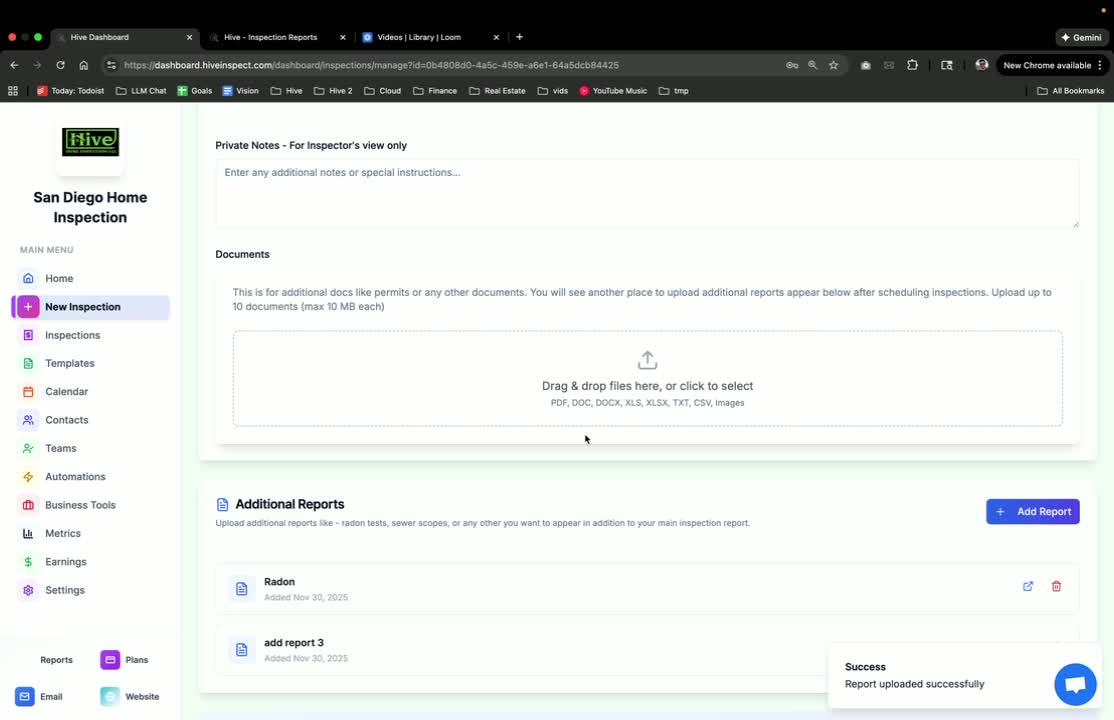
- The added report will now be visible on the customer portal.
- Customers can access all reports in one place:
- Reports generated on Hive will appear at the top.
- Uploaded additional reports will appear at the bottom.
Setting up automations for additional reports
1:07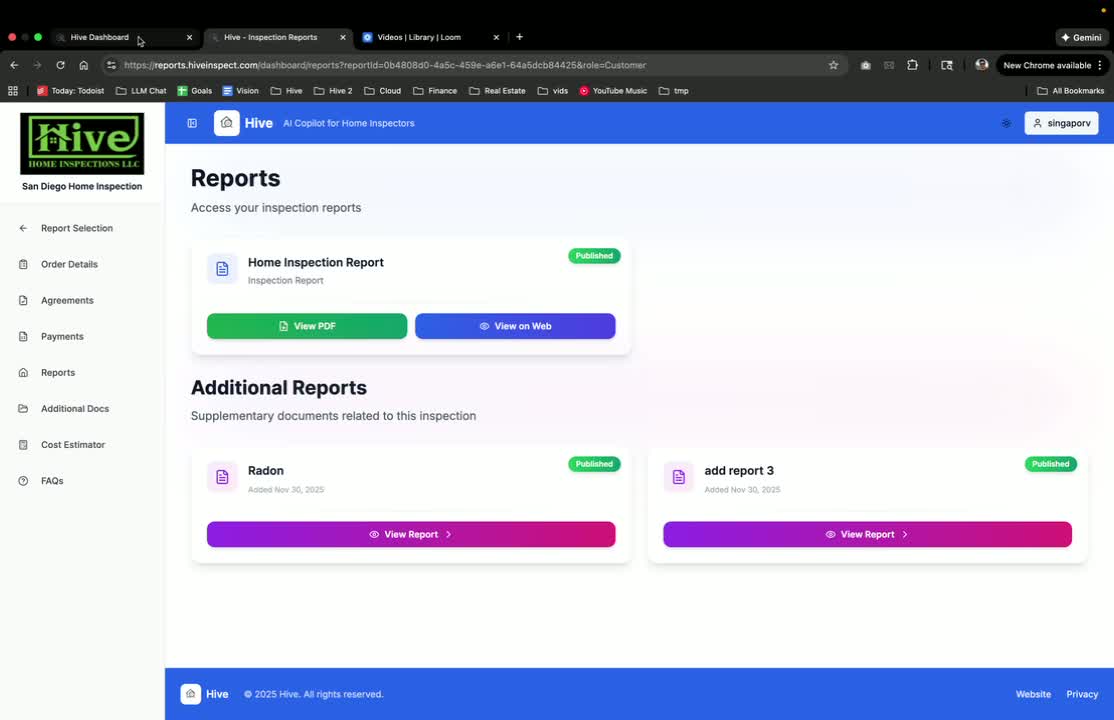
- Go to the ‘Automations’ section in Hive.
- Create an automation for when an additional report is added.
- Set the event type to ‘Additional Report Added’.
- Choose the communication channel (e.g., email).
Configuring automation details
1:16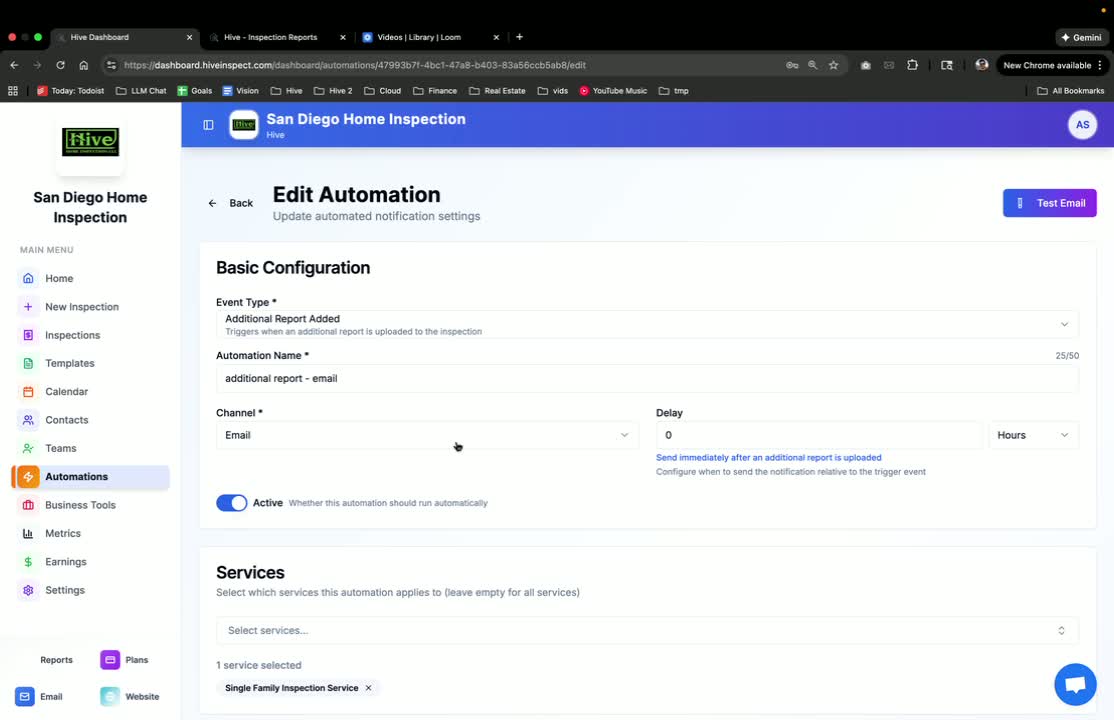
- Set the trigger for the automation to occur at the same time the report is added.
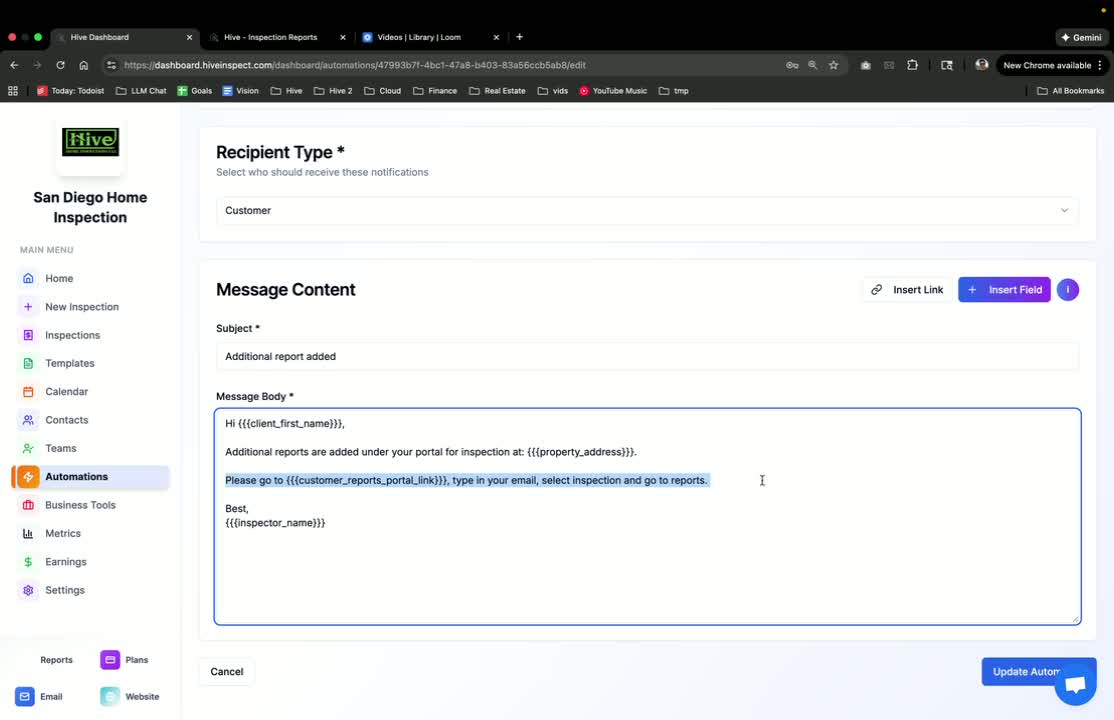
- Select the recipient type (e.g., customer).
- Write a text body with instructions on how to access the additional report.
Tracking automations
Conclusion
1:48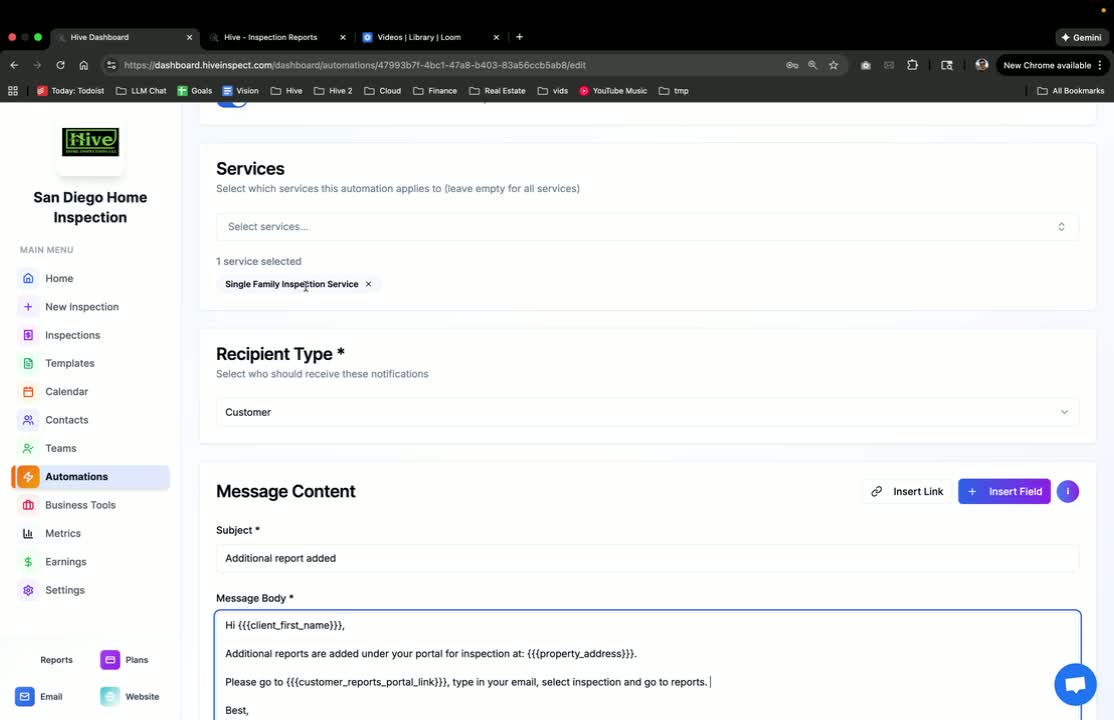
- The process of adding additional reports and setting up automations is straightforward.
- Customers will receive notifications automatically when reports are added.
Next step
Related